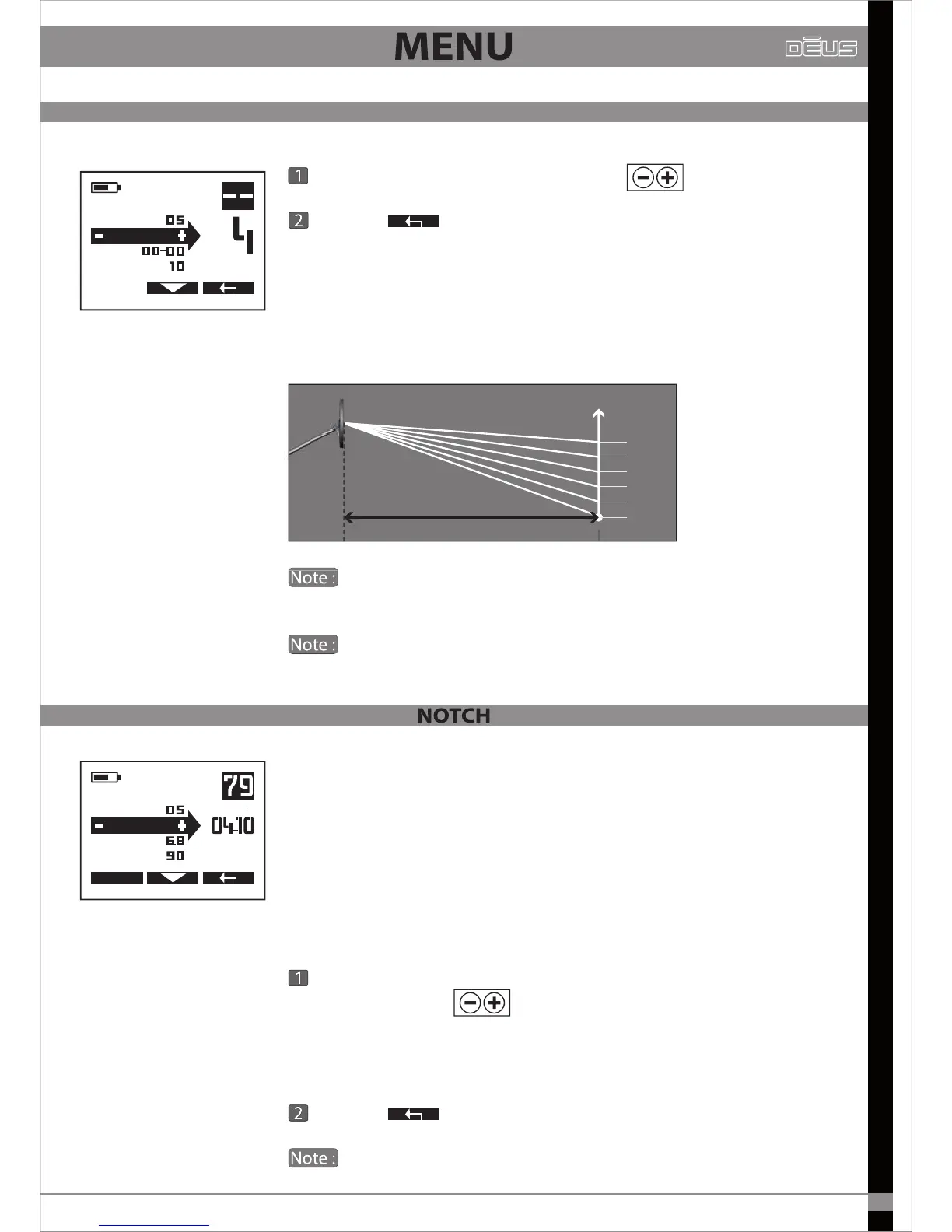
The Audio Curve enables you to amplify the sound volume of distant
targets and therefore to be more alert to them.
It gives the sensation of greater power, however it does not provide
any additional depth as this setting only aects the sound curve (the
dynamic range of sounds).
By amplifying small signals you will also be amplifying small
spurious false signals.
By increasing the sound response you will compress the dyna-
mic range and thus reduce the appreciation of a target’s distance.
Notch complements discrimination: it enables a ‘window’ of targets to
be rejected whereas discrimination rejects all targets below a selec-
ted threshold.
For example, if you detect a redundant, undesirable target in the
ground, you can decide just to reject the corresponding conductivity
group and continue to detect targets whose conductivity is higher
and lower than those in this group.
If the reference target has a conductivity of 37, adjust the Notch
value to 34-40 using
All targets whose conductivity is between 34 and 40 will then be
silenced.
Exit with
By default, the width of the rejection window is 6 points.
EXPERT
MENU
AUDIO RESP.
DISC
SENS
NOTCH
Adjust the Audio Curve from 0 to 5 with
Exit with
MENU
REACTIVITY
NOTCH
DISC
AUDIO R.
Distance à la cible
Niveau sonore
5
4
3
2
1
0


 To Next Page