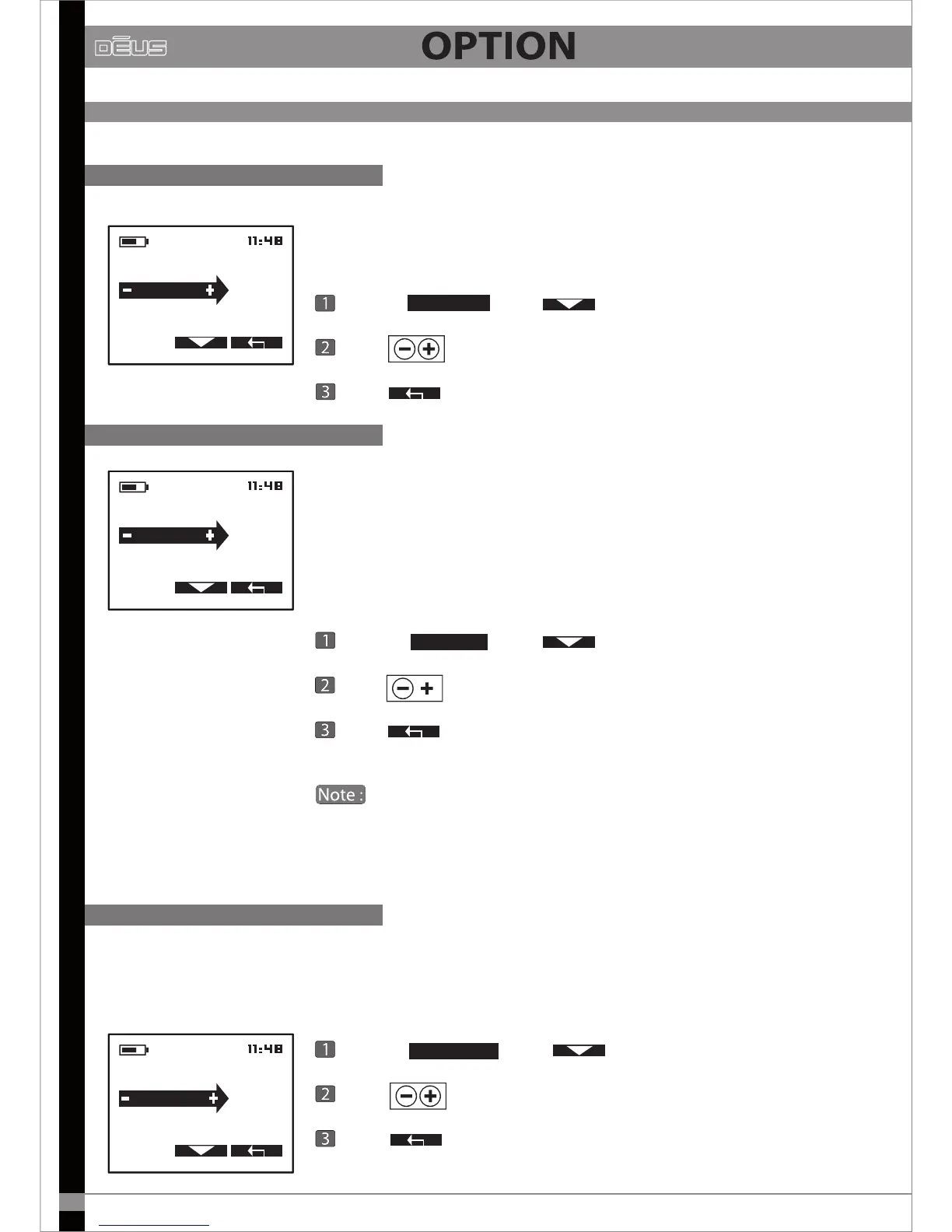
Enables the remote control’s loudspeaker to be activated or deactivated.
Choose
CONFIGURATION
UPDATE
BACKLIGHT
CONTRAST
SPEAKER.
OFF
CONFIGURATION
SPEAKER
CONTRAST
CLOCK SETTING
BACKLIG.
3s
Duration of backlighting
Contrast
with
SPEAKER.
Press and choose ON or OFF
Press x2 to return to the main menu.
The remote control screen has a backlighting function which comes on
as soon as any button is pressed and goes o automatically after a certain
length of time. You can dene this time in seconds:
OFF - 3s - 10s - 60s -120s - ON (permanent)
Choose
BACKLIG.
with
Press
to change the duration of the backlighting.
Press x2 to return to the main menu.
You can leave the backlighting on permanently (ON) as this function
uses very little power and only aects the remote control’s battery life by
about 10%.
To improve readability in all lighting conditions you can adjust the contrast
of the display.
CONFIGURATION (continued)
Loudspeaker
Choose with
Press to change the contrast value.
Press x2 to return to the main menu.
CONFIGURATION
BACKLIGHT
CLOCK SETTING
UPDATE
CONTRAS.
3
CONTRAS.
26



 To Next Page