continued
30
If you are detecting with the remote control and you use it to change to
a new coil, the headphones will automatically register this change (if they
are switched on). Otherwise it can be done manually with this menu.
Always leave the headphones switched on when you are changing the coil
via the remote control, otherwise they will not register the change and
will remain connected to the previous coil. If this should occur, use the
remote control to return to the previous coil (with the headphones switched
on) and switch to the new coil again to re-register it with the headphones.
Remember that before you can use a new coil for the rst time, you need to
enter its serial number in the headphones and remote control (pg 24/30).
Pairing the Headphones with a new Coil
When delivered, the headphones and remote control have already been paired
with the original coil, so no action is required on your part.
However, if you purchase an additional coil, before using it for the rst time
you need to pair it with the remote control and the headphones, to enable it
to recognise and communicate with them.
You can then change coils with a simple click using the remote control (pg 23)
or your headphones (pg 30).
If you leave the headphones switched on when you pair the remote control
with a new coil, they are also paired with this new coil, which is then added
automatically to the list in the headphones menu (pg 24).
Refer to the section entitled Options – Coil, Pairing the remote control …
If you do not have the remote control, or in the event of a problem, you can
manually pair the headphones with a new coil. To do this you need the serial
number of the coil to be paired:
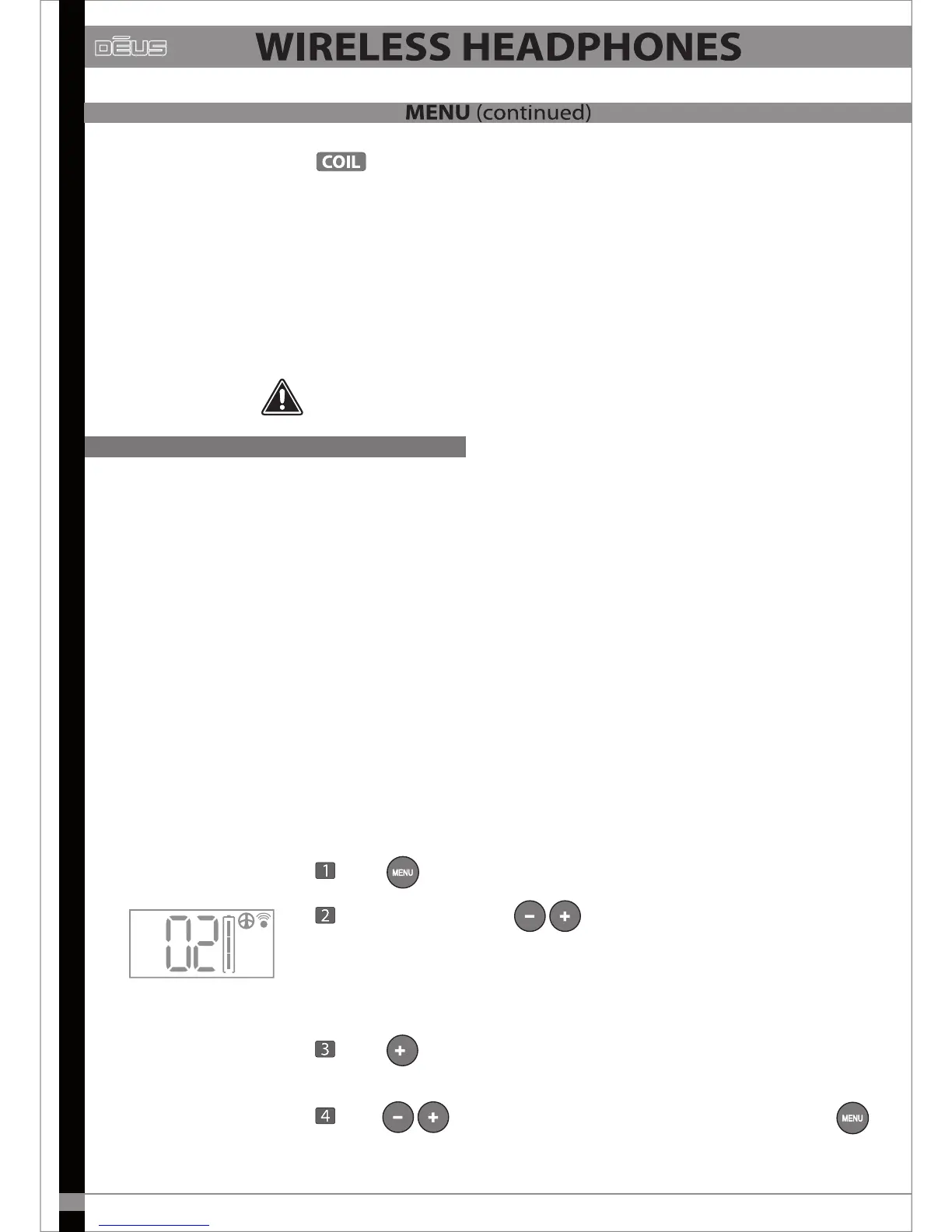
Press until you reach COIL
Choose a free slot with for example 02
(01 is already assigned to the original coil).
If this coil has already been paired with the remote control, ensure you choose
the same slot number in the headphones.
Press for 2 seconds to switch to serial number entry mode.
With
the rst digit of the serial number then validate it with



 To Next Page