With enter the second digit then validate it with
With enter the third digit then validate it with
Continue in this way until you reach the sixth digit.
The new coil is now operational in this slot and should become active.
Choice of one of the 9 pre-congured factory programmes
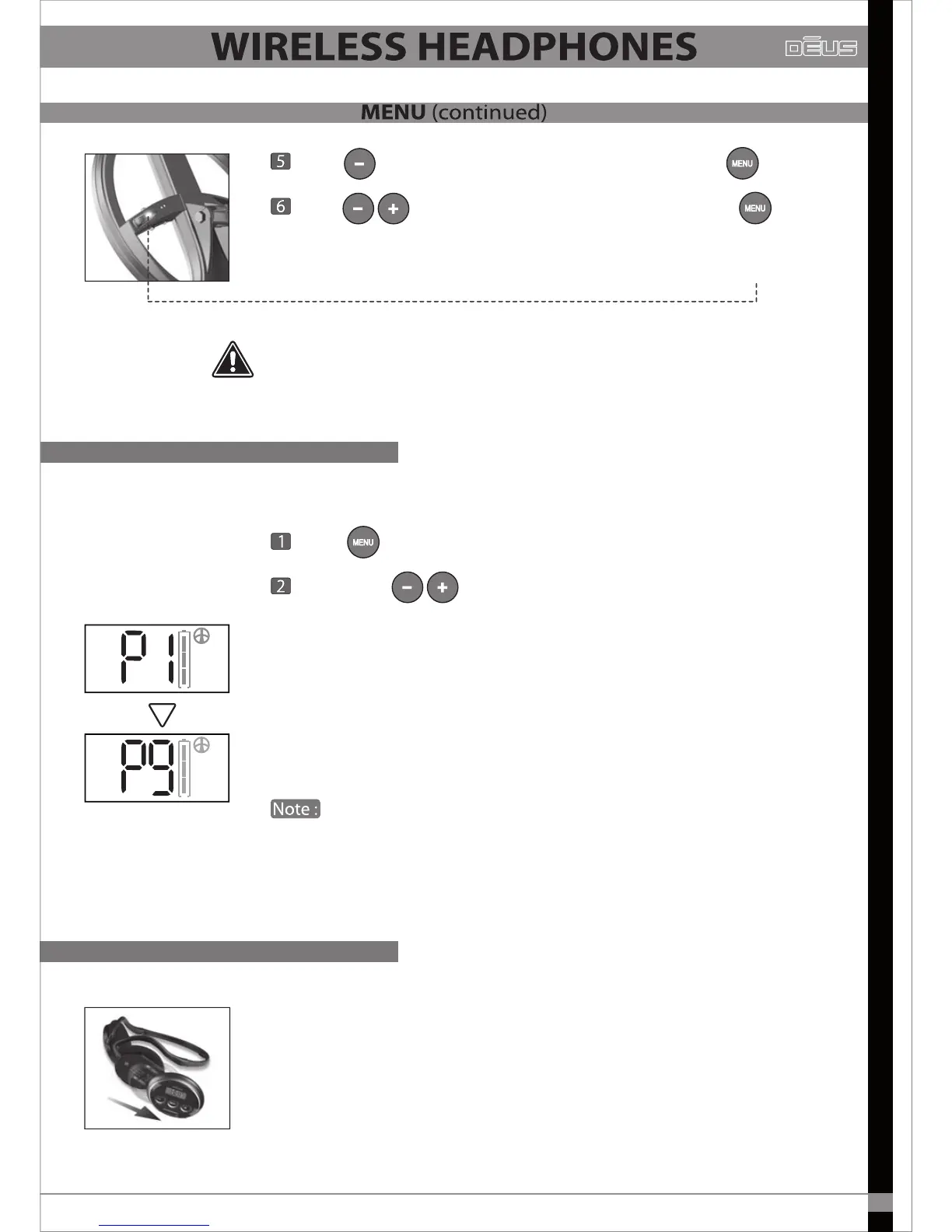
Press and go to P1/9 screen.
Scroll with and choose the programme number.
The programmes are identical to those in the remote control and are
numbered in the same way from 1 to 9.
e.g. P3 headphone = factory programme 3 in the remote control.
Programme 7 is the remote control’s wet beach mode and is designed to
be used in the wet zone of a beach. Its ground balance settings range
from 0 to 30, not 60 to 95 like the other settings.
Each time that the remote control is switched on next to its
accompanying headphones, all the remote control’s settings are loaded
into the headphones, which then store them in memory even when
switched o. Evidently this only works if the headphones and remote
control have both been paired and are using the same (serial number) coil.
The earphone of the wireless headphones contains all the electronics and
the lithium battery, it represents your headphone’s brain! (ref: D091).
Fitted on a sliding support, it has the advantage of being able to disconnect
from the backphone with a single click.
This backphone is an inexpensive wearing part that can easily be replaced
by any of our resellers (ref: D096).
A coil’s serial number is unique.
Dēus cannot use a coil if the number entered does not correspond to the actual
serial number printed on the coil (and sometimes appearing on the invoice as well).
Programs P1 to P9
Replacement of the backphone
31


 To Next Page