41 Network configuration
devolo WiFi pro 1750e
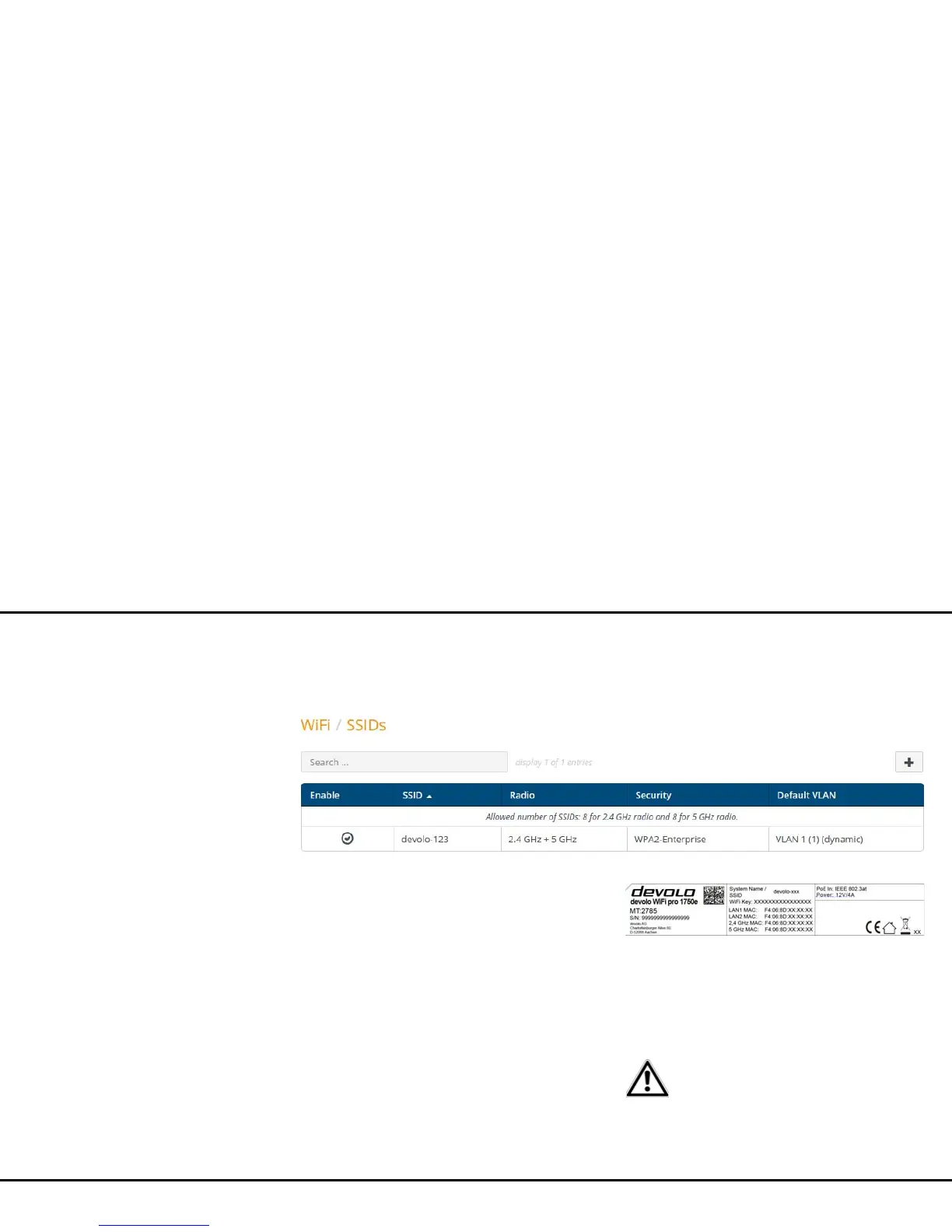
4.5.5 Wi-Fi/SSIDs
The WiFi pro 1750e supports up to 8 Wi-Fi access
points (multi-SSID), each with two frequency bands of
2.4GHz and 5GHz, i.e. you can use the
WiFi pro 1750e to operate up to 16 Wi-Fi networks.
Click the table row of the respective Wi-Fi access point
to reach its settings.
Enable
Here you can switch the SSID on/off.
SSID
The SSID specifies the name of your wireless network.
You can see this name when logging onto the Wi-Fi,
allowing you to identify the correct subnet. By default,
the SSID (e.g. devolo-d7e) consists of devolo and the
last 3 digits of the Wi-Fi MAC address.
If you enable the Show SSID option, your wireless net-
work name becomes visible. If this option is disabled,
potential network users must know the exact SSID and
enter it manually to be able to set up a connection.
A change to the SSID can interfere
with all existing connections for a
short time.



 To Next Page