Dexcom ONE User Guide
45
Troubleshooting
Issue
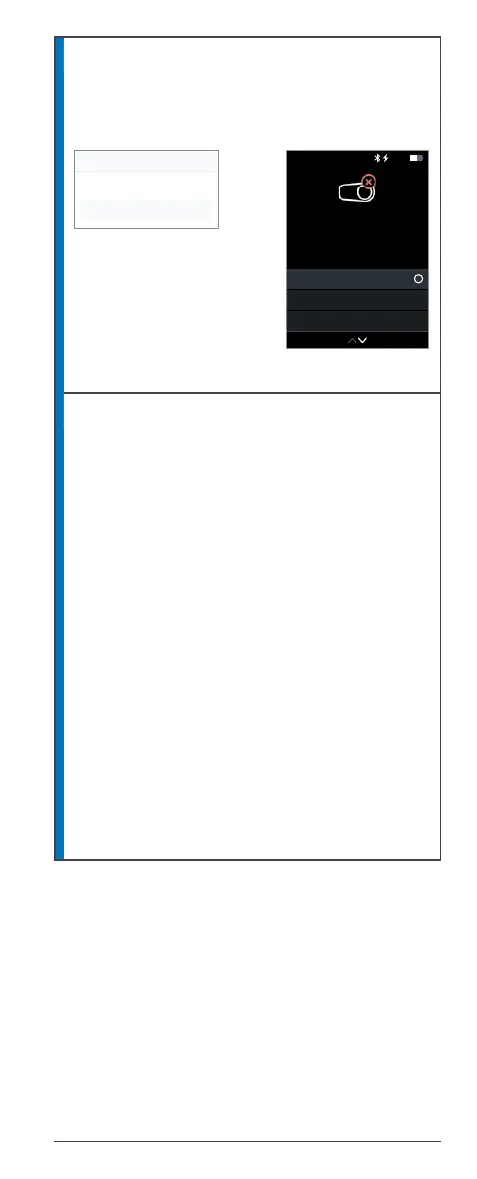
Pairing unsuccessful
App Receiver
Dexcom ONE did not pair.
Solution
1. Make sure transmitter is snapped into
transmitter holder.
2. Check the transmitter serial number (SN)
and try again.
3. If you did not do the following when pairing,
pair again, and do them:
• Accept the Bluetooth Pairing Request.
• Stay within 6 meters of the display
device.
4. Do not use an expired transmitter.
5. Replace your sensor, attach the transmitter
again, and pair. If you need a replacement,
contact Technical Support at dexcom.com,
or contact your local Dexcom representative.
No alerts or sensor readings until fixed. Use your
BG meter for treatment decisions.
Pairing Unsuccessful
Pairing Unsuccessful
Try Pairing Again
Done
Pairing Unsuccessful
Troubleshooting Tips
Try Pairing Again
Edit Transmitter SN
Check troubleshooting tips and
try pairing again.
10:30 50%



 To Next Page