Dexcom ONE User Guide
46
Troubleshooting
Issue
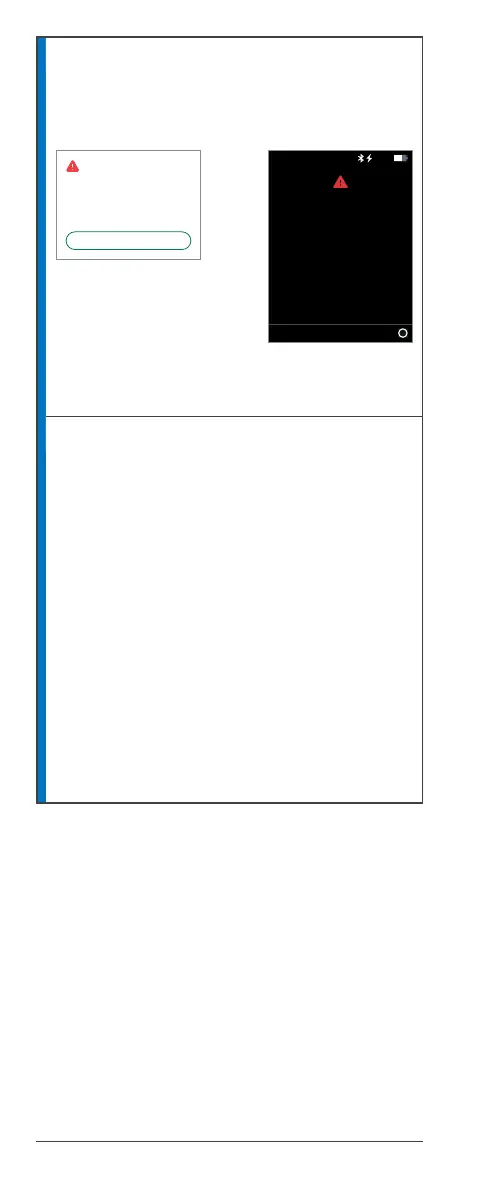
Signal loss
App Receiver
Display device and transmitter are not
communicating.
Solution
Try each of these tips and wait 10 minutes to
see if Bluetooth reconnects:
1. Be sure your transmitter and display device
are within 6 meters of each other. If you are
in water, keep device closer than 6 meters.
2. Turn Bluetooth off and on.
3. Restart display device. Reopen Dexcom ONE
app if using your smartphone.
4. If these tips do not solve the problem,
contact Technical Support at dexcom.com,
or contact your local Dexcom representative.
No alerts or sensor readings until fixed. Use your
BG meter for treatment decisions.
Always keep phone within 6 meters of
transmitter. Wait up to 30 minutes.
Signal Loss
No Alerts
OK
Always keep receiver within 6
meters of transmitter.
Wait up to 30 minutes.
Signal Loss
OK
10:30 50%



 To Next Page