23
2
Hardware Installation
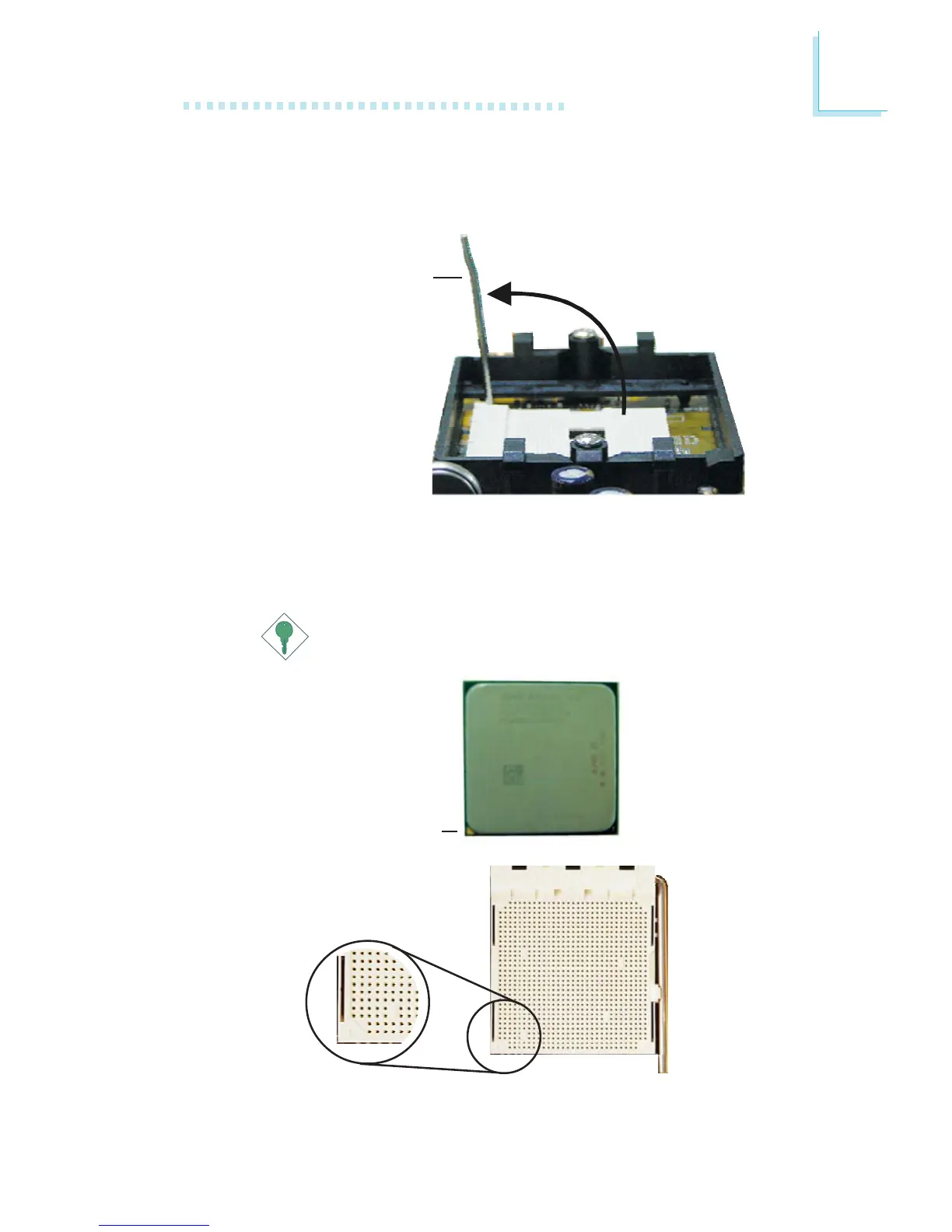
5. Position the CPU above the socket. The gold mark on the CPU
must align with the corner of the CPU socket (refer to the
enlarged view) shown below.
Important:
Handle the CPU by its edges and avoid touching the pins.
4. Unlock the socket by pushing the lever sideways, away from the
socket, then lifting it up to a 90
o
angle. Make sure the lever is lifted
to at least this angle otherwise the CPU will not fit in properly.
Lever
Gold mark



 To Next Page