44
2
Hardware Installation
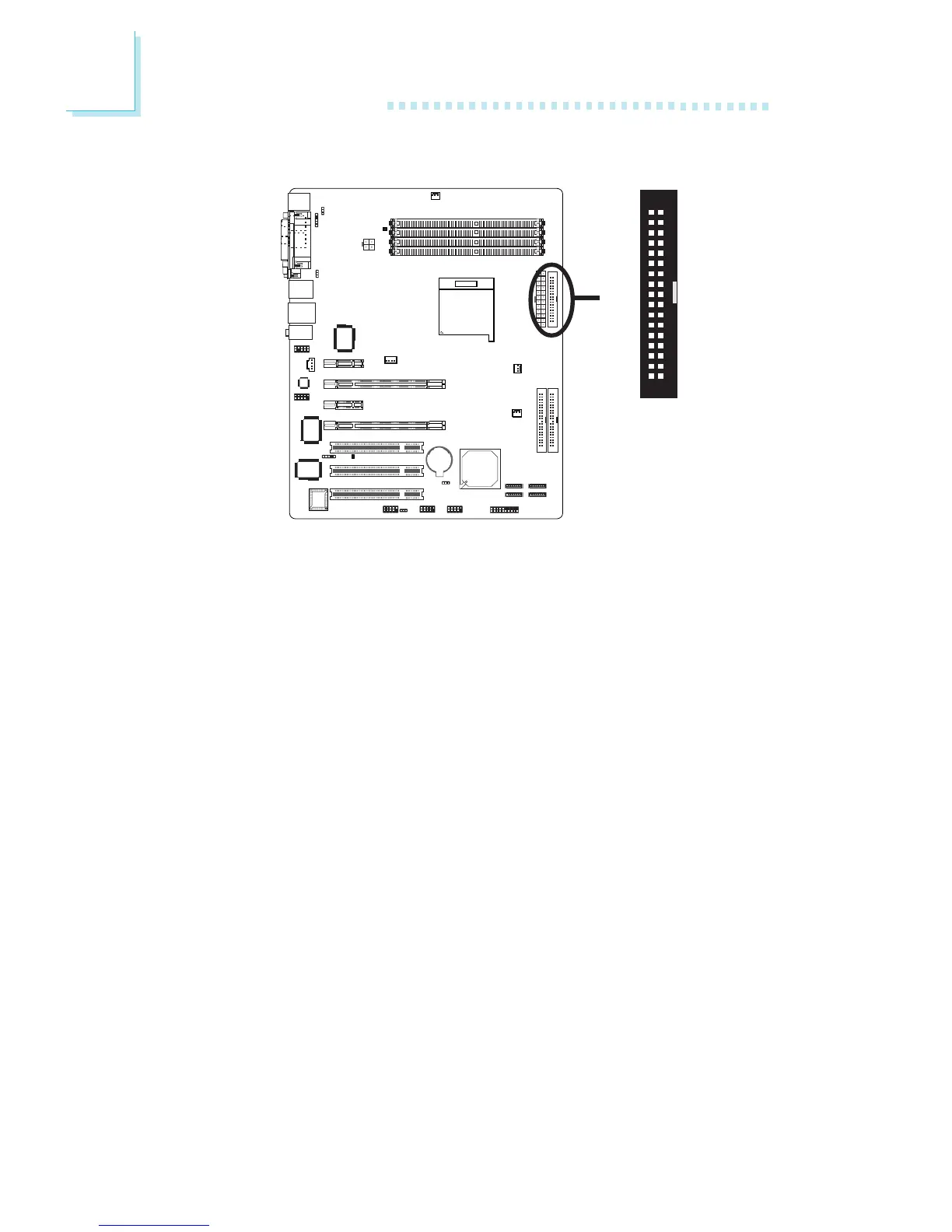
Floppy Disk Drive Connector
The system board is equipped with a floppy disk drive connector
that supports two standard floppy disk drives. To prevent improper
floppy cable installation, the floppy disk header has a keying
mechanism. The 34-pin connector on the floppy cable can be placed
into the header only if pin 1 of the connector is aligned with pin 1
of the header.
Connecting the Floppy Disk Drive Cable
Install one end of the floppy disk drive cable into the shrouded
floppy disk header (J23) on the system board and the other end-
most connector to the drive you want to designate as Drive A. If
you are connecting another drive (Drive B), install the middle
connector of the cable to the drive. The colored edge of the daisy
chained ribbon cable should be aligned with pin 1 of J23.
BIOS Setting
Enable or disable this function in the Integrated Peripherals submenu
(“Onboard Device” section) of the BIOS. Refer to chapter 3 for
more information.
X
34
33
21



 To Next Page