51
2
Hardware Installation
Cooling Fan Connectors
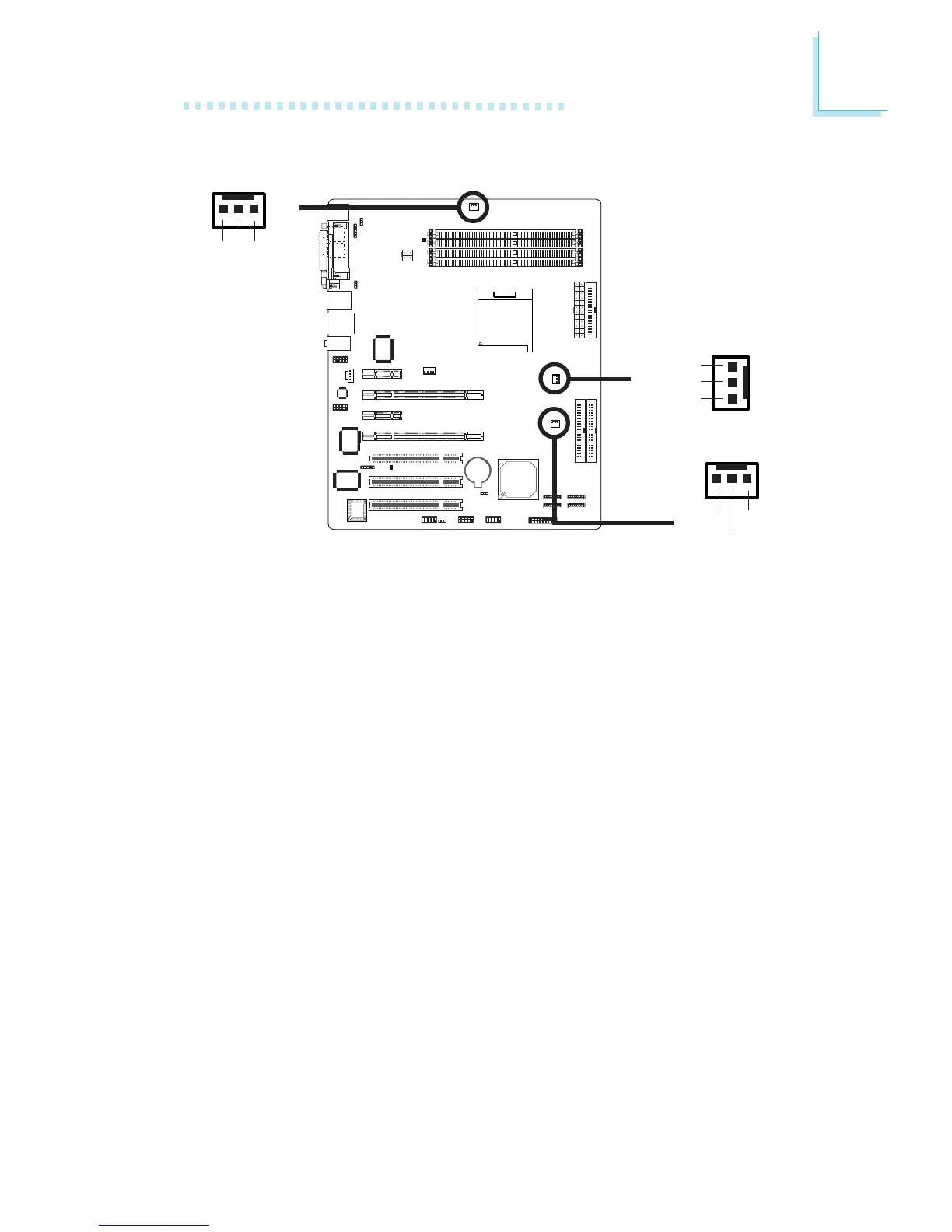
Connect the CPU fan’s cable connector to the CPU fan connector
(J30) on the system board. The system fan (J31) and chipset fan
(J32) are used to connect additional cooling fans. The cooling fans will
provide adequate airflow throughout the chassis to prevent
overheating the CPU and system board components.
BIOS Setting
The “PC Health Status” submenu of the BIOS will display the current
speed of the cooling fans. Refer to chapter 3 for more information.
X
X
X
CPU fan
1
3
Ground
Power
Sense
System fan
Chipset fan
31
Ground
Power
Sense
31
Ground
Power
Sense



 To Next Page