50
2
Hardware Installation
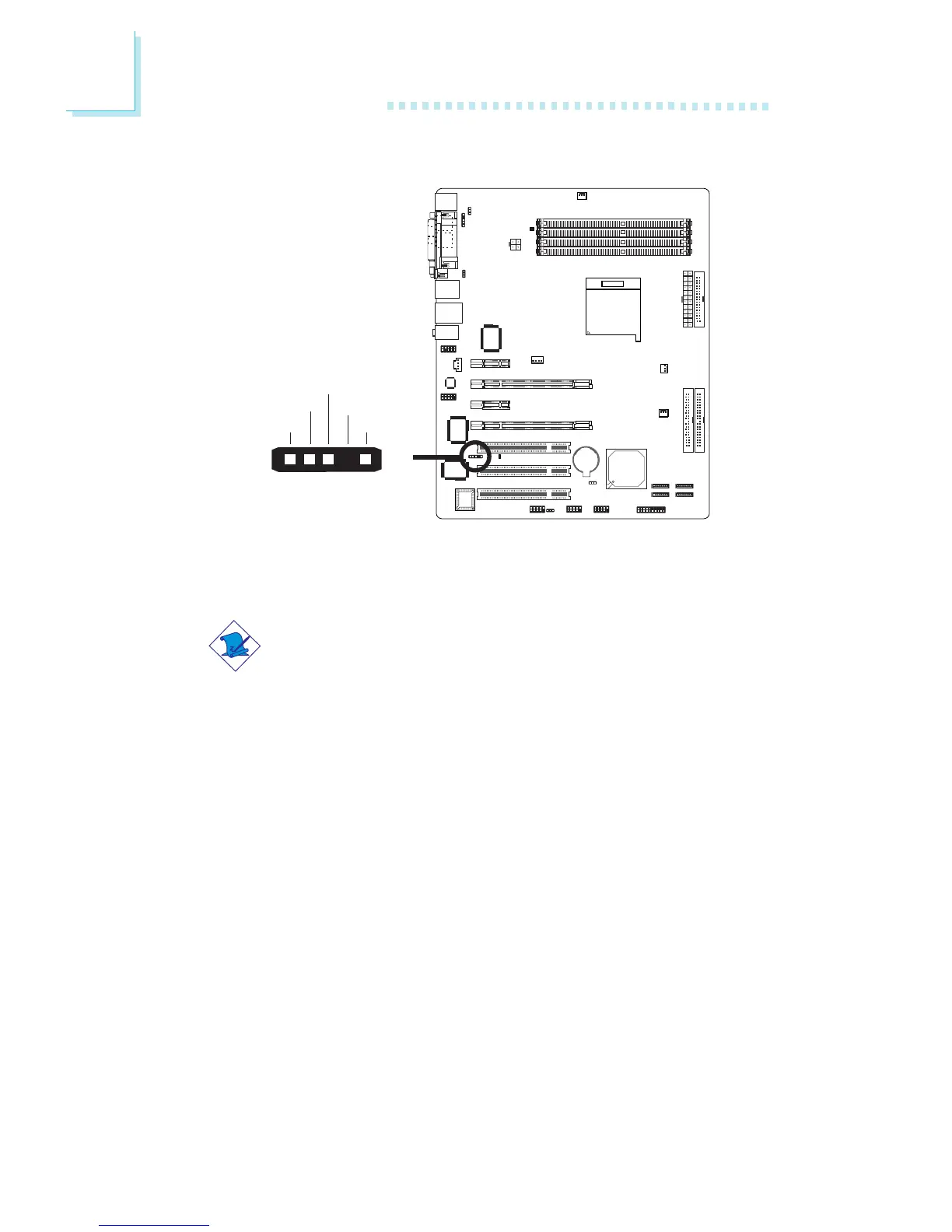
IrDA Connector
Connect the cable connector from the IrDA module to the IrDA
connector (J5).
Note:
The sequence of the pin functions on some IrDA cable may be
reversed from the pin function defined on the system board.
Make sure to connect the cable connector to the IrDA
connector according to their pin functions.
BIOS Setting
Configure the onboard IrDA in the Integrated Peripherals submenu
(“Onboard Device” section) of the BIOS.
Driver Installation
You may need to install the proper drivers in your operating system
to use the IrDA function. Refer to your operating system’s manual or
documentation for more information.
W
51
VCC
N. C.
IRRX
Ground
IRTX



 To Next Page