92
3
BIOS Setup
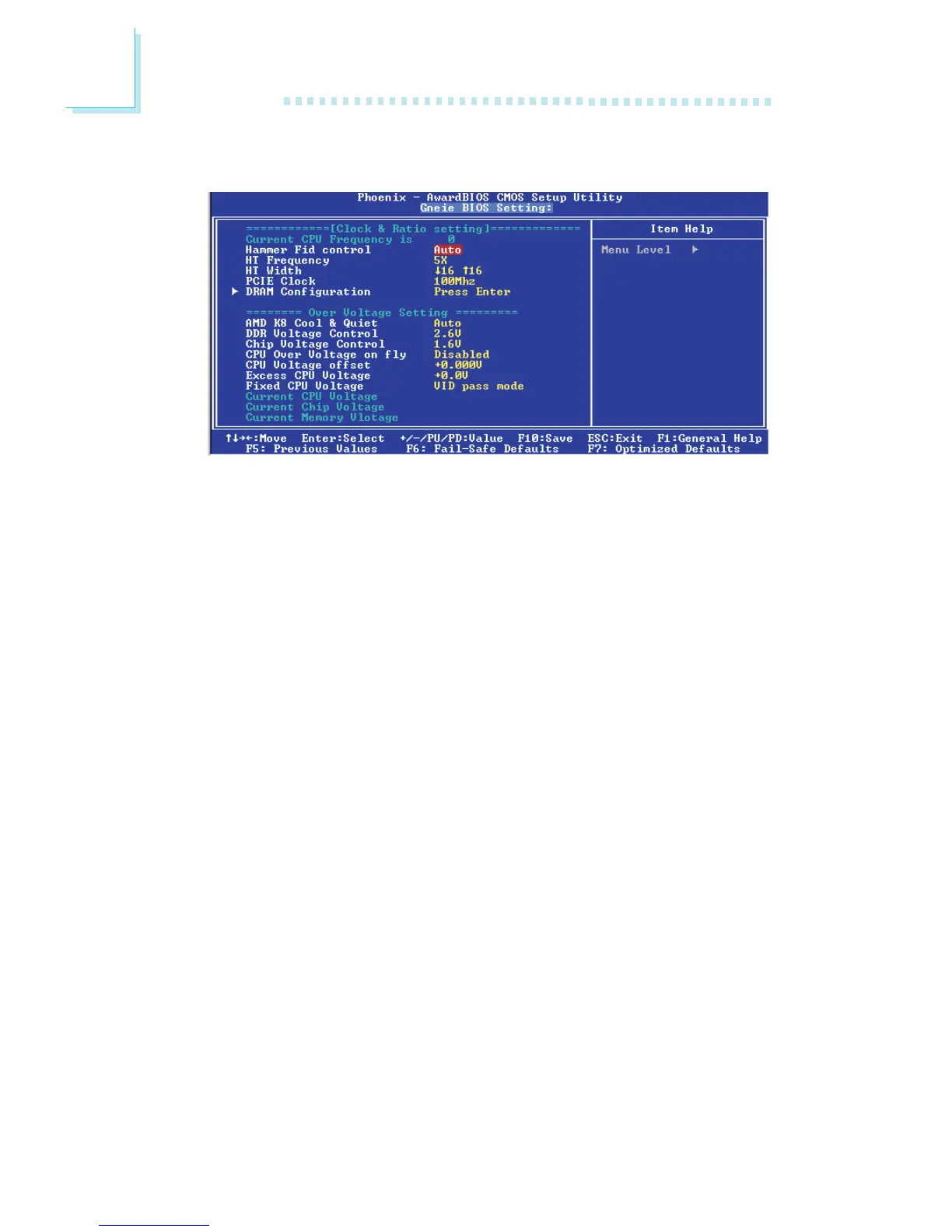
Genie BIOS Setting
The settings on the screen are for reference only. Your version may not be identical
to this one.
Current CPU Frequency is
This field will show the detected frequency of the CPU.
Hammer Fid Control
This field is used to select the CPU FSB’s operating frequency.
HT Frequency
This field is used to select the maximum operating frequency.
HT Width
This field is used to select the Hyper Transport width between the
CPU and chip.
PCIE Clock
Default Default setting.
100MHz This option will set the PCI Express frequency to
100MHz.



 To Next Page