93
3
BIOS Setup
DRAM Configuration
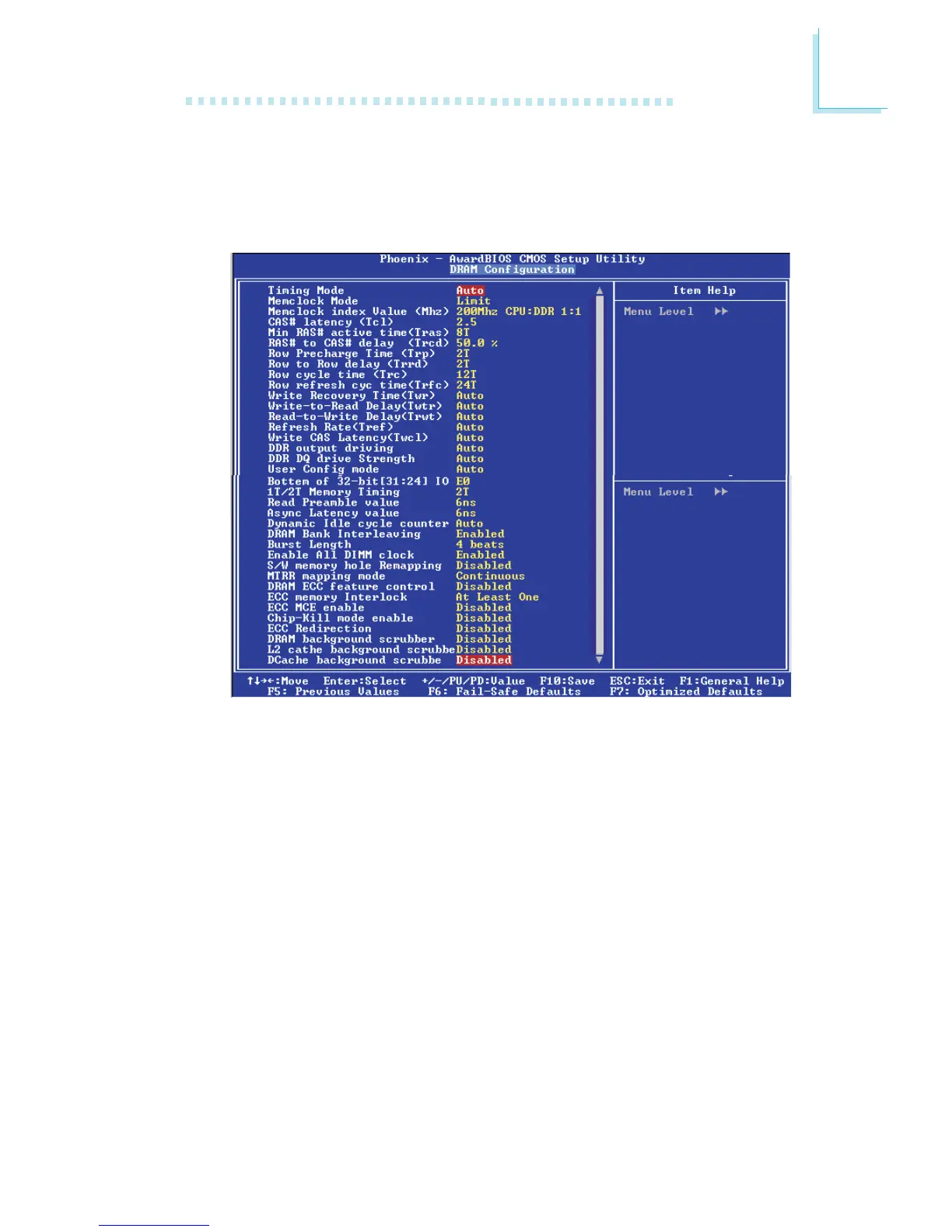
Move the cursor to this field and press <Enter>. The following
screen will appear.
Timing Mode
Auto The BIOS will automatically detect all DRAM timing.
Manual This option allows you to manually select DRAM
timing in the “Memclock Mode” to “DDR DQ Drive
Strength” fields.
Memclock Mode
This field is used to select an artificial memory clock. It will prevent
the system from running faster than the set frequency.
Memclock Index Value
This field is used to select the memory clock’s index value.
The screen above list all the fields available in the DRAM Configuration submenu,
for ease of reference in this manual. In the actual CMOS setup, you have to use
the scroll bar to view the fields. The settings on the screen are for reference only.
Your version may not be identical to this one.



 To Next Page