47
2
Hardware Installation
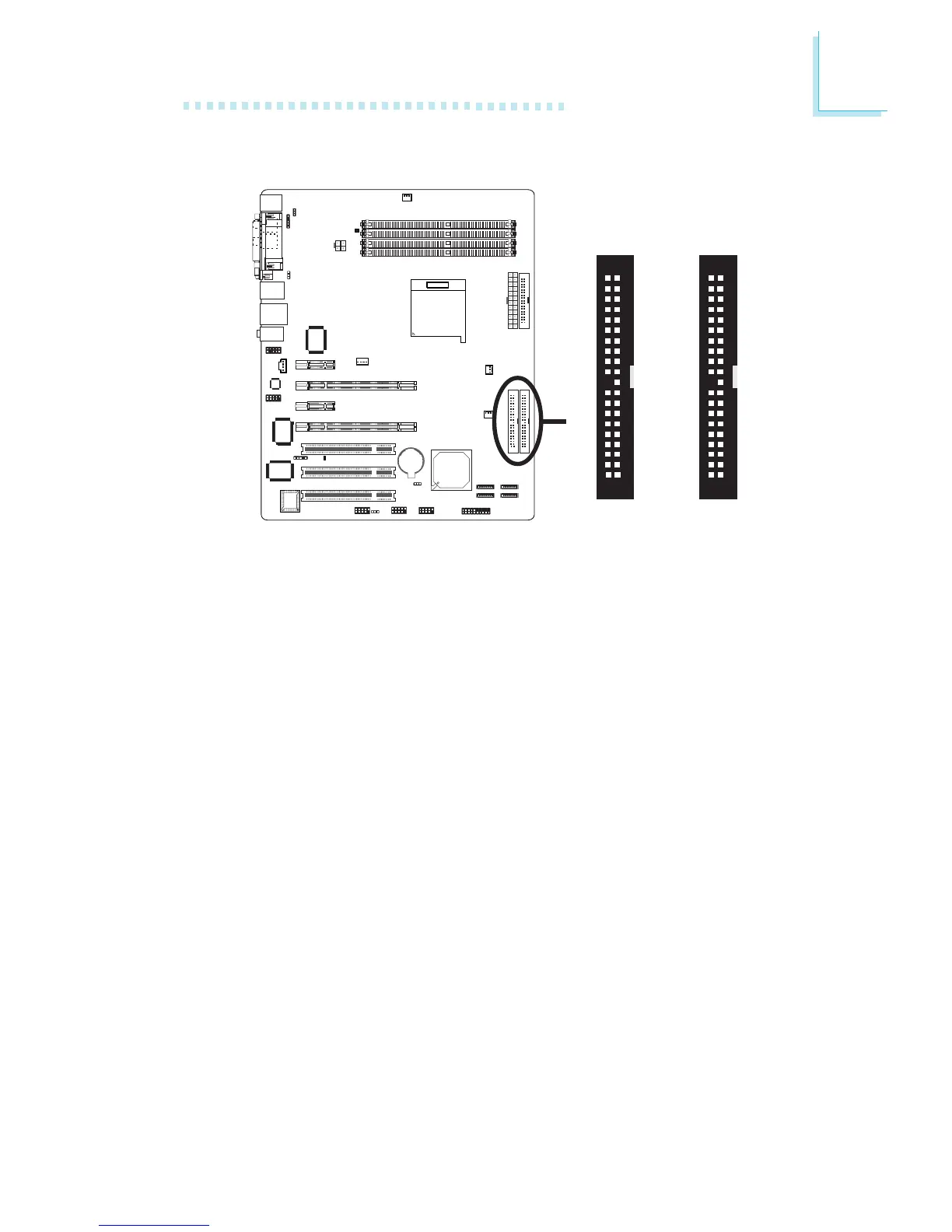
IDE Disk Drive Connector
Configuring RAID on IDE Drives
The system board allows configuring RAID across Parallel ATA drives
and Serial ATA drives. It supports RAID 0, RAID 1, RAID 0+1 and
JBOD. For optimal performance, install identical drives of the same
model and capacity. The drives’ matched performance allows the
RAID array to function better as a single drive.
1. Set the “IDE RAID” field to “Enabled”. (Integrated Peripherals
submenu - “RAID Config” section of the Award BIOS.)
2. Enable the IDE and/or Serial ATA drives you want to configure
as RAID in the Integrated Peripherals submenu (RAID Config
section) of the Award BIOS.
3. Reboot the PC.
4. When the system powers-up, the NVRAID BIOS status message
screen will appear. Press the <F10> key to enter the utility. The
utility allows you to build a RAID system on Serial ATA drives
and Parallel ATA drives.
X
40
39
21
IDE 2
40
39
21
IDE 1



 To Next Page