Celeris User Manual
14770-A || ECN # 844 || ECN Date: 28 July 2017 Page 23 of 23
Export Lists of Patients/Tests
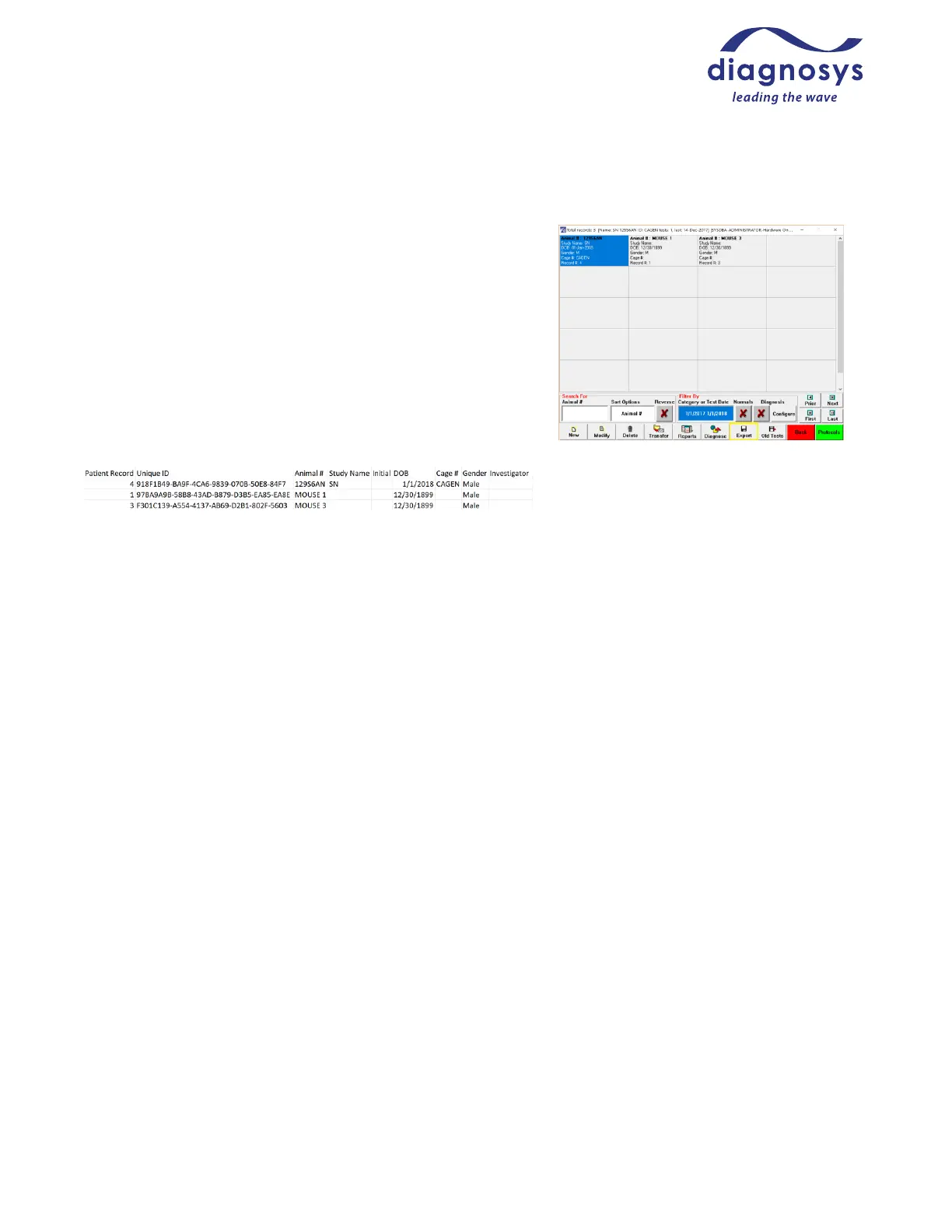
You can export lists of tests or subjects tested. From the subject
selection page, selecting a subject category, or typing in two dates
in MM/DD/YYYY MM/DD/YYYY format will filter the list of
patients to only those patients assigned to that category, or who
had tests performed between those two dates. Once the subject
list has been filtered to your liking, the Export button (indicated
by the yellow box in Figure 31) will export a list of patient records
in TXT or CSV format. This can be a useful way to keep track of
daily test progress.
Figure 38 - exported list of patients



 To Previous Page