2.2. Removing Your Sensor from the Pod
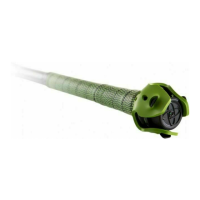
To remove sensor from pod, push down and turn the sensor counter-clockwise 1/8 turn to unlock.
If you have issues removing the sensor from the pod, please reach out to our Support Team at
support@diamondkinetics.com!
The plastics of brand new sensors can sometimes be stiff! Some DK tips on helping that
are:
1. Use the green strap to place on top of the sensor then push down and turn.
2. Place the sensor and pod on a flat surface. You the palm of your hand to press down and
turn.
*
If you have issues removing you sensor from the pod do not try to pry it out. Doing so can
damage the sensor.
!
Diamond Kinetics SwingTracker - 1
Page 10 of 107


 To Next Page