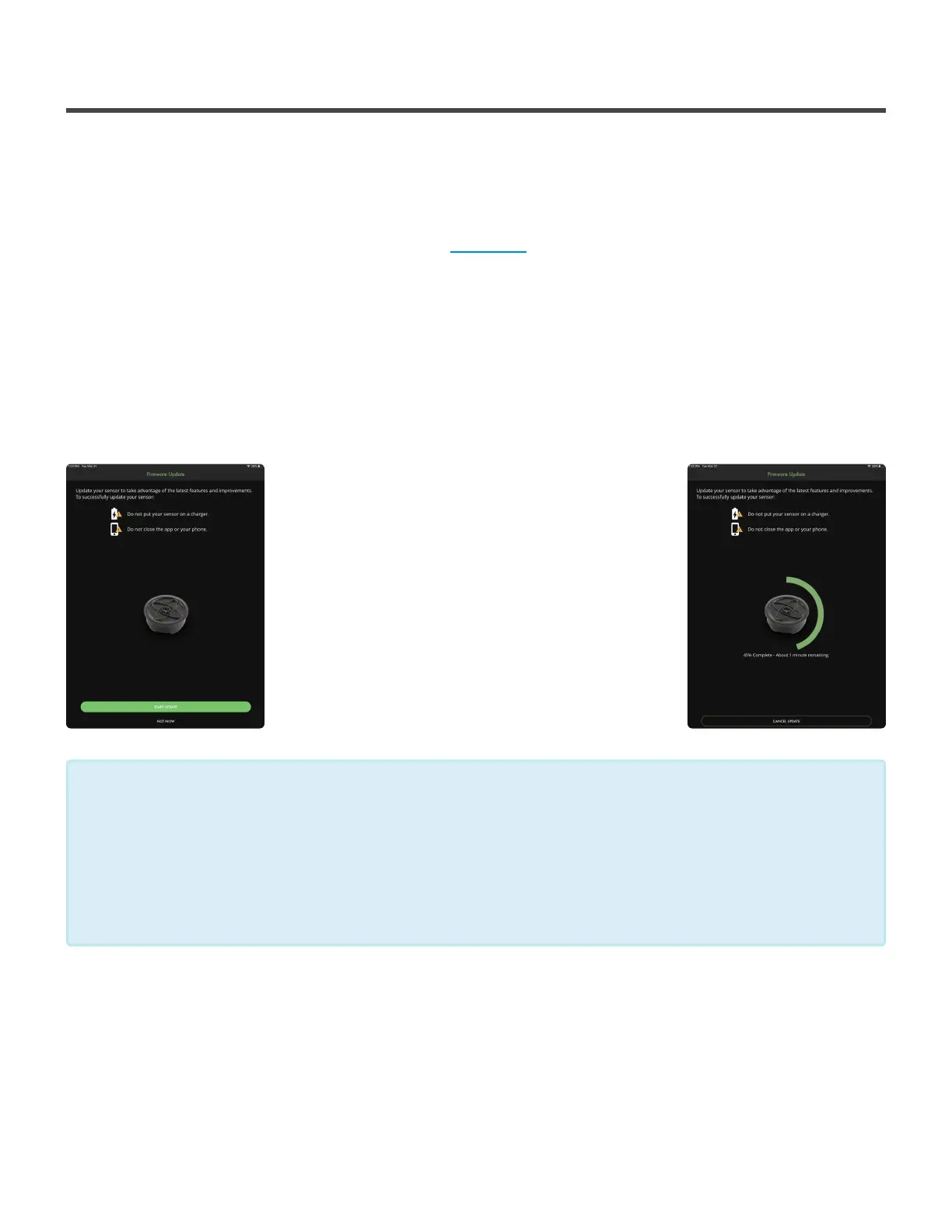
Pre Firmware Update Mid Firmware Update
2.4.2. Updating your Firmware Version
Let’s get your Firmware up to date with the latest version and
get you swinging!
1. Pair your SwingTracker to your iOS device. (Click here to learn how.)
2. Navigate to the Pair Sensor Page from the main menu of the app.
3. Select the ‘i’ to the far right of your SwingTracker
4. This next page is your Sensor Information, select the FIRMWARE VERSION option
5. A prompt will pop up asking for you to begin the update, select Start Update
The update will begin and you can track the progress. When the update is done, you’ll be sent back to the
Pair Sensor page.
TIPS FOR UPDATING FIRMWARE:
The firmware update may take a couple of minutes. To ensure it goes smoothly check out
these tips!
- Make sure that your Sensor is mostly charged
- Make sure that your Sensor is off the charging pad
- If the update fails, forget the sensor from Bluetooth, turn off Bluetooth, restart device
- Make sure the sensor is forgotten/disconnected from ALL nearby iOS devices
*
Diamond Kinetics SwingTracker - 1
Page 17 of 107


 To Next Page