Customize your View
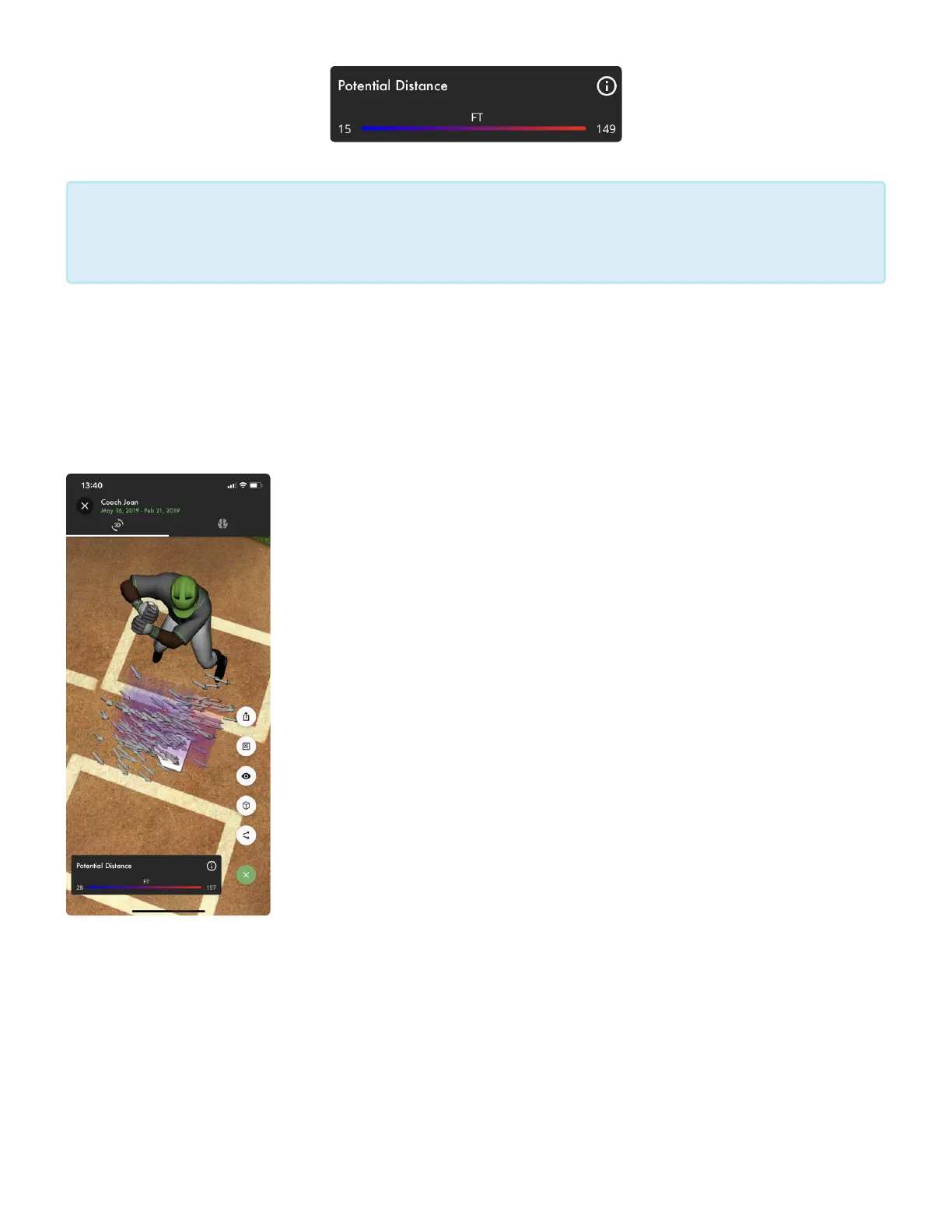
On the Swing Fingerprint screen you’ll have the ability to customize the way you see your Swing Fingerprint.
Select the green and white gear icon in the lower right corner to open up your Swing Fingerprint Settings
menu.
• Arrow Icon: This is your Barrel Slot icon and it has three different views.
1. The first is your Average Barrel Slot view represented by a single arrow in
each cell of your Swing Fingerprint. This is the Average Barrel Slot for all
swings that make contact in that location of the strike zone. This is the default
view that is turned on when you enter a Swing Fingerprint. It’s icon on the
Swing Fingerprint settings menu is a single black arrow.
2. The second is your Individual Barrel Slot view which shows a collection of
arrows. Each arrow is the Barrel Slot for each individual swing that makes up
your Swing Fingerprint. Collectively, you can see the path of your swing, try
moving around the 3D image. The Individual Barrel Slot icon on the Swing
Fingerprint settings menu is two black arrows.
3. The third view shows no Barrel Slots. This view has Barrel Slots turned off
and only shows the strike-zone heat map. It’s icon on the Swing Fingerprint
settings menu is a single black arrow with a line through it.
• Cube Icon: This is your Slice Selection Menu, it allows you to select which
slices of the strike-zone appear on your Swing Fingerprint. There are 9
different slices of the strike-zone; 3 depth slices, 3 width slices and 3 height
slices. When the box beside the slice name is filled in green with a black check mark, that slice is
selected and will appear in the Swing Fingerprint. When the box beside the slice name is empty, that
slice has not been selected and it will not appear in the Swing Fingerprint. The best way to learn the
slices and where they appear is to turn them all off by selecting Clear. Then turn each slice on one by
one to see where they appear on the Swing Fingerprint.
Why am I missing cells? The Swing Fingerprint is a collective view of the strike-zone and
all of it’s different locations. If you don’t have enough swings in one location, your Swing
Fingerprint will not show that respective cell.
*
Diamond Kinetics SwingTracker - 1
Page 32 of 107


 To Next Page