Transmitters 9 November 2001 109
Next Chapter
Tran sm it te r
Connecting the Optical
Fiber
Connect the fiber to a shelf-mounted Diamond Transport
transmitter with a compatible, high-quality optical connector.
WARNING
Before you begin, make sure the transmitter’s key switch is
off.
Even when the transmitter is not powered, laser beams may
be present in the optical cable. Although you can’t see them,
these beams can cause tissue injury, including permanent eye
damage. Whenever the optical cable is disconnected from
the transmitter, receiver or patch panel, avoid direct contact
with the end of the cable or optical output.
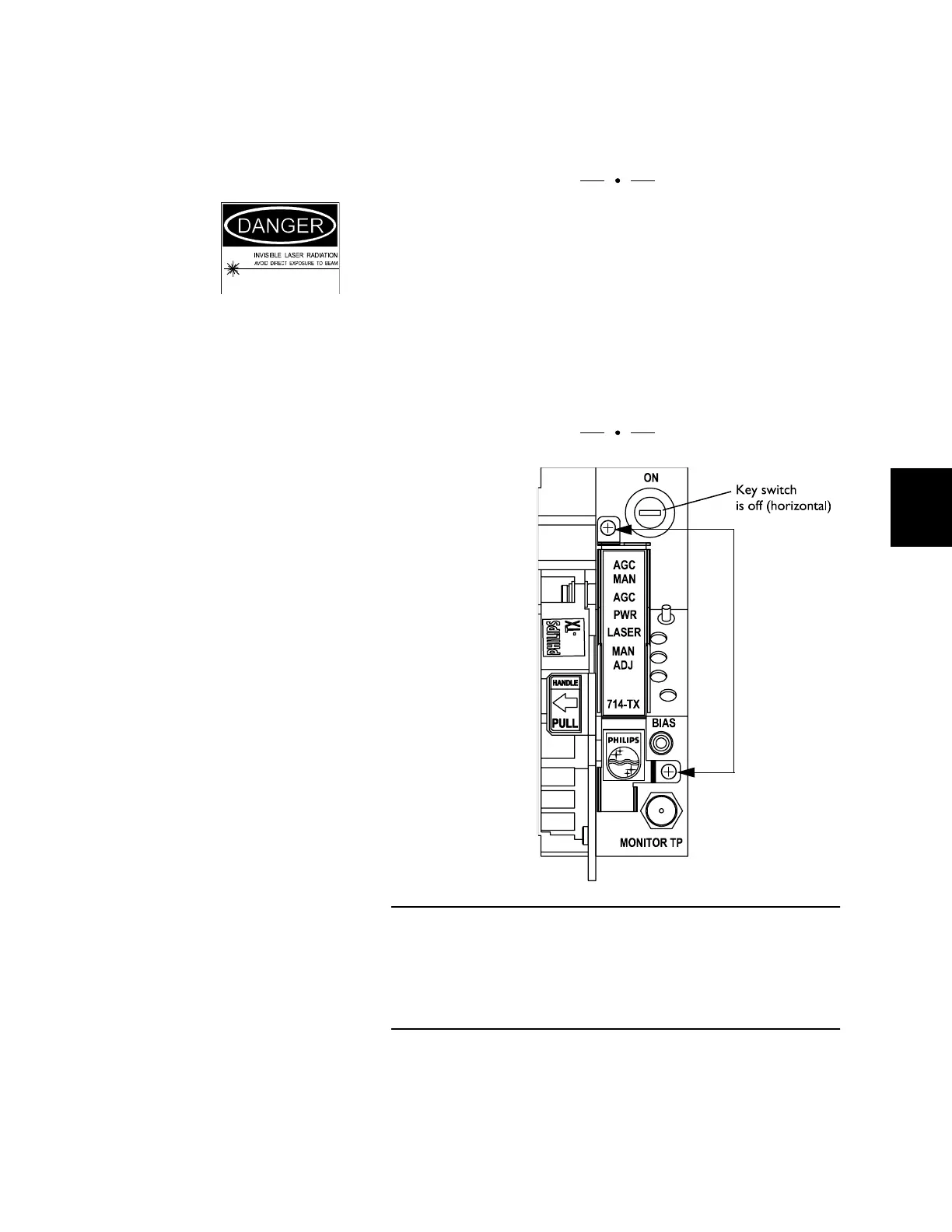
Figure 49. Preparation for Optical Connection
Make sure the transmitter’s key switch is in the OFF position
before you remove the screws that secure the shield. DO NOT
put the screws back into the transmitters without the shield;
doing so damages the Laser Safety Interlock switch.
Loosen these
screws.



 To Next Page