100 9 November 2001 Transmitters
Installation
This section provides procedures for the following:
• installing the module into a rack-mounted Diamond
Transport Shelf (page 102),
• checking optical output (optional, page 105),
• recording laser bias current (page 108), and
• making optical (page 109) and RF (page 113) connections.
Before You Start Review procedures before beginning this installation.
Observe the following cautions:
• Do not disturb previously installed modules in the
Diamond Transport Shelf, especially if there are fibers in
place.
• Do not twist, bend, or pinch fibers when installing and
removing modules.
If you plan to use automatic shutdown, you must set up the
transmitter to use this feature before you install the module
into the Diamond Transport Shelf.
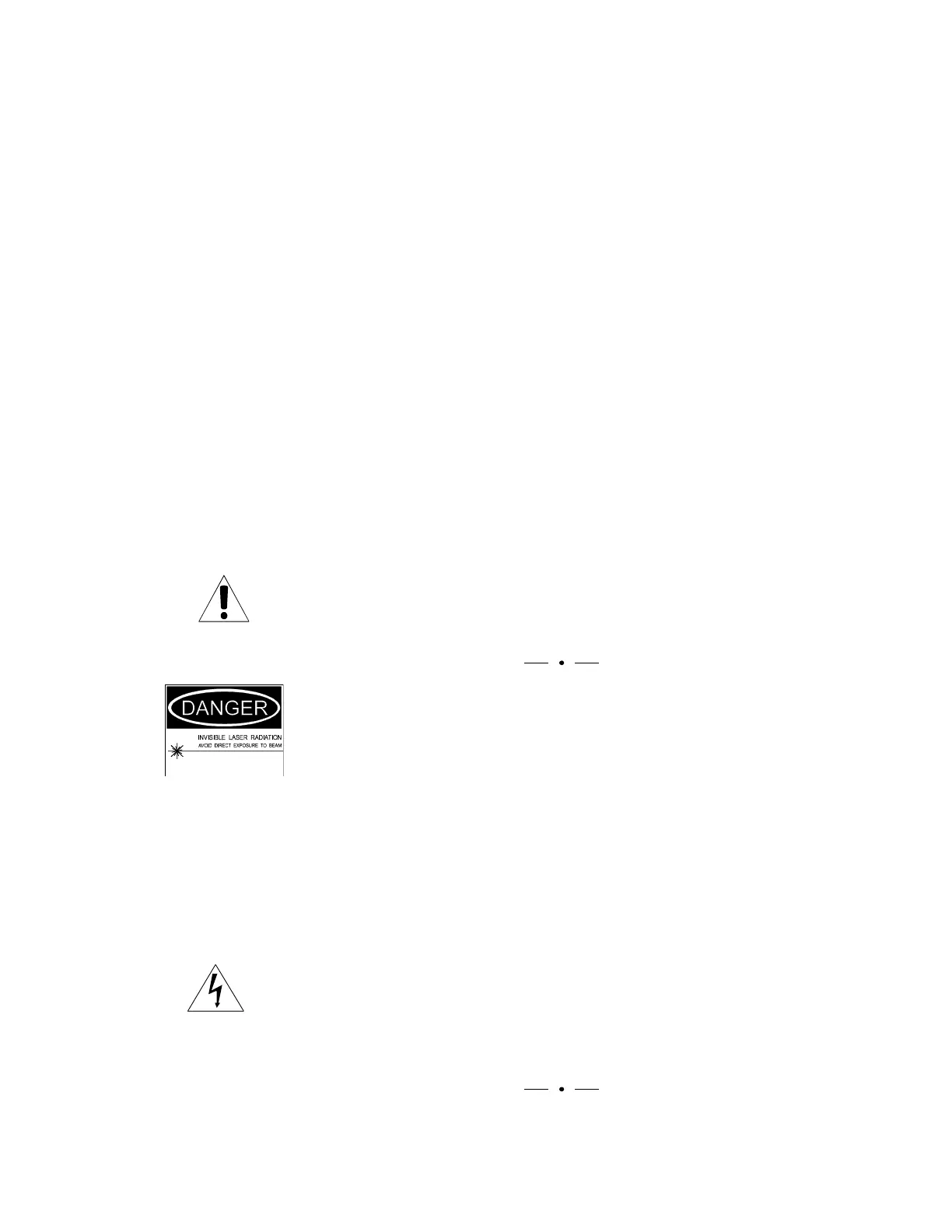
WARNING
When powered, optical transmitters generate invisible,
high-energy laser beams that can cause tissue injury, including
permanent eye damage. Even when the transmitter is not
powered, laser beams may be present in the incoming cable.
Avoid direct contact with the end of the cable and the optical
output whenever optical cable is disconnected from the
transmitter, receiver, or patch panel. Be absolutely certain the
optical equipment at both ends of the cable is powered off
before attempting to clean connectors.
Opening the transmitter module exposes the user to invisible
laser radiation and electric shock and automatically voids the
warranty. Do not remove the cover of the transmitter
module. All user-adjustments can be made through the
transmitter’s module cover.



 To Next Page