Transmitters 9 November 2001 105
Next Chapter
Tran sm it te r
Checking Optical
Output
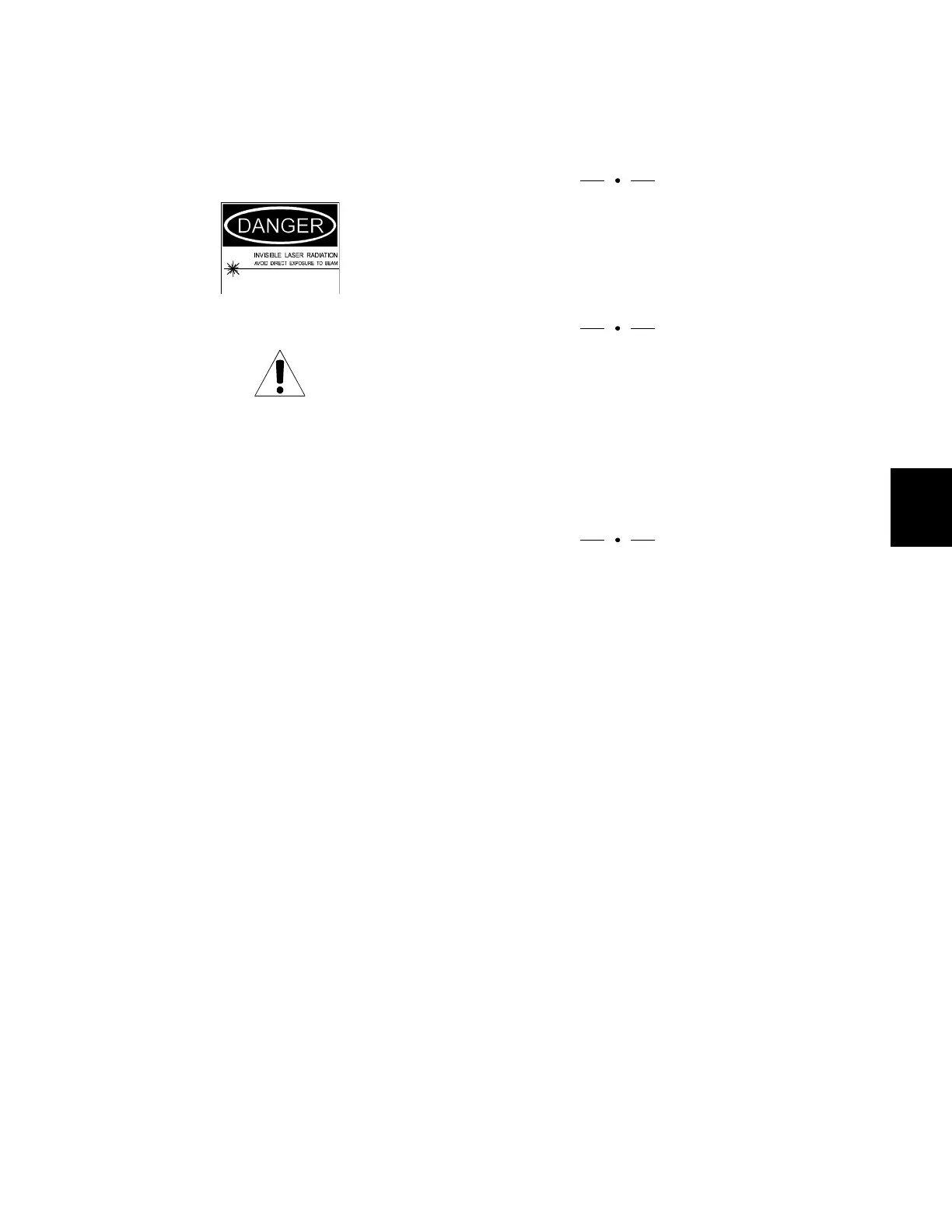
Turn off the laser before you unplug the forward fiber or the
optical power meter.
WARNING
Use an optical power meter with a connector that matches
the one under the transmitter’s shield.
CAUTION
The bulkhead and optical connector on a Diamond
Transport transmitter are covered by a protective shield. To
make connections or to clean connectors, you must remove
the two screws holding the shield in place and then remove
the shield. DO NOT put the screws back into the
transmitters without the shield; doing so damages the Laser
Safety Interlock switch.
Verify the optical output power as follows:
1. Turn off the laser by turning the key counterclockwise.
The yellow LASER LED goes out (dark).
2. Loosen the screws holding the shield in place, and
remove the shield.



 To Next Page