106 9 November 2001 Transmitters
3. Plug the fiber from the optical power meter into the
bulkhead.
CAUTION
The bulkhead and optical connector on a Diamond
Transport transmitter are covered by a protective shield. To
make connections or to clean connectors, you must remove
the two screws holding the shield in place and then remove
the shield. DO NOT put the screws back into the
transmitters without the shield; doing so damages the Laser
Safety Interlock switch.
4. Install the shield (removed in step 2), being sure to
tighten both of its screws. The laser will not operate
unless these screws are tightened.
5. Turn on the laser by turning the key clockwise. The
yellow LASER LED glows.
6. Measure the optical output power with the optical power
meter. The optical output power varies with the model of
the transmitter, as indicated by the “Nominal Optical
Output Power” table.
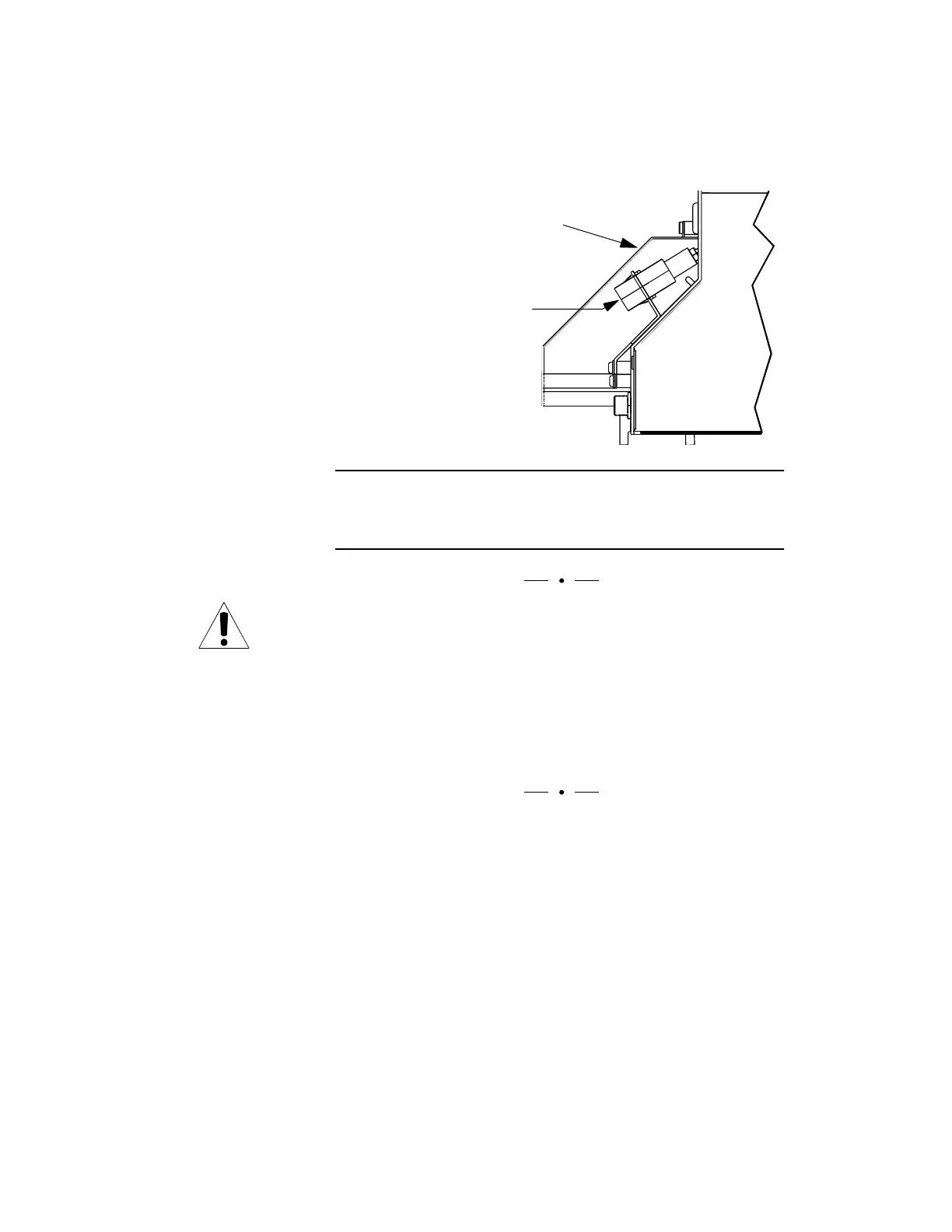
Figure 47. Connecting an Optical Power Meter
Plug in the optical power meter to measure the optical output
power of the transmitter.
Remove shield.
Connect the optical power
meter to the bulkhead.



 To Next Page