102 9 November 2001 Transmitters
Installing a Transmitter
in the DT Shelf
All Diamond Transport transmitter modules (TX and QTX
series) are installed in the same way, regardless of series
number.
WARNING
The transmitter is powered as soon as it is plugged into a
powered shelf. Be sure the key switch is off before installing the
transmitter.
Install a transmitter into a rack-mounted Diamond Transport
Shelf as follows:
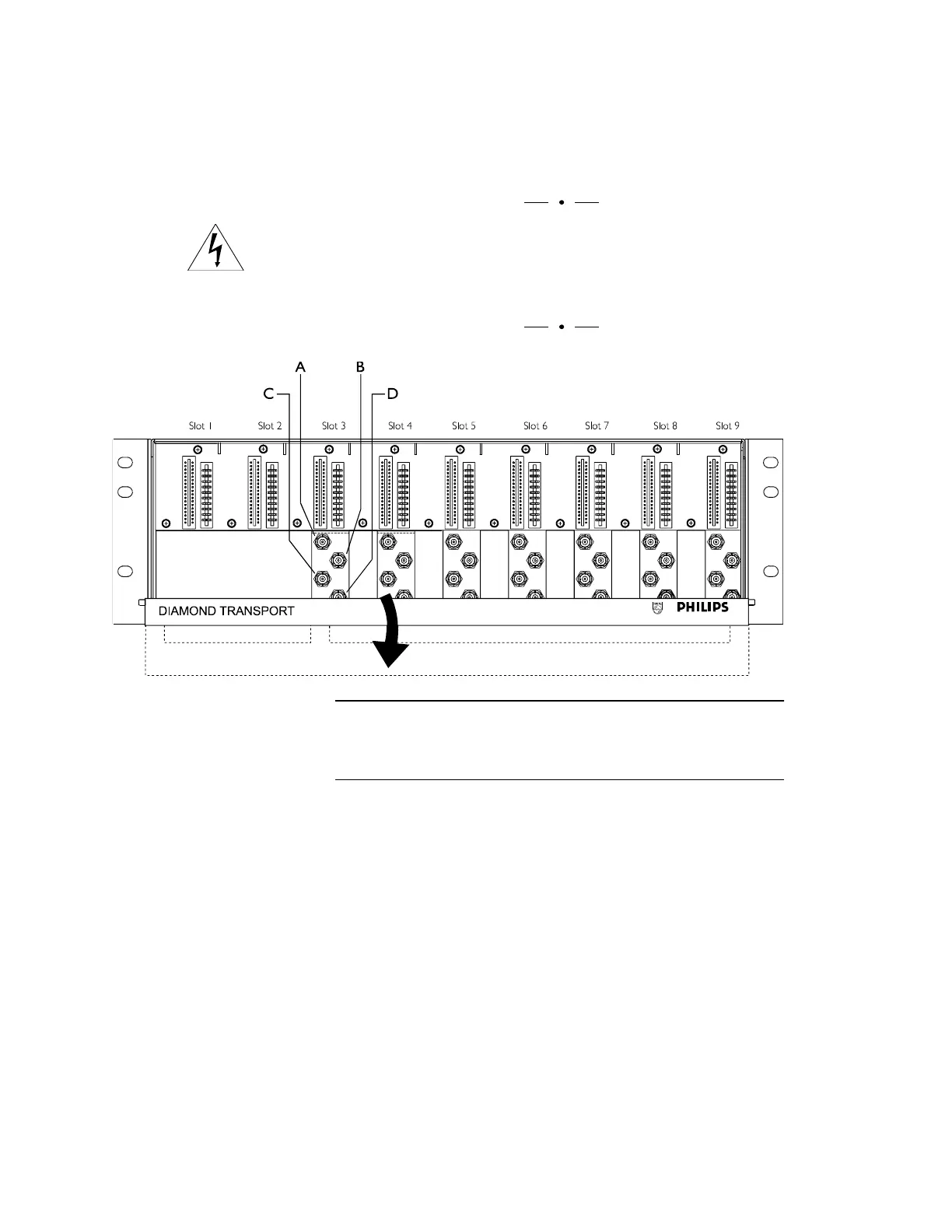
1. Lower the fiber-management tray by pulling down firmly
on the tray’s front panel. Do not disturb fibers inside.
2. Select an open slot for the transmitter module.
Note: Leave slots 1 and 2 open for one power supply
and slots 3 and 4 for a second (redundant) power supply.
Figure 44. Connections Inside the DT-Shelf
To install a module in the DT-Shelf, pull down firmly on the
fiber-management tray panel.



 To Next Page