Transmitters 9 November 2001 115
Next Chapter
Tran sm it te r
Activating the
Transmitter
Activate the transmitter as follows:
1. Make sure that transmitter’s activation key is in the
off position.
2. If you haven’t done so already, connect the shelf’s power
supply to its power source.
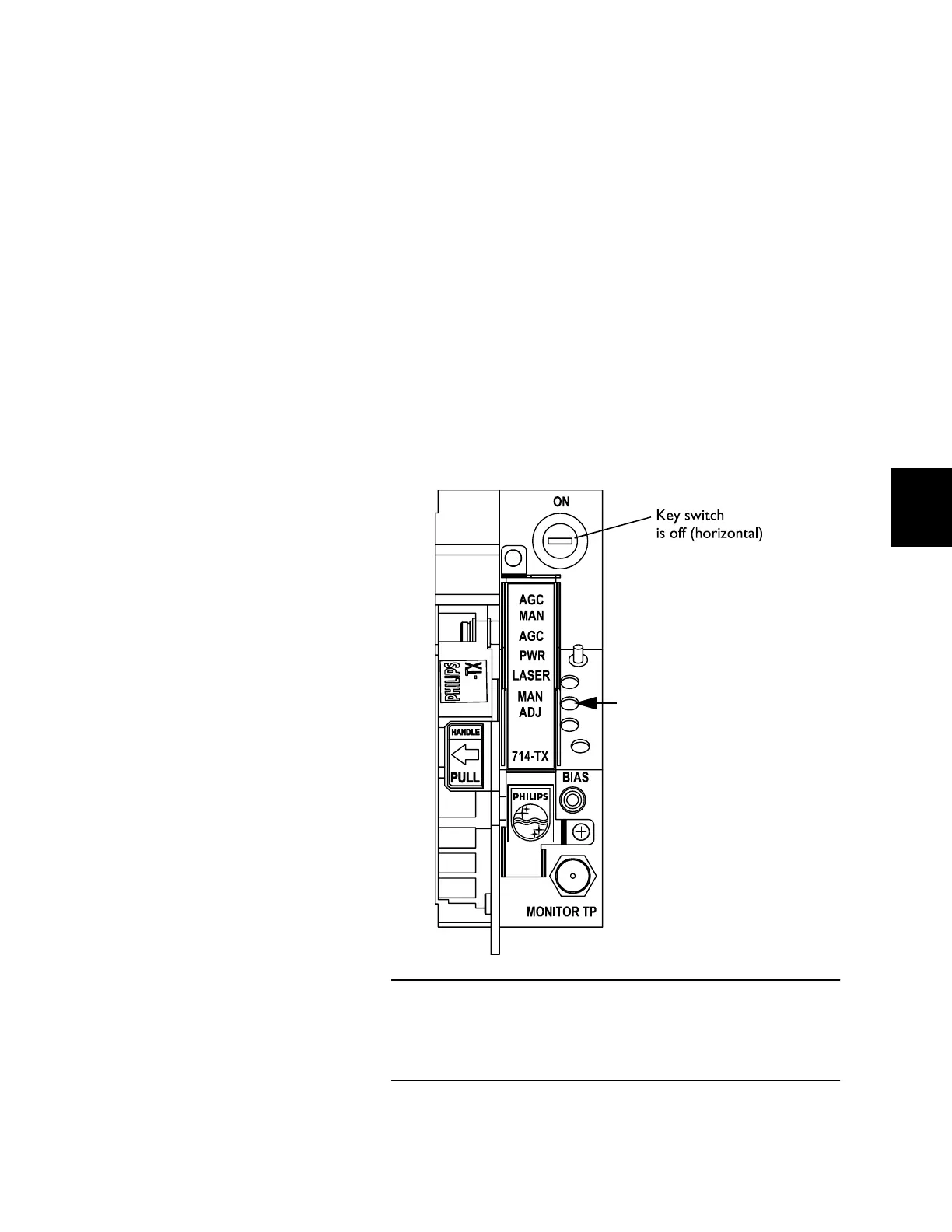
3. Check the condition of the PWR LED.
• When the unit is first powered, the green PWR LED
blinks for several seconds. Once the module is stable,
the PWR LED glows steadily.
• If the PWR LED does not light, check that the power
and control connectors are properly plugged into the
receptacles on the rear panel of the shelf.
Figure 53. Power LED
When the transmitter is first powered, the PWR LED blinks for
several seconds and then glows steadily to indicate that the
module is receiving power.
Green PWR LED lit = Power On
Green PWR LED flashing=
Module is stabilizing during
activation.



 To Next Page