104 9 November 2001 Transmitters
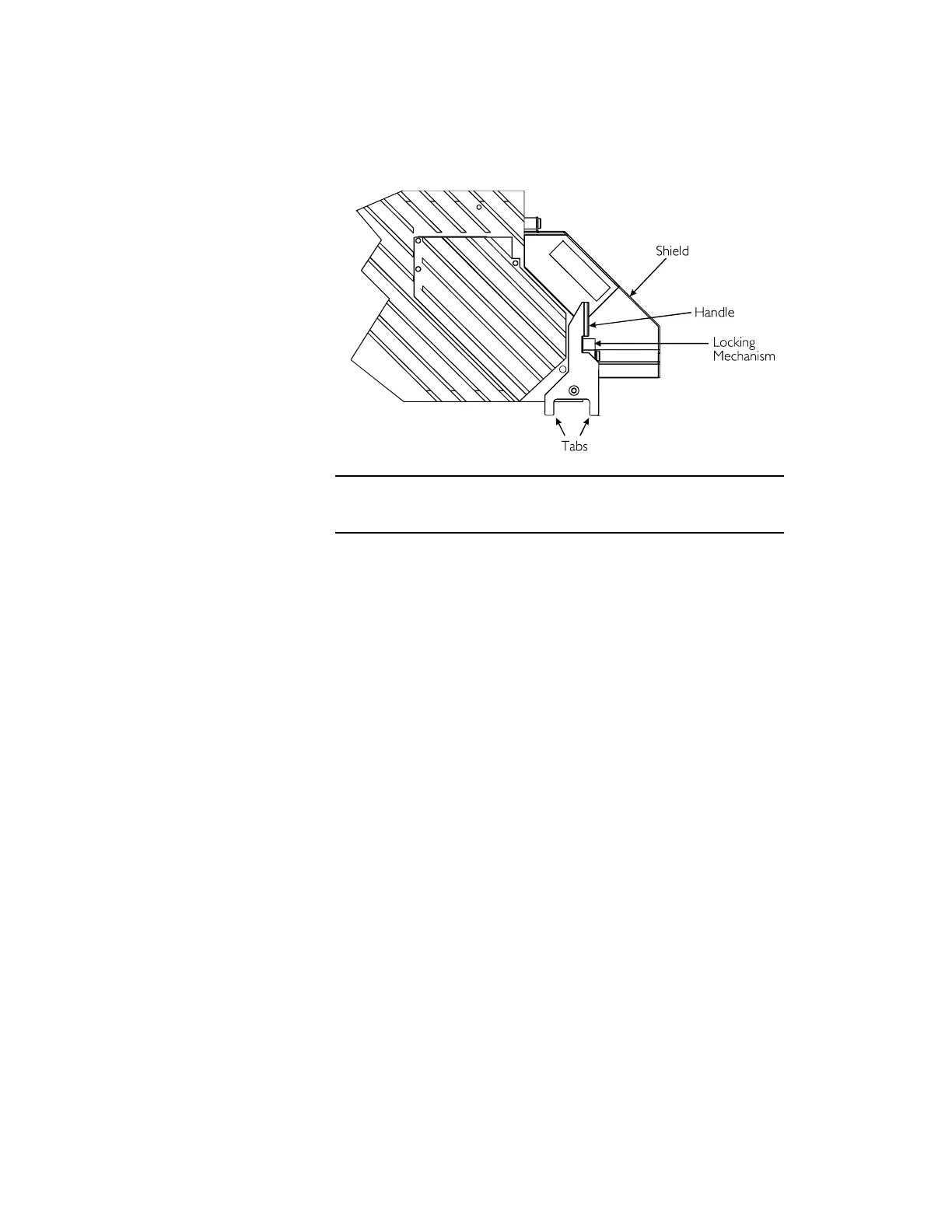
4. Pull the transmitter’s handle to the left (to clear the
locking tab) and then forward, toward you.
5. Slide the module into the shelf until the base of the
handle makes contact with the shelf. Then, push the
handle back, away from you, to seat the module and
secure reliable connections to power and control signal
sources.
Leave the fiber-management tray down, and proceed to
“Checking Optical Output” on page 105.
Figure 46. Locking/Release Mechanism
Pull handle left around the locking mechanism and then forward.



 To Next Page