Transmitters 9 November 2001 121
Next Chapter
Tran sm it te r
Using the Customer-Set AGC Function (800E-TX
and 800G-TX)
In cases where the transmitter application is significantly
different from the application for which it is designed,
performance may be optimized through the customer-set
AGC option on 800E-TX and 800G-TX transmitters.
Set AGC on transmitters with this capability as follows:
1. Verify that the desired RF channel loading and levels are
present at the transmitter input.
When the AGC switch is in
the CUST position, the
Manual Gain Control is used
to set the AGC reference.
2. Toggle the AGC switch (front panel) to CUST position.
3. Adjust the Manual Gain Control for system CNR and
distortions.
NOTE
Changing the manual gain setting also changes the original
level corresponding to AGC OFF changes. The factory-set
AGC reference is not affected by varying the manual gain
adjustment.
.
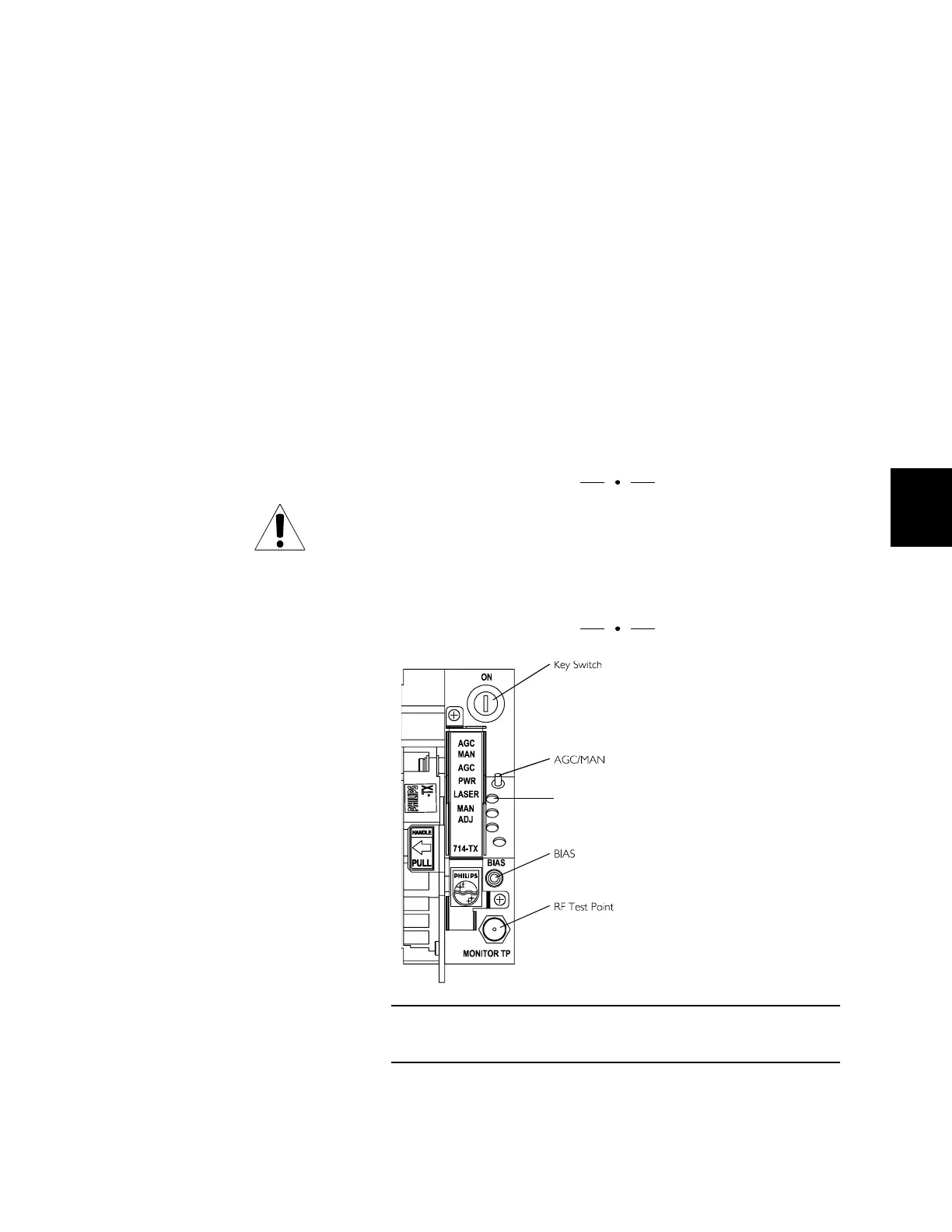
Figure 56. AGC/MAN Switch (DT-TX)
Use the AGC/MAN switch to select AGC or manual mode.
AGC LED



 To Next Page