5. Press the button to proceed to the next step START TIME or to review
the program.
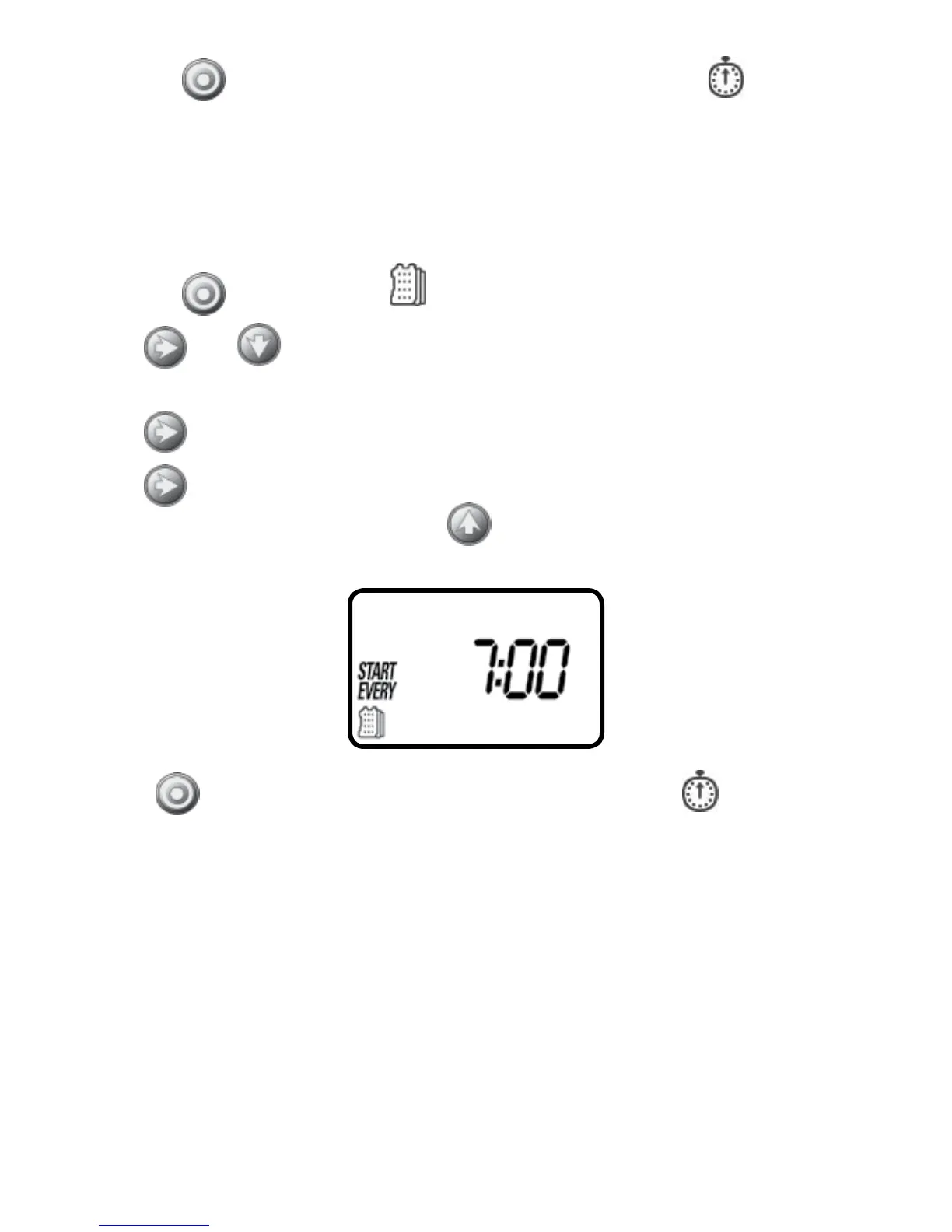
Option 3 – Setting every X hours:
Example: setting the timer to water every 7 hours
1. Press the
button until the icon and the days of the week appear.
2. Press
and to skip all the days of the week (underscore must be
removed beneath all days).
3. Press
and EVEN appears flashing.
4. Press
again and 1:00 hour appears flashing. To select the number of hours
between watering to 7 hours, press
until 7:00 appears on the display.
Press the button to proceed to the next step START TIME or to review
the program.
11


 To Next Page
 Loading...