HI, MI, WI 700 service manual - 1 - Installation
1-29 Issue 9 04/2020
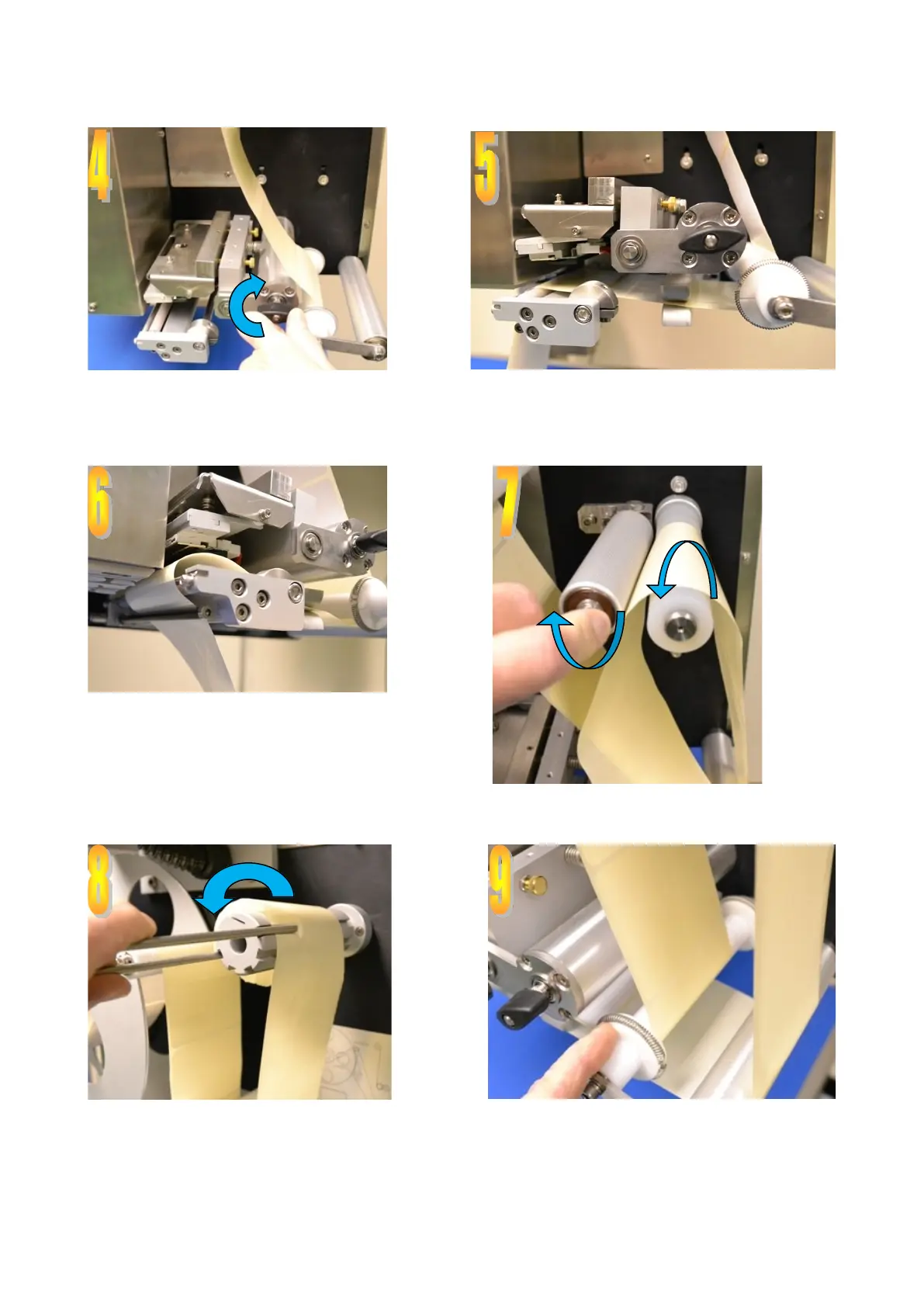
Lift thermal head up from the platen roller Feed labels around the white guide roller, through
the label gap sensor and between thermal head
and platen roller
Ensure backing paper is fed behind blow
bar
Open the drive/pinch rollers and place backing
paper around the drive roller
Use label roll clip to secure backing paper to take
up roller.
Close the thermal head onto the platen roller
Adjust the white guides to suit label width



 To Next Page