28
br The stand will reverse on
sample break detection.
When the choice you
want is displayed,
press the MORE
key. . . The choice is entered in
memory and the
current stand reverse
direction setting is
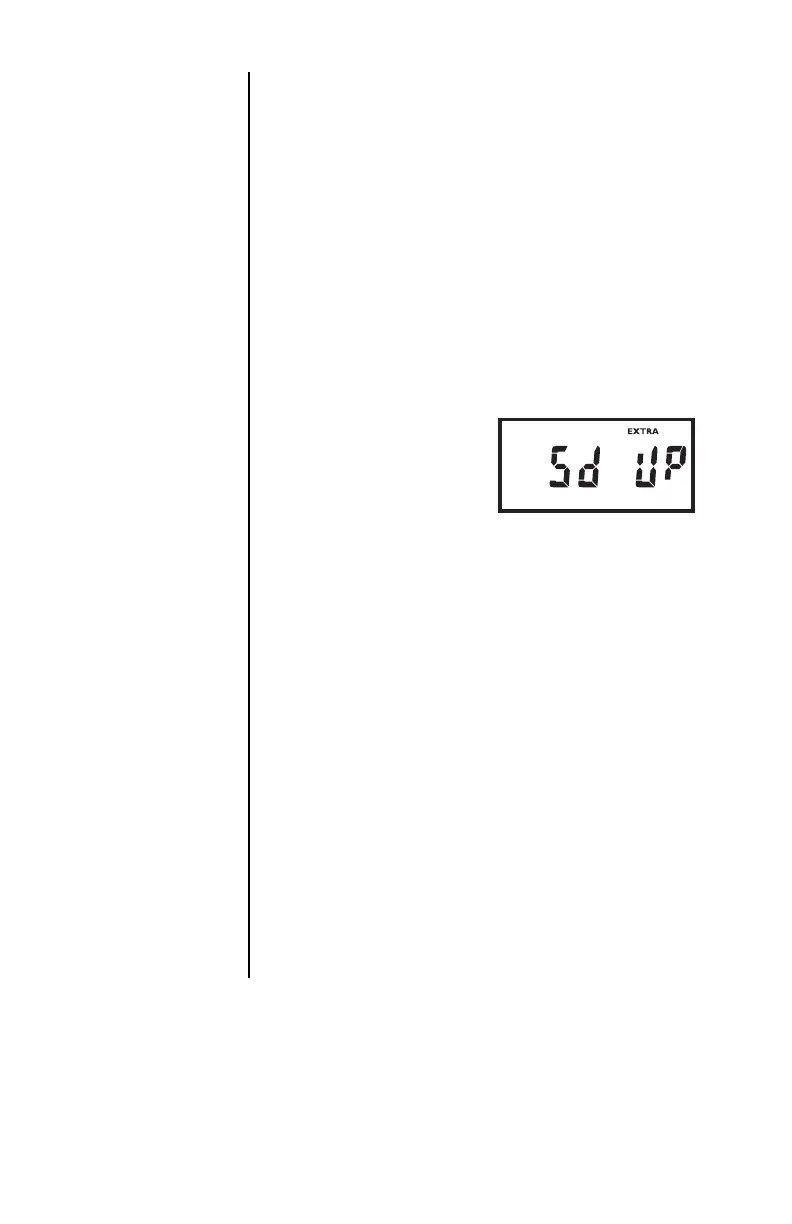
displayed as shown in
the example below:
Sd stands for stand
direction.
10. The test direction of the attached test stand
must be set for the stand reverse feature so
that the instrument can send the correct
reverse signal.
Press the UP or
DOWN key to
display one of the
following choices:
UP The stand will be reversed
from travelling up.
dN The stand will be reversed
from traveling down.
Stand Reverse
Direction


 To Next Page