DAG1000/2000 Series FXS/FXO Voice Gateway User Manual
36
Dinstar Technologies Co., Ltd.
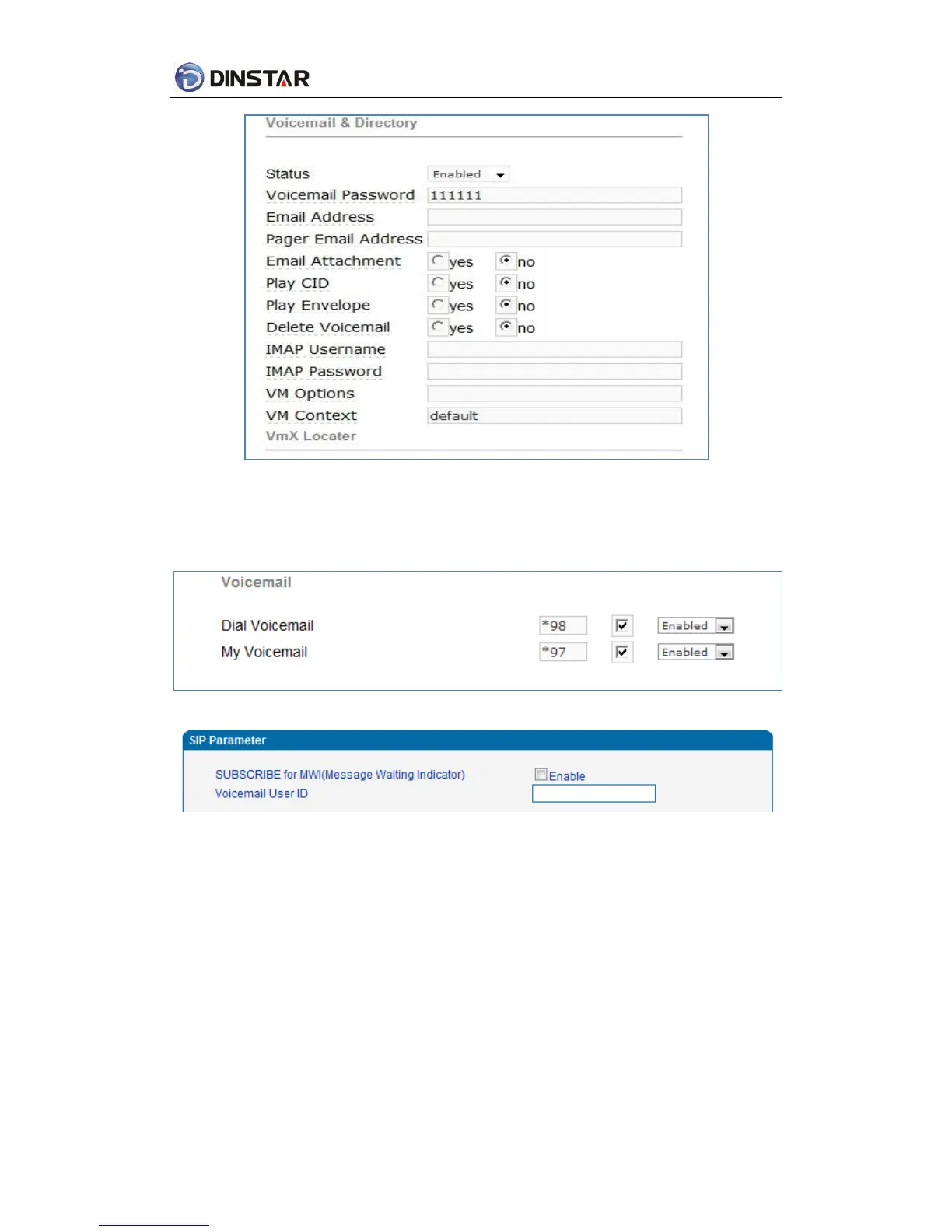
Figure 4.8-4 Elastix Voicemail Configuration Interface
2)Check feature code in Elastix and change it as necessary. Its default feature codes setting as
below:
Figure 4.8-5 Elastix Voicemail Setting
Figure4.8-6 Voice Mail Setting In SIP Parameter
3)Enable voice mail in DAG and Elastix will ask you to leave a message after ringing 15 seconds,
then Elastix will record and display your message.



 To Next Page