DAG1000/2000 Series FXS/FXO Voice Gateway User Manual
52
Dinstar Technologies Co., Ltd.
Syslog level:
• none Used to misarrange
• debug Not including function conditions or the question of other information
• notice importance common conditions
• warning Early warning information
• error Stop error conditions of tools or some part of the realization of the function
subsystem
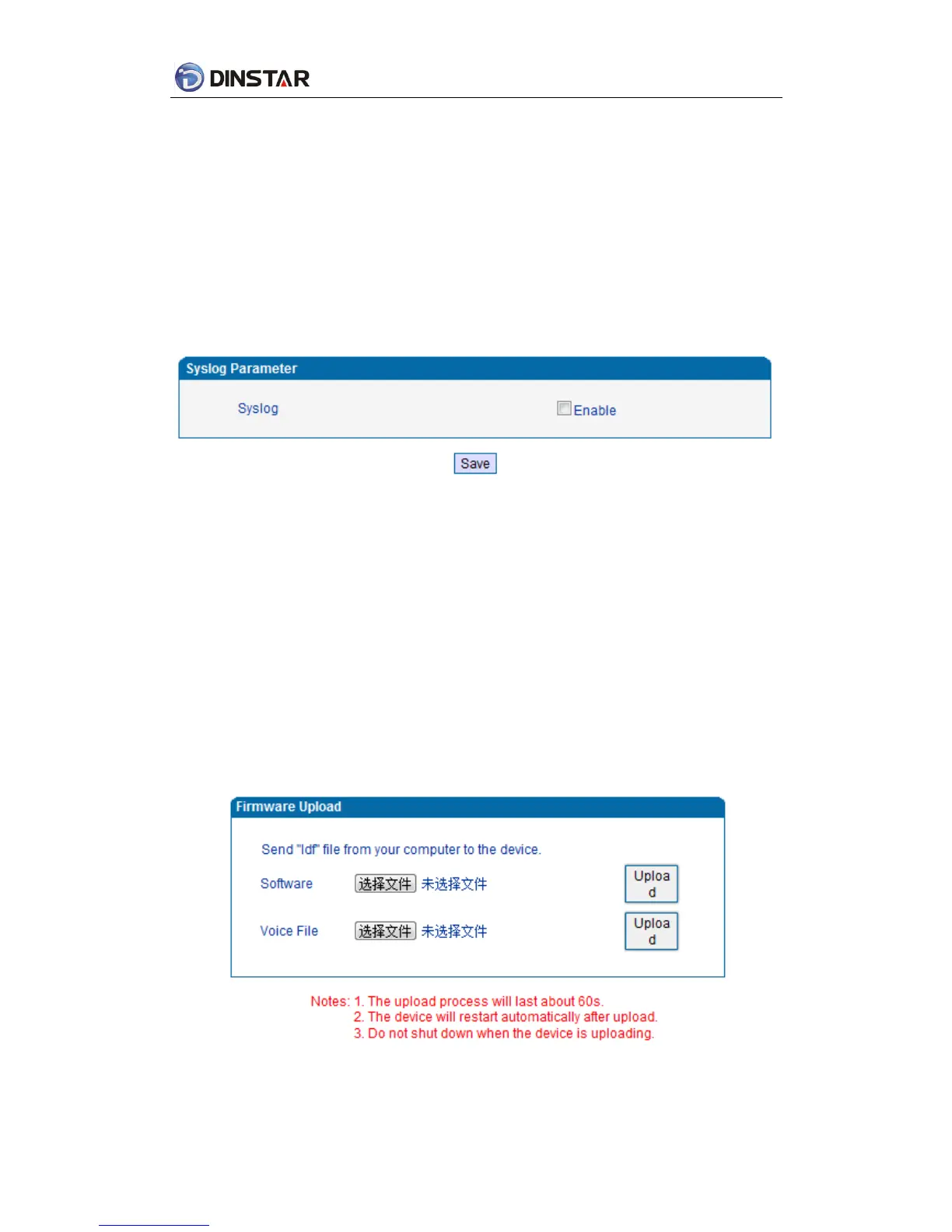
Figure 4.11-1 Syslog Parameter Configuration
Enable send CDR, and then send communication information to syslog server.
4.11.2 Firmware Upload
The process of firmware upload:
1)Click “Firmware Upload”
2) Browse files and choose the loading program (Name the file extension. ldf)
3) Click “Upload”, the upload process will last about 60s and device can automatically restart
after uploading.(The firmware update process don't shut off the power)
Figure 4.11-2 Firmware upload Configuration



 To Next Page