28
© 2016 Directed. All rights reserved.
Basic Remote Functions
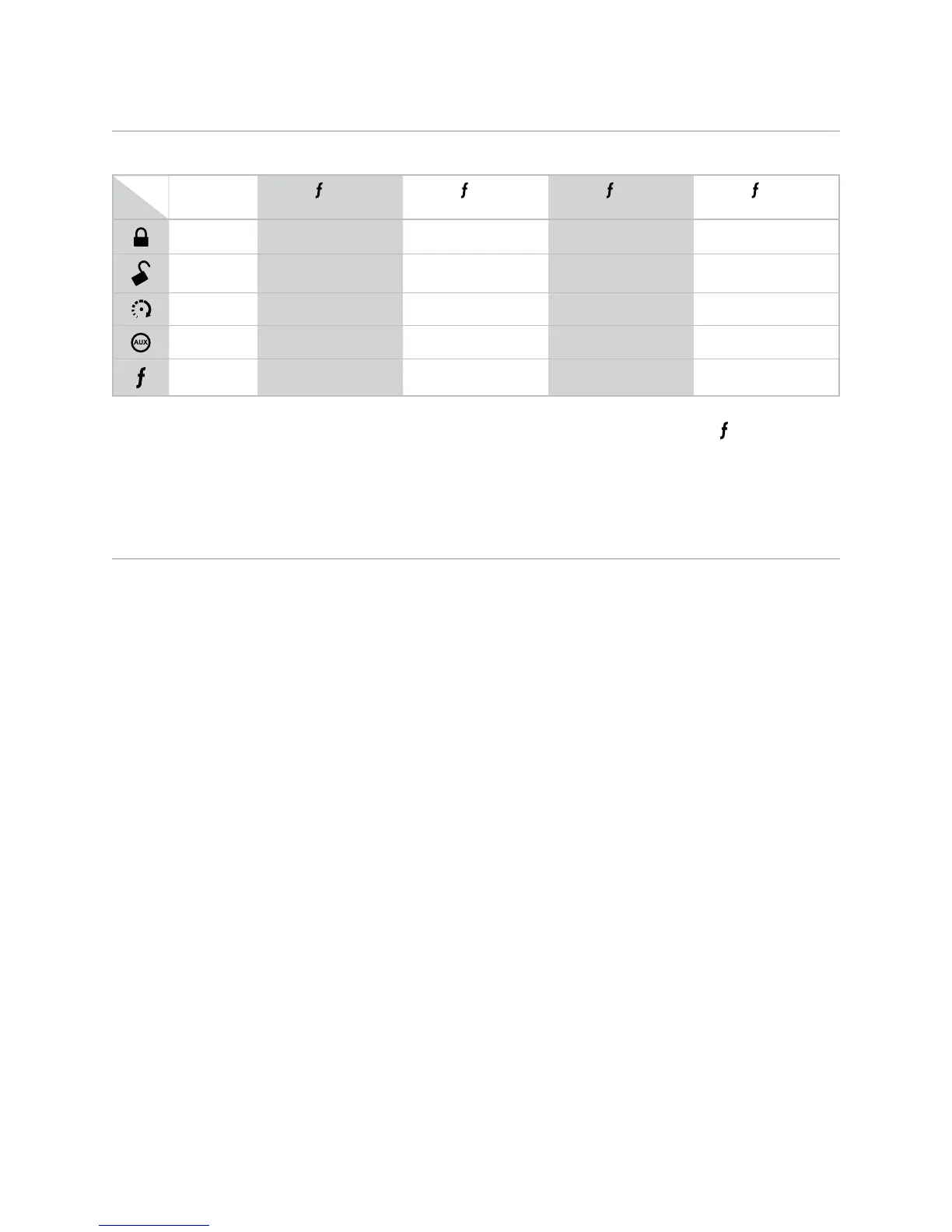
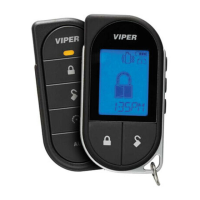
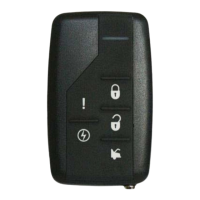
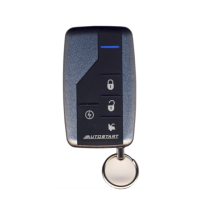
5-Button Remote Control:
Button
Level
Direct
Access
X 1 X 2 X 3 X 4
Lock Silent Mode Arm Sensor Bypass Armed (Silent Sensor) Armed (Silent Trigger)
Unlock Silent Mode Disarm Remote Valet Car Finder
Remote Start Runtime Reset Timer Mode Smart Start Rear Defogger
Trunk Release AUX 1 AUX 2 AUX 3 AUX 4
Function Shift Cabin Temperature
Request (2-Way Only)
Runtime Check
(2-Way Only)
Last Trigger Request
(2-Way Only)
Note: See Owner’s Guide of your specific model for exact functionality. The above table reflects the LCD
model but is also applicable to the LED and Companion remote controls (however, some button functions
may differ). This table does not apply to the HD model.
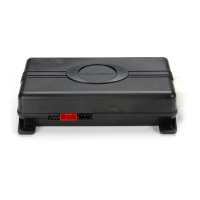
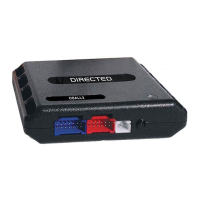
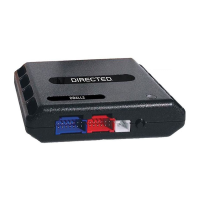
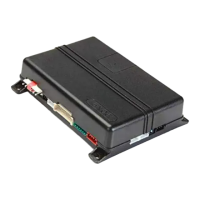
Important: If the Control Center has been replaced, all remote controls must be re-paired with the system.
See Remote Pairing for details.
Reset and Deletion
If a feature/Virtual Tach needs to be reset or the remote controls need to be deleted, use the following
procedure.
1. Open a door. (The 24-pin harness Green wire or the Violet wire must be connected.)
2. Turn the ignition to the ON position (The heavy gauge Pink wire must be connected).
3. Within 10 seconds, press and release the Control Center button 2 times if you want to delete remote
controls, 3 times to reset features or 4 times to reset Virtual Tach.. These function steps are described
next.
Step 2:
Delete remotes: This feature erases all remote controls from the memory of the security system. This is
useful in cases when a customer’s remote is lost or stolen.
Note: This does not reset the programmed features of the security system or reset the Virtual Tach
setting.
Step 3:
Reset Features: This resets features all of the security system to the factory default settings.
Note: This feature does not delete the remote controls from the security system or reset the Virtual
Tach setting
Step 4:
Virtual Tach Reset: Deletes all previously learned values for Virtual Tach, and on the next remote start
sequence the unit begins Virtual Tach initialization.
Note: The “Zap” feature on the Bitwriter does not reset the Virtual Tach setting.
4. Once you have selected the function step, press the Control Center button once more and hold it.
The LED flashes and the siren chirps to confirm the selected functional step. Do not release the Control
Center button.




 To Next Page