page 14 of 44 M.1k2 Hardware Guide - Version 1.3
CHAPTER 3: Installation
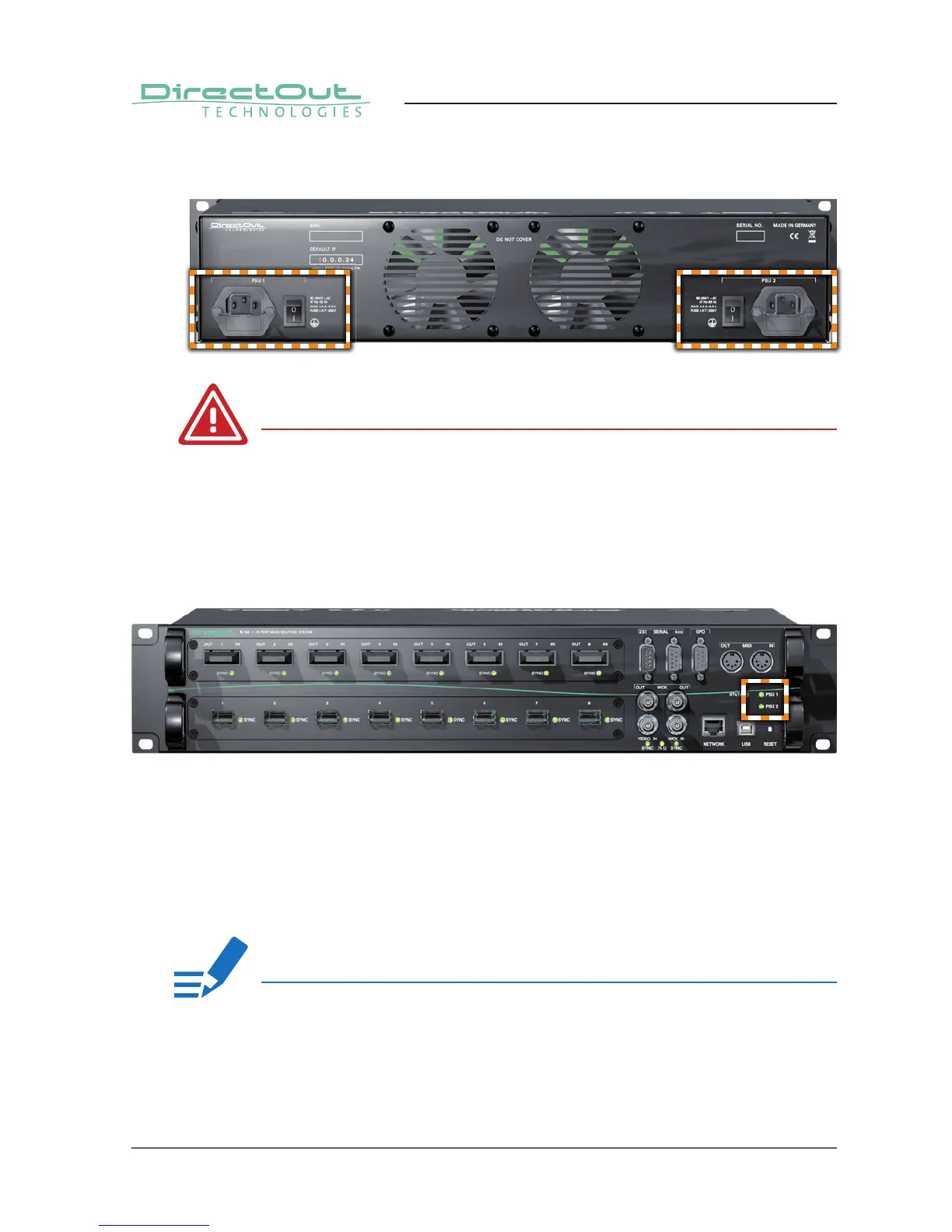
4. Using the power cord provided connect the PSU to a matching power supply:
WARNING!
This device must be connected to the mains using the three-cord power leads
supplied with the system. Only supply the voltages and signals indicated (84 V –
264V).
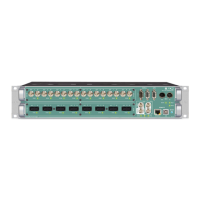
5. Turn on the power switch and check the status of the PSU leds on the front
panel:
6. Network integration of the controller (online wizard for initial setup of the
network connection) - see „Network integration“ on page 16.
7. Check if the latest fi rmware is installed on the device. It is highly
recommended to use the latest version.
To check the fi rmware version, open the GUI in a browser and go to ‘Misc -
Version - System Information’.
NOTE!
For help with the fi rmware update procedure see „Appendix E - Firmware Update
Instruction“ on page 32.


 To Next Page