Introduction
7
Why Connect to a Phone Line
WHY CONNECT TO A PHONE LINE
Your satellite receiver is equipped with a standard telephone jack that you use to connect
to an active telephone line. Keep the receiver connected to an active telephone line so
that you are able to order pay-per-view programs using your remote control, use all of the
DishHOME Interactive TV features, and use other services from DISH.
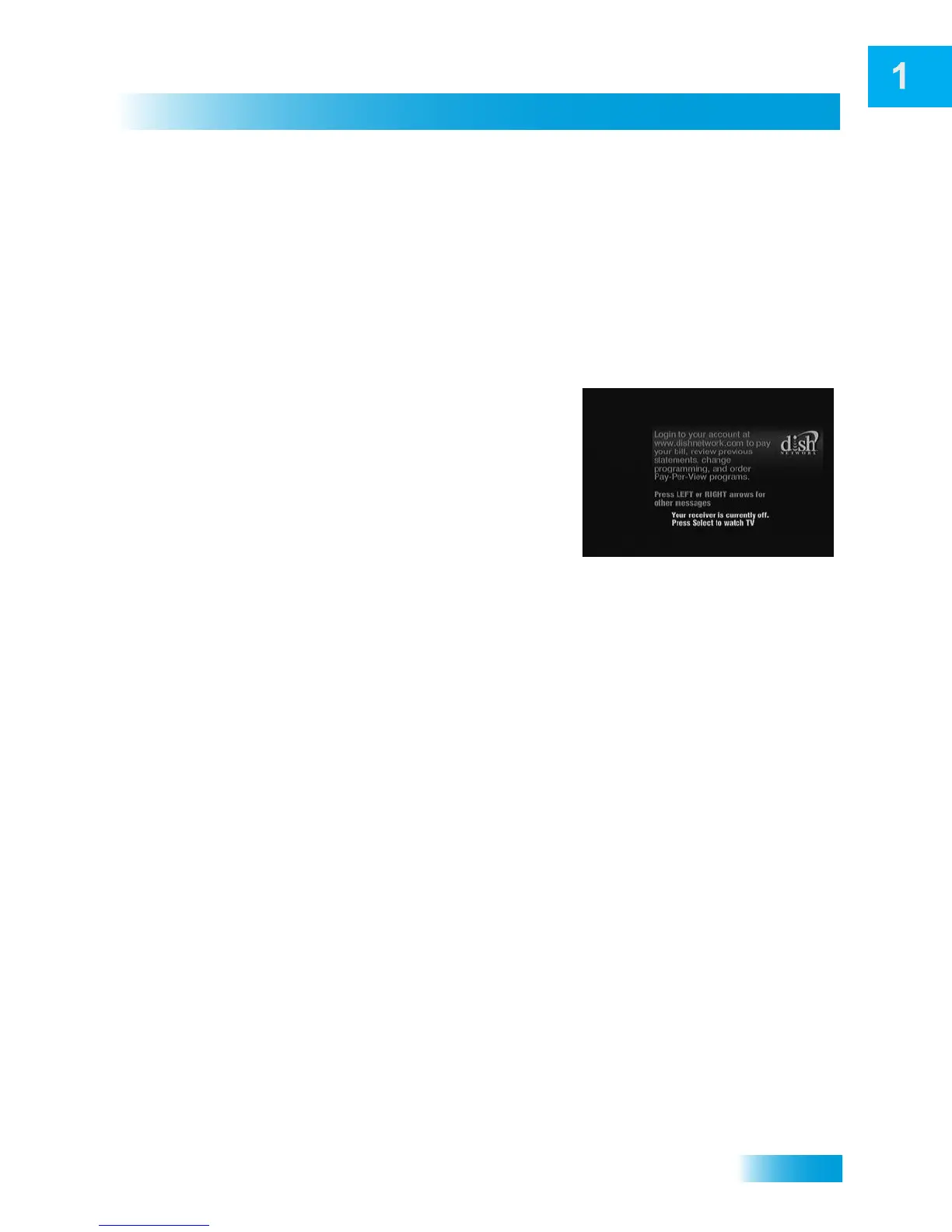
MOVING ON-SCREEN LOGO
Whenever the receiver is turned off using the
remote control or front panel POWER button, the
DISH logo and helpful tips displays on your TV
screen. This feature is included with your receiver
to assure you that the connections between your
receiver and TV(s) are not lost and also provides
useful information about your receiver and its
features. Press POWER or SELECT on the remote
control to resume watching satellite TV
programming.
The moving logo does not display if you have the receiver connected to the TV with the TV
SET OUT connection (see page 85).













 To Next Page