Chapter 2
16
Using Text Fields
List of Choices in the Menus
When you make a choice in a list, the receiver does not apply the change until you select
Done. If you do not want to save any changes, select CANCEL to discard all the changes
made in the menu.
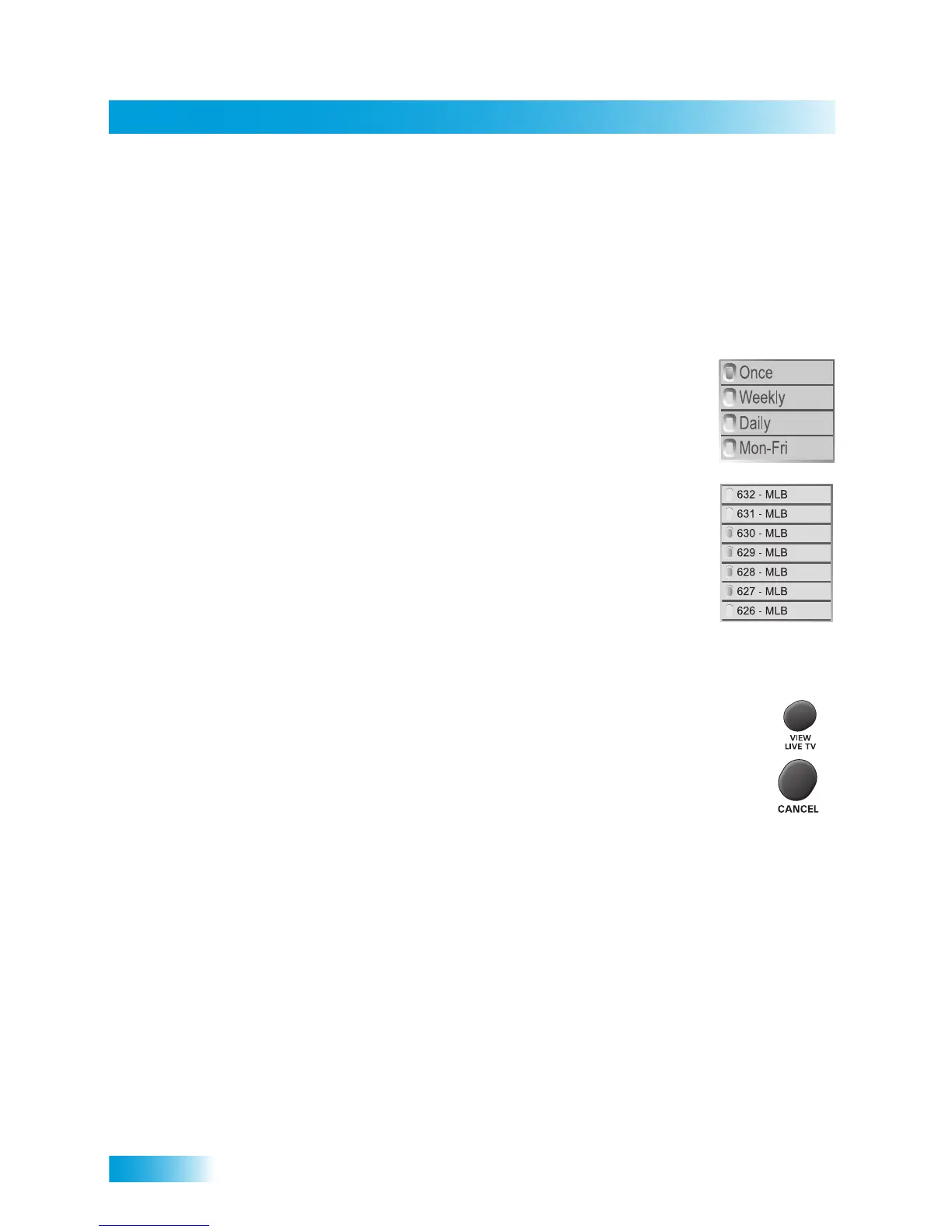
There are two types of lists:
• A single choice list allows you to select only one choice at a time.
If you select another choice, your previous choice is deselected.
• A multiple choice list allows you to select more than one choice
at one time. If you select another choice, your previous choice(s)
stays selected.
Canceling a Procedure
You can cancel a procedure in any of three ways:
• If you want to return to watching a program, press VIEW LIVE TV.
• If you want to return to the previous menu, press CANCEL.
• Wait a few minutes and the menu will close automatically, discarding any
changes you have made.
USING TEXT FIELDS
When you use features on the receiver, you might be required to enter information, such
as the name of a movie when using Search, into areas known as text fields. Your receiver
has two basic ways to enter the information:
• On-screen keyboard
• Remote control NUMBER PAD













 To Next Page