Satellite Receiver
17
Using Text Fields
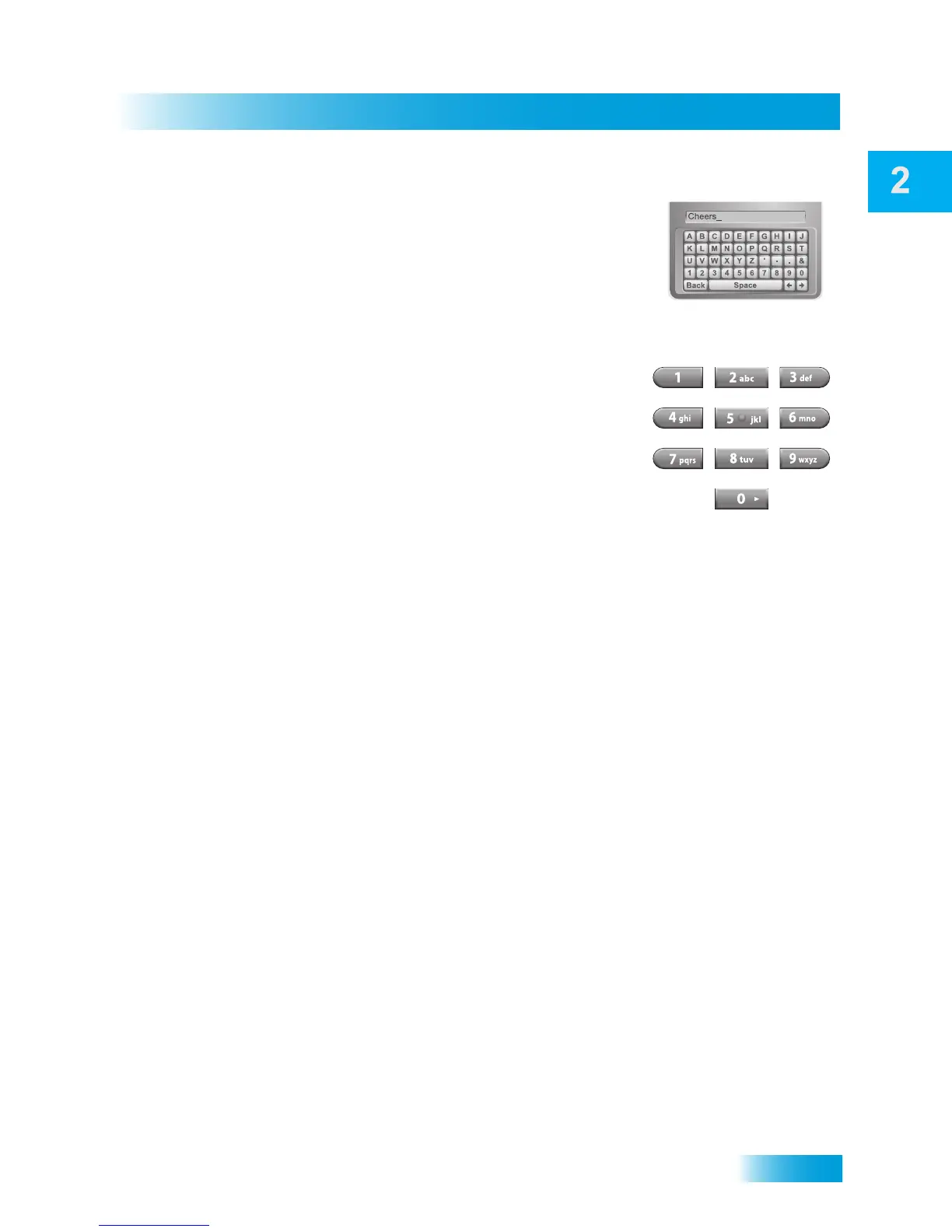
Using the On-screen Keyboard
Use the on-screen keyboard letters to type the information.
Use the LEFT, RIGHT, UP, and DOWN ARROWS to
navigate around the keyboard. Select the characters you
want.
Using the Number Pad
Use the letters above the NUMBER PAD on the remote
control while the highlight is in the field. For example, when
looking for the channel and times to watch Rudy Presents,
you press 7 three times for an R, 8 two times for a U, 3 one
time for a D, and 9 three times for a Y to spell the word
“Rudy.”
While in the Text Field
When the cursor is in the field:
• Press the LEFT ARROW to delete characters.
• Press 0 to enter a blank space, such as between words.
• Press STAR to backspace without deleting characters.
• Use the RIGHT ARROW to forward space without deleting characters.













 To Next Page