Page 37
Using Timers
6. Select a channel:
• Highlight a channel using the UP or DOWN
ARROW button. Then, press the SELECT button.
• Enter a channel number using the number buttons.
7. Select the
Set Date/Time option. The receiver displays the Set Day/
Time for Manual Timer menu.
8. Use the NUMBER PAD buttons to enter the
Start Time (this includes
selecting
AM or PM) and the End Time (this includes selecting AM or
PM).
9. Use the NUMBER PAD buttons to enter the Date.
10. Select the
Create Timer option.
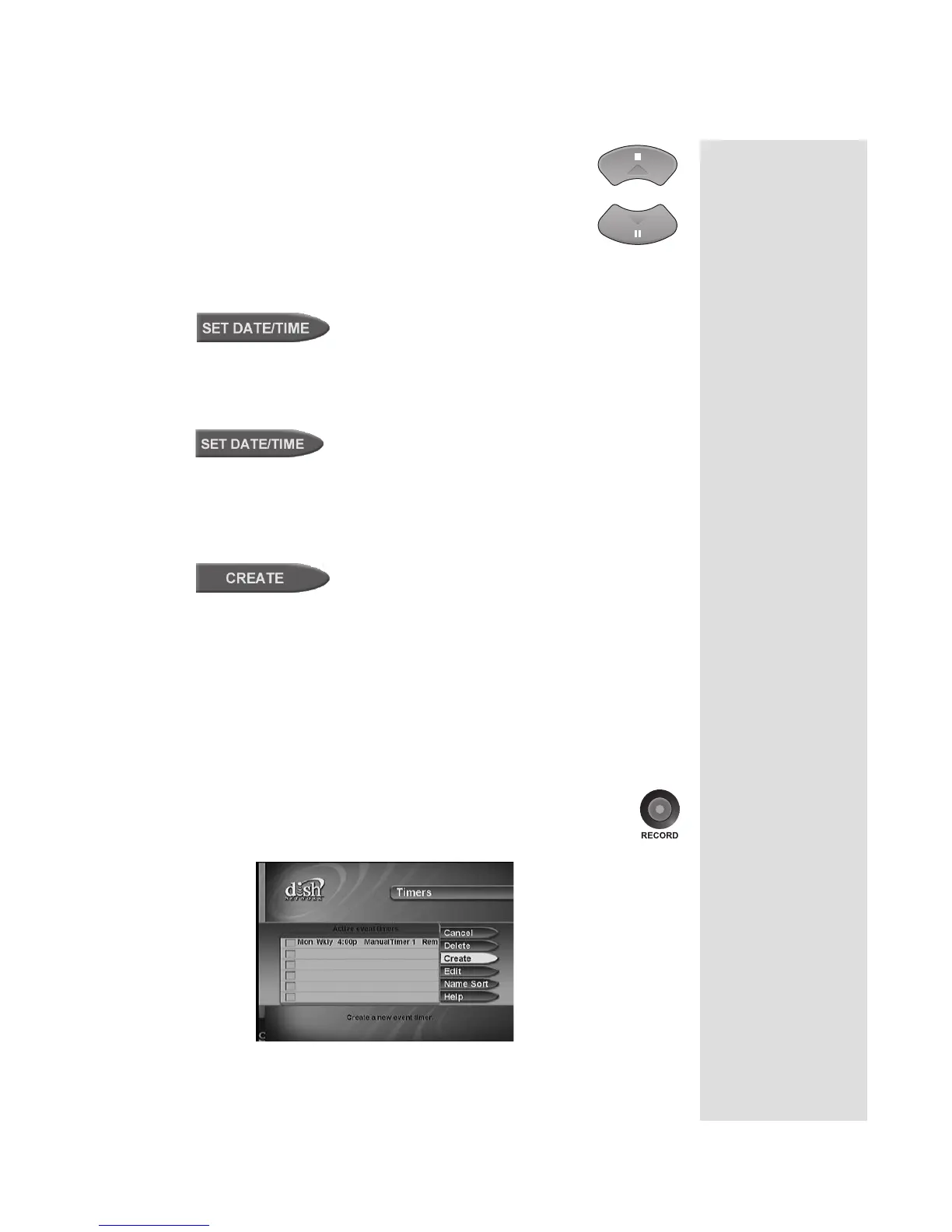
11. To create another event timer select the
Create option again.
Note: You cannot set a manual event timer for a pay-per view event.
QUICK RECORD
You can quickly create a one-time VCR Event Timer using the following
steps:
1. Highlight a future program in the Browse Banner, the Program Guide,
or a Themes menu.
2. Press the RECORD button.
The receiver displays the
Create an Event Timer menu.
Tip: For this
record function to
work, you must
set up the
receiver to
control your VCR.
See page 41 for
more information.











 To Next Page