Page 9
Chapter 2
The Parts of the System
Parts of the System
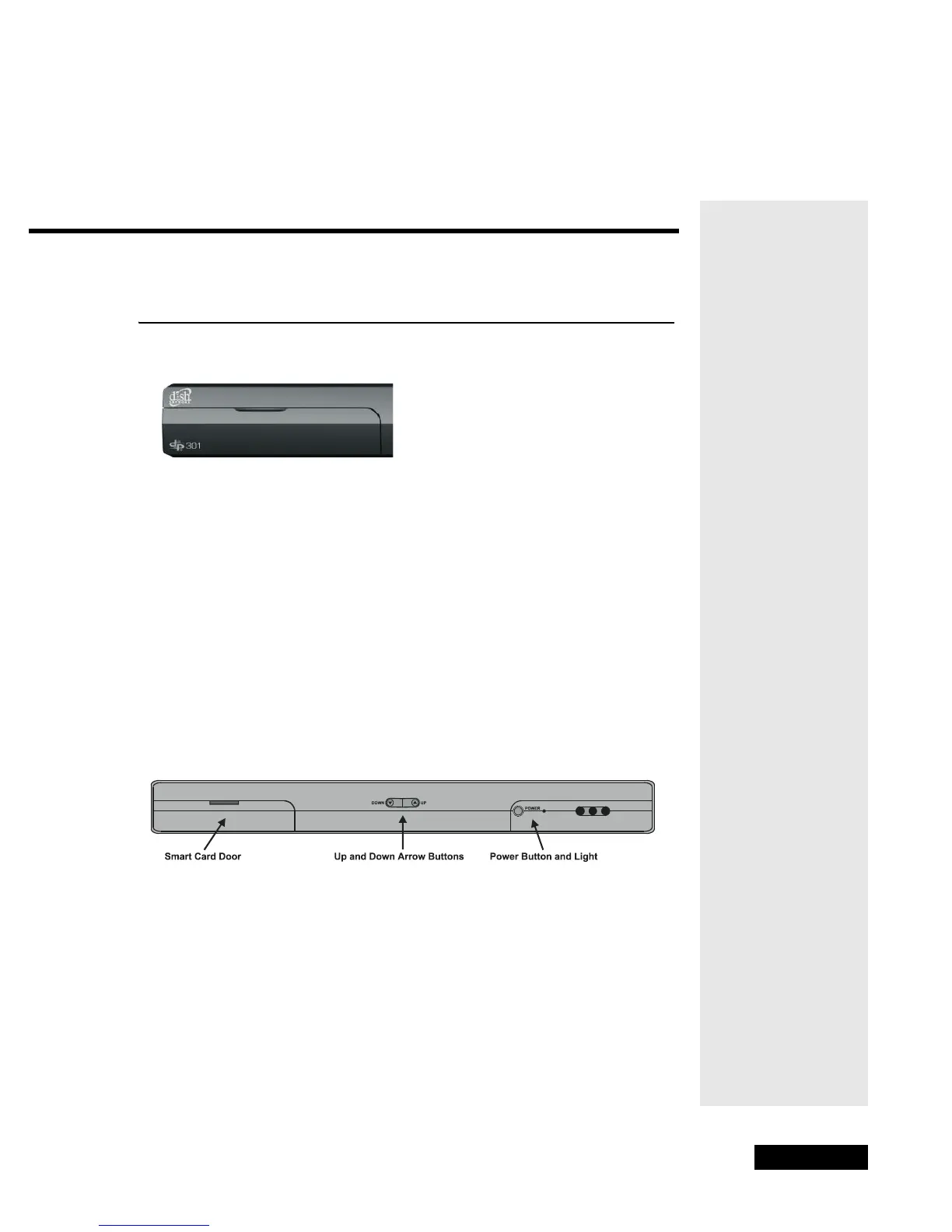
THE RECEIVER FRONT PANEL
ACCESS DOOR
The Smart Card should already be inserted in the receiver front panel slot,
behind the door.
CONTROL BUTTONS
The front panel buttons give you some control over the receiver. These buttons
work the same way as the matching remote control buttons, described in the
chapter titled Using the System.
IR SENSOR AND IR BLASTER
The IR Sensor receivers IR signals from the remote control. For information
on the IR Blasters, see page 41, Setting Up the Receiver and VCR to use VCR
Event Timers.
POWER LIGHT
This green light on the front panel lights up when you turn the receiver ON
and goes out when you turn the receiver OFF.



 To Next Page