Page 11
The Menus
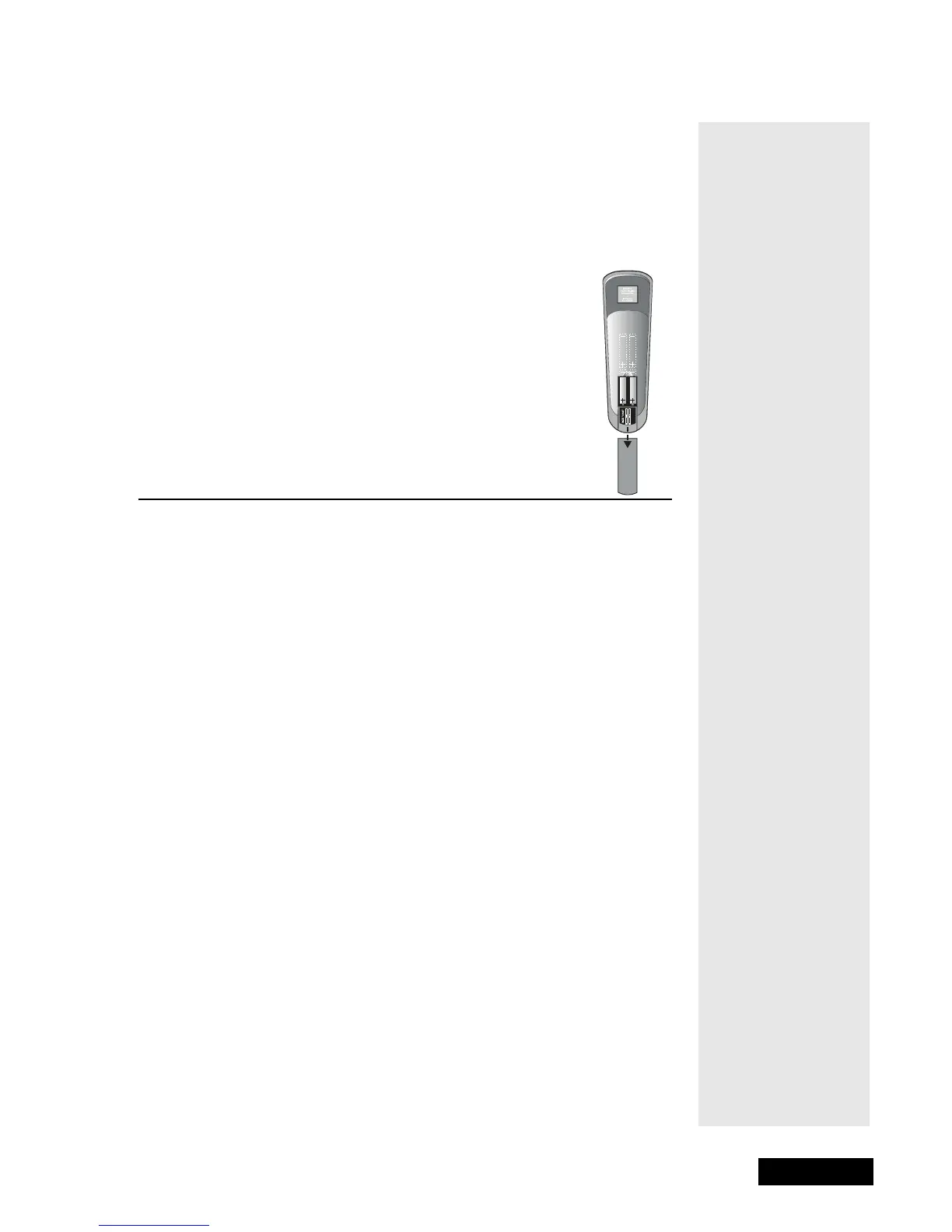
REMOTE CONTROL BATTERIES
The remote control comes with AAA batteries. When you replace old
batteries, you should replace all of the batteries. Use batteries of the same
kind, for example alkaline or carbon zinc, and don’t mix batteries of different
kinds. Alkaline batteries last longer.
1. Press down on the battery cover’s top latch and lift
the cover off.
2. Take out all of the old batteries.
3. Put the new batteries in. Make sure you match the
plus (“+”) ends with the plus markings on the battery
case.
Fit the battery cover’s bottom tab back into the slot at the
bottom of the battery case, and snap the cover back into place.
THE MENUS
The next few pages describe the menus that the receiver displays on the
television screen. The diagram on the following page shows how the menus
are related to each other. The section titled Using the System explains in more
detail how to use the menus to operate the system.



 To Next Page