Page 26
Chapter 3
Using the System
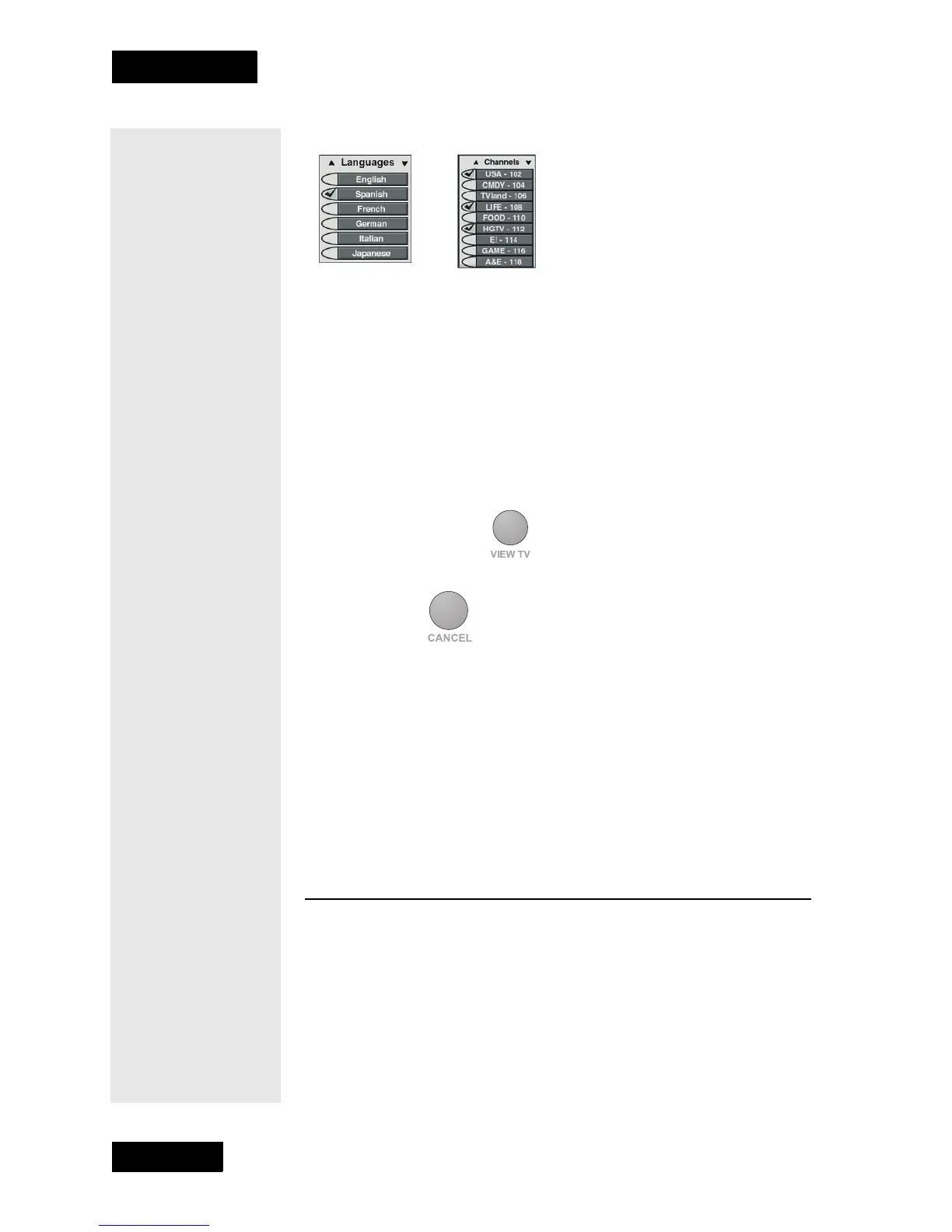
When you select a choice in a list, it looks like this:
CANCELING A PROCEDURE
To cancel a procedure, you must press the remote control Cancel or View
TV button before you do the last step of the procedure. If this
does not
work, you must finish the procedure.
You can cancel a procedure in any of three ways:
• If you want to return to watching a program, press the remote control
View TV
button.
• If you want to return to the previous menu, press the
Cancel
button.
• Wait a few minutes and the menu will close, discarding any changes
you have made.
CHANGING CHANNELS
Either: Press the remote control Up or Down arrow button to get to the
desired channel.
Or: Use the remote control number pad buttons to enter the desired
channel number.
USING THE PROGRAM GUIDE
The on-screen Program Guide provides a complete listing of the
available channels and programs. You can use the Program Guide to
change channels, to see what programs are scheduled, and to buy pay per
view programs. The Program Guide shows which Favorite List
is active.
Tip: You can
cancel out of any
menu option or the
program guide at
any time, and
immediately return
to viewing a
program by
pressing the View
TV button.
Tip: The channel
you select may
display one of
several program
information
symbols. If the
program is on a
channel that is not
part of your
subscription, the
channel will be in
red.



 To Next Page