Page 116
Appendix A
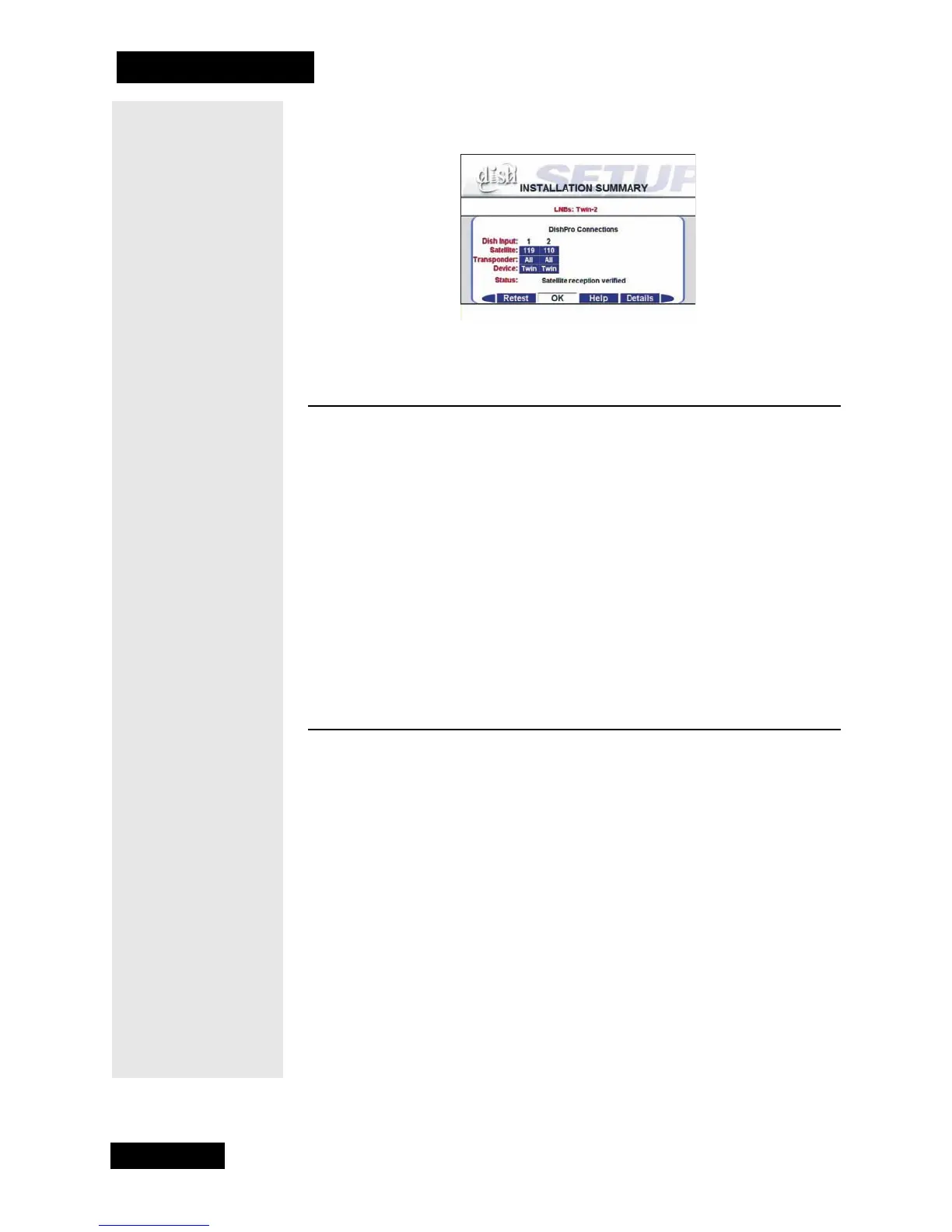
and the message “Satellite reception verified.” If not, you will need to
check all your cables and connections, and then run Check Switch again.
INSTALLING A DISHPRO OR LEGACY RECEIVER IN AN
EXISTING SYSTEM WITH LEGACY DUAL LNBFS
Note: Use RG-6 cable for all receiver to switch or LNBF connections,
and make sure there is less than 100 feet of cable between the receiver and
the dish.
1. Connect the new receiver’s TV Out to your television’s RF tuner input
using coaxial cable. Check to see that the Channel 3/4 switch on the
new receiver’s back panel is set to the same channel 3 or 4 as your TV.
Make sure both the receiver and TV are turned on.
2. Go to page page 76 and do steps #6 through #12, omitting steps #8
and #9as your dish is already pointed for the strongest possible sig-
nal.
INSTALLING A DISHPRO OR LEGACY RECEIVER IN AN
EXISTING SYSTEM WITH LEGACY TWIN LNBF
Note: Use RG-6 cable for all receiver to switch or LNBF connections,
and make sure there is less than 100 feet of cable between the receiver and
the dish
1. Connect the new receiver’s TV Out to your television’s RF tuner input
using coaxial cable. Check to see that the Channel 3/4 switch on the
new receiver’s back panel is set to the same channel 3 or 4 as your TV.
Make sure both the receiver and TV are turned on.
2. Go to page page 79 and do steps #6 through #12, omitting steps #7
and #8 as your dish is already pointed for the strongest possible sig-
nal.



 To Next Page