Page 17
Chapter 3
Using the System
Using the System
BACK PANEL CONNECTIONS
For information on wiring, and wiring diagrams, see the installation
instructions in Chapter 4. It includes information on installing multi-dish
setups and switches.
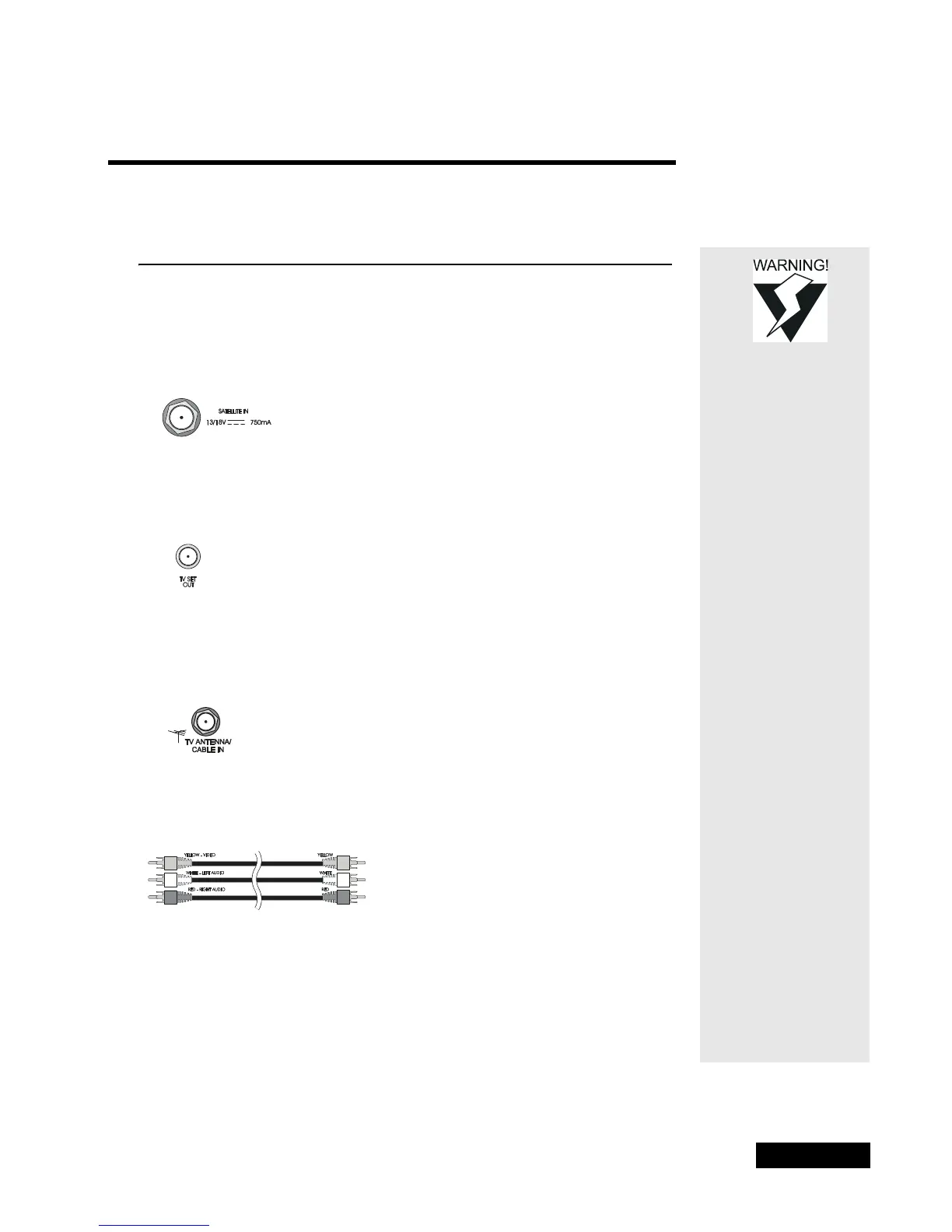
SATELLITE
Connect the coaxial cable from the satellite dish to the receiver using this
input.
TV SET OUT CONNECTION
The back panel TV Out connection provides good video and mono
(non-stereo) audio quality.
TV ANTENNA/CABLE IN
If you connect a cable TV box or a broadcast TV antenna to the receiver, use
the back panel
TV Antenna/Cable In connection for the local signal.
PHONO (RCA) AUDIO/VIDEO OUTPUTS
The back panel phono (RCA) audio/video outputs provide good picture
quality and stereo sound. If the TV has only one input for this type of audio,
connect it to the right (
R) phono (RCA) audio output on the receiver.
If you use the phono (RCA) audio/video outputs to connect the receiver with
other devices, you may need to use the menus displayed by each device to
Tighten the
coaxial cable
connections only
by hand.
Tip: If you connect
a VCR to the
receiver, you must
also set both the
VCR channel
switch and
viewing channel
to this same
channel.



 To Next Page