lPage 25
Using the Menus
LISTS OF CHOICES IN THE MENUS
When you make a choice in a list, the receiver does not apply the change until
you select the Save or OK option. If you do not want to save any changes,
select the Cancel option to discard all the changes made in the menu.
There are two types of lists:
• A single choice list allows you to select only one choice at a time. If you
select another choice, your previous choice is deselected.
• A multiple choice list allows you to select more than one choice at one
time. If you select another choice, your previous choice(s) stays
selected.
HIGHLIGHTING A CHOICE IN A MENU LIST
Use the remote control Arrow buttons to move the highlight to the desired
item in the list. The black arrows on the list show where you can move the
highlight.
SELECTING A CHOICE IN A MENU LIST
To select a choice in a list, highlight the choice and then press the remote
control Select
button. Make sure you select the Save or OK option to save
your choice. Select the Cancel option to discard your choice.
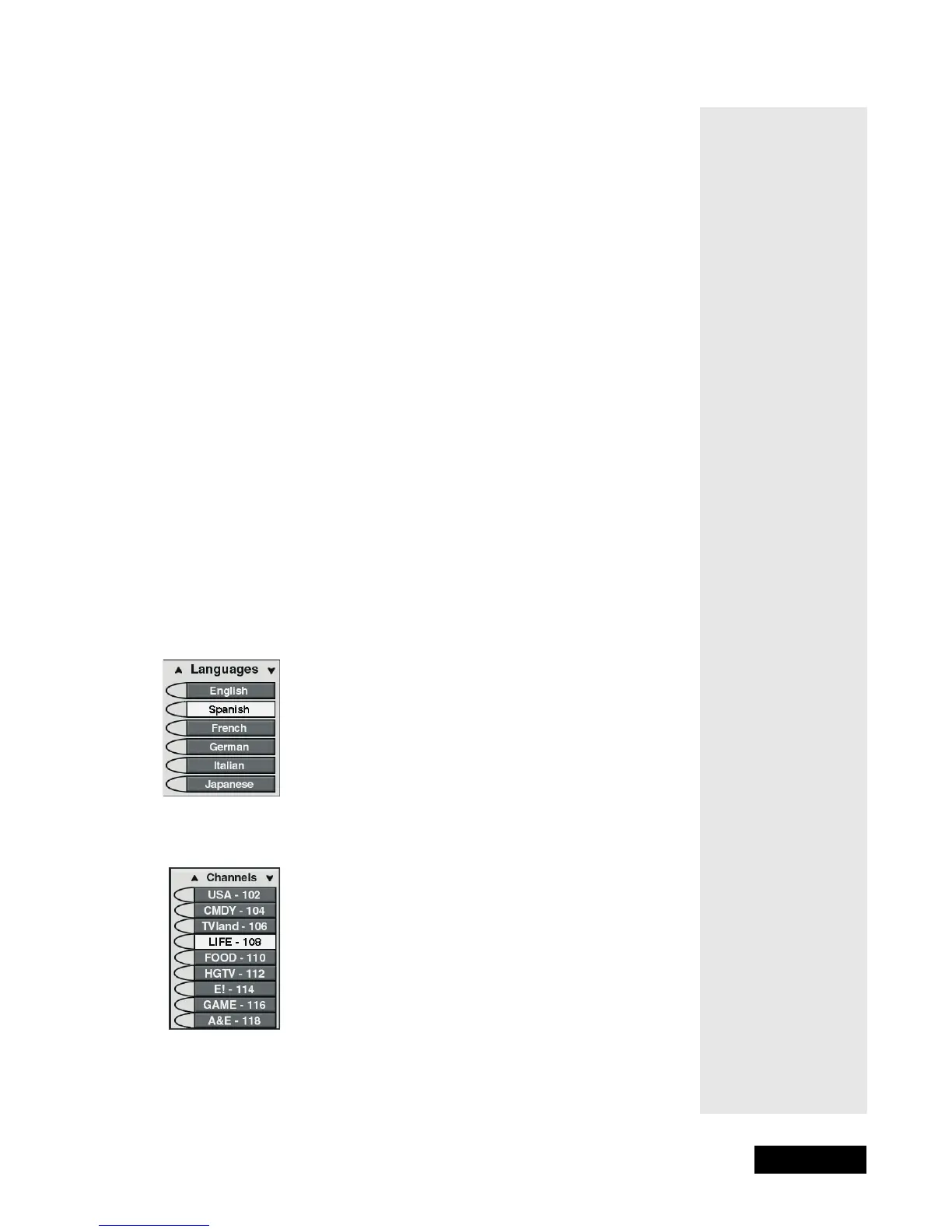
When you highlight a choice in a single choice list, it looks like this. In this
example, the Spanish option is highlighted.
When you highlight a choice in a multiple choice list, it looks like this. In this
example, the LIFE - 108 option is highlighted.



 To Next Page