lPage 19
Using the Remote Control
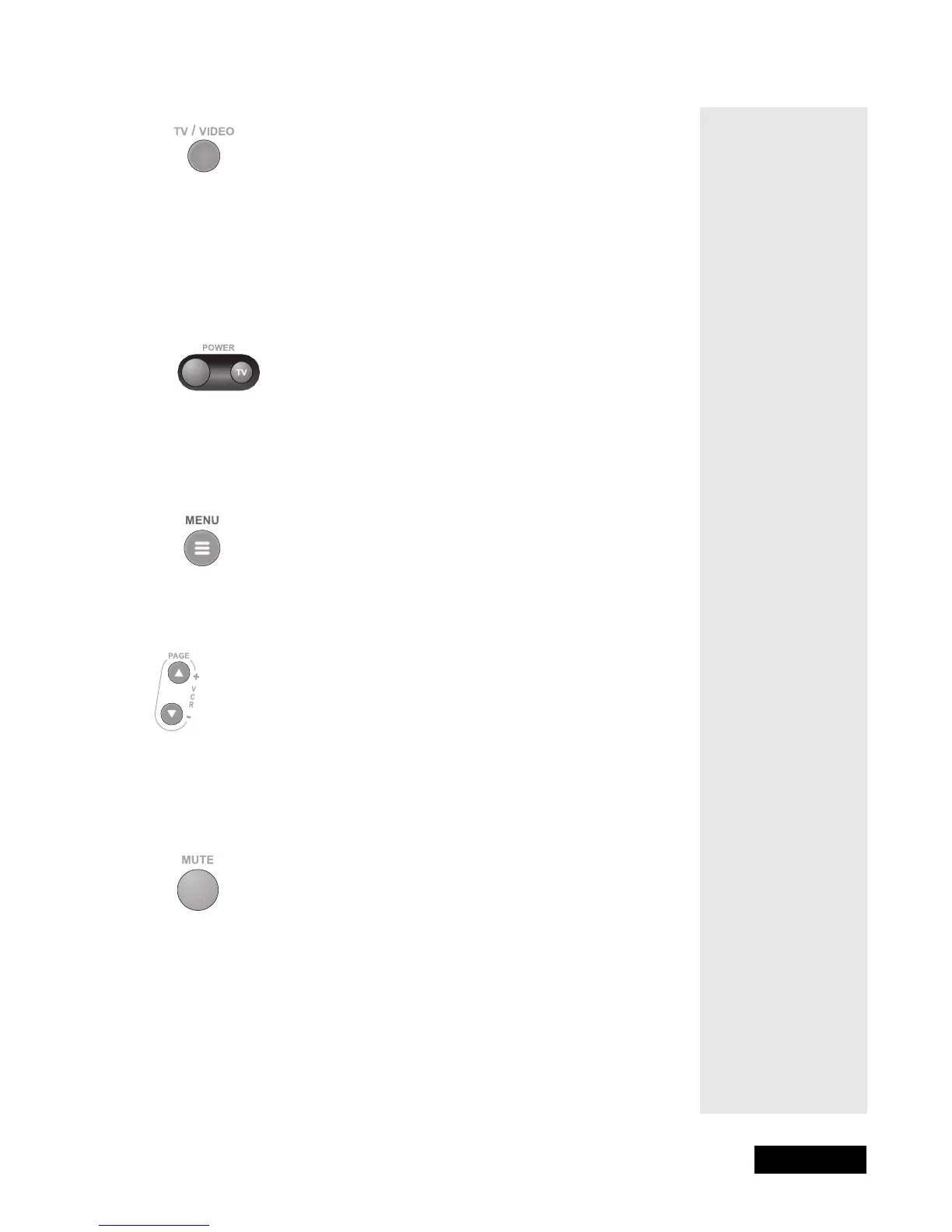
TV/VIDEO BUTTON
If you connect the receiver using its back panel TV Antenna/
Cable In and TV Set Out connections, use this button to switch the receiver
between the satellite signal (routed into the receiver’s Satellite In input) and
another video signal such as cable or broadcast TV antenna input (routed into
the receiver’s TV Antenna/Cable In input).
POWER BUTTON
Press the left red button to turn the receiver ON or OFF. The green Power
light on the receiver front panel lights up to show that the receiver is ON, and
goes out to show that the receiver is OFF.
MENU BUTTON
Press this button to open the Main Menu.
PAGE UP AND PAGE DOWN (ARROW) BUTTONS
Press the Page Up button or the Page Down button to scan, page by page,
through the Program Guide, a Theme Categories list, a Favorite List,
an Event Timers list, or a list of channels.
MUTE BUTTON
Press this button to turn off the sound. Press it again to restore the sound.
Note: You must program the remote to control your TV for the Mute
button to work as described.



 To Next Page