Page 36
Chapter 3
Using the System
instead of having the option to stop the timer, you have the option to
tune to the program.
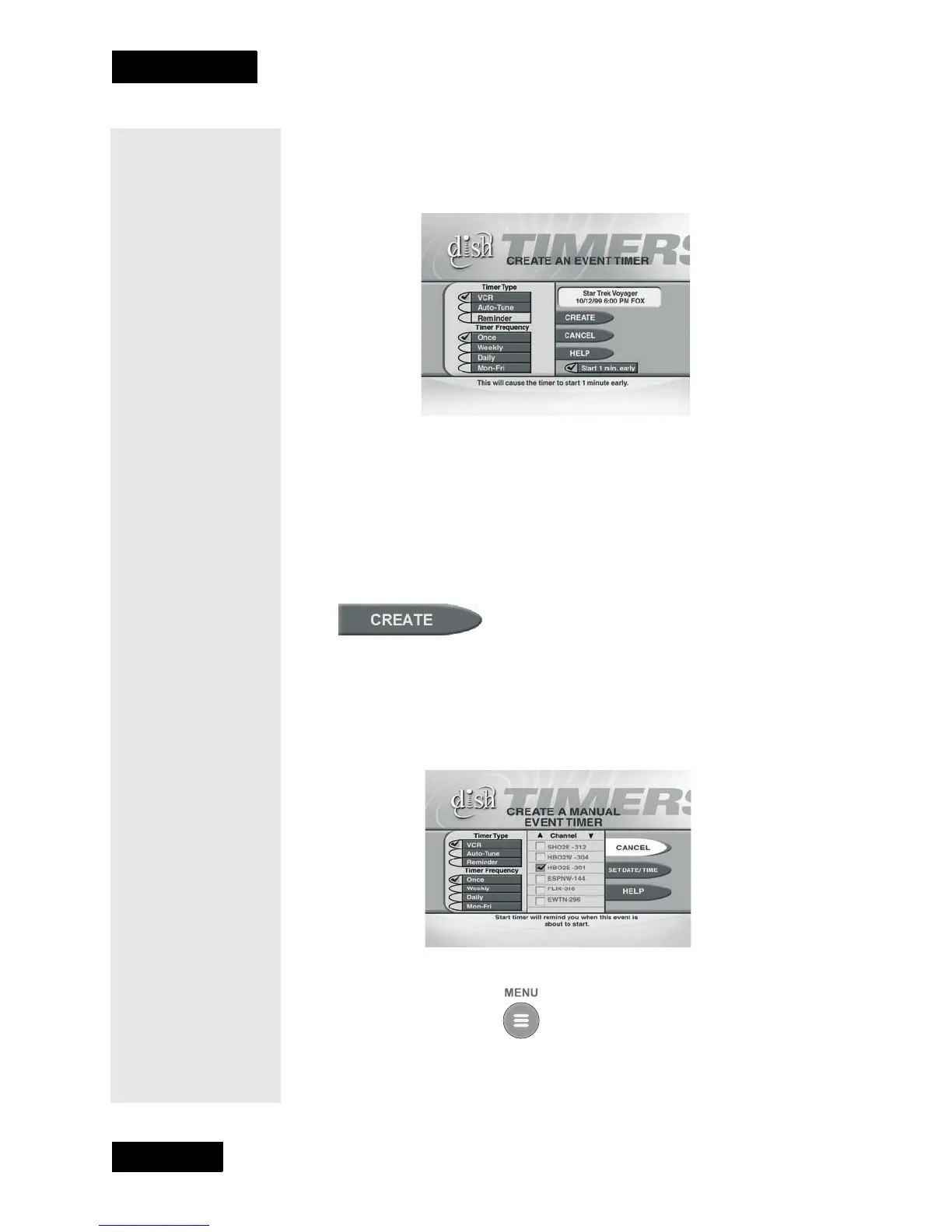
SETTING UP AN AUTOMATIC EVENT TIMER
1. Select a future program using the Browse Banner, Themes Menu
or the Program Guide.
2. Select a Timer Type option.
3. Select a Timer Frequency option. If you do this, a check mark
appears in the box.
4.
Select the Create option to save the event timer.
5. The receiver displays a timer symbol in the Program Guide, and also
when you press the Information button to get information about
the program.
SETTING UP A MANUAL EVENT TIMER
1. Press the Menu button.
2. Select the Timers option.
Tip: To record a
particular
program or
programs, use
the Program
Guide or your
printed television
guide to see when
the program(s)
starts and stops
— before you go
to the
Set Date/
TIme for Manual
Timer menu.
Tip: You may start
any timer one
minute early. But
if you set back-to-
back event timers
and the second
one starts early,
the first one will
end early. An event
timer cannot start
early for a pay per
view program.



 To Next Page