Page 52
Chapter 3
Using the System
7. Turn the device back ON and try some other buttons to make sure
they work. Sometimes, the Power button may work when other
buttons do not. If the code works for other buttons, stop here.
8. If the code you entered does not work, repeat steps 3 through 7 using
another code from the tables.
9. If you have tried all of the codes listed for the device without success,
or if you cannot find the device brand name in the tables, see Scan for
Device Codes on page 56.
CONTROL A TV (OR A SECOND TV)
TV MODE BUTTON
To use the remote to operate a television, then you must press the TV
mode button to set the remote to TV mode. The TV mode button’s back
light turns ON to show that the remote is set to TV mode. Make sure to
keep the remote in TV mode to use the buttons as described in this section.
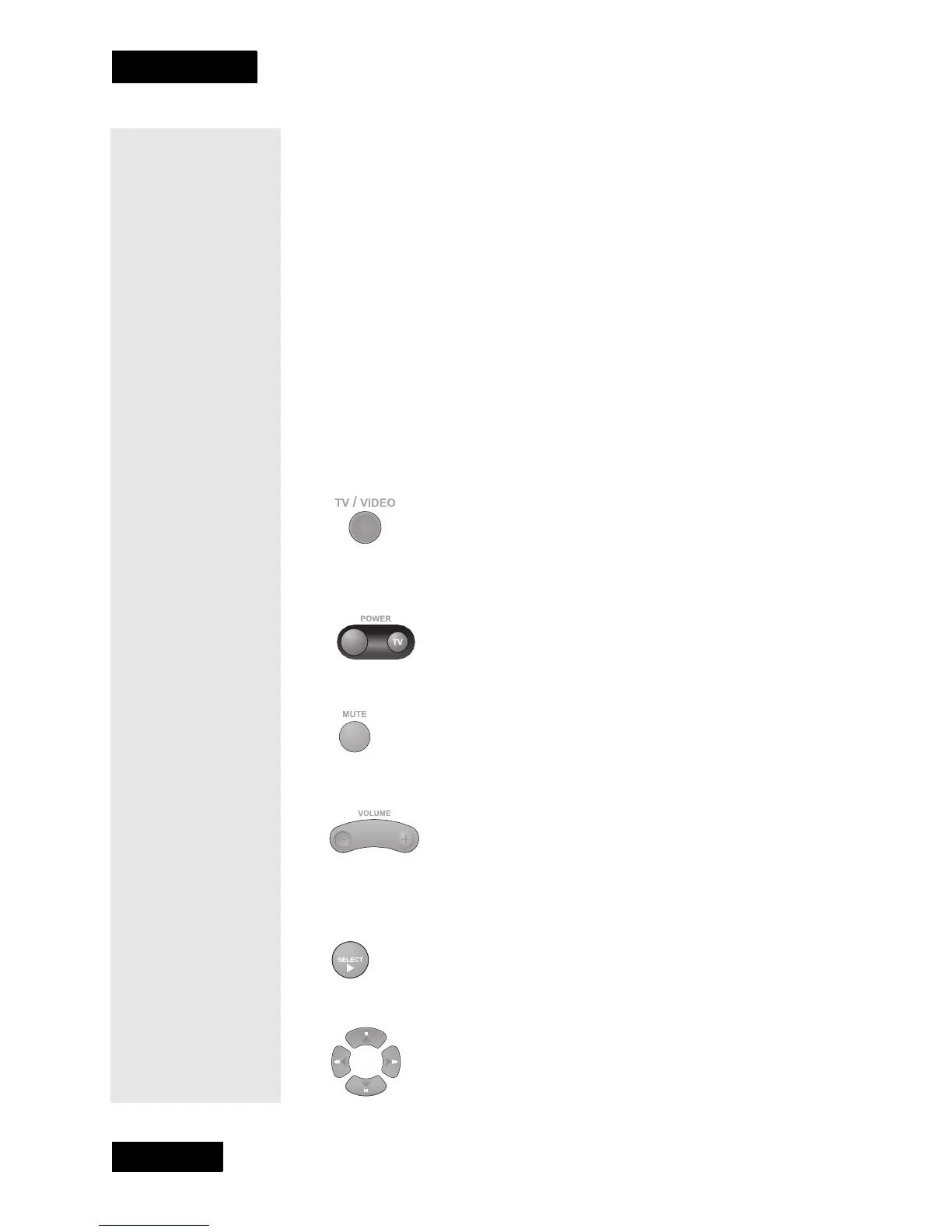
TV/VIDEO BUTTON
If the TV has video input options, use this button to switch the TV among
those options.
POWER BUTTON
Press this button to turn the television ON or OFF.
MUTE BUTTON
Press this button to turn off the sound. Press it again to restore the sound.
VOLUME BUTTON
Press the left-hand, minus (-) side of this button to lower the sound
volume. Press the right-hand, plus (+) side of this button to raise the sound
volume.
SELECT BUTTON
The Select button works as the Enter button for a TV.
UP/DOWN (ARROW) BUTTONS



 To Next Page