Page 7
jdkfjdkfjdkfdjskfdjfkdjSolar Interferencefmkdfjkdfkdfdfd
Solar Interference
Note: The Program Guide provides a complete listing of all pro-
grams available on all channels, including those that are not in your
subscription (these channels have red backgrounds).
• While viewing a program, press the Browse (Right Arrow) button.
Then press either the Up or Down Arrow. The information on other
channels will appear in the Browse Banner at the bottom of the
screen. Press Select to watch the program.
• Press the Menu button and select Program Guide from the Main
Menu. When the Program Guide opens, use the Up or Down
Arrow to view information on other channels. Once you have
highlighted a program in the Program Guide, press Select to watch
it.
Note: If you select a program that has not yet started, the receiver
displays a Create an Event Timer menu (for more information on
Event Timers, see page 34).
SATELLITE SIGNAL QUALITY
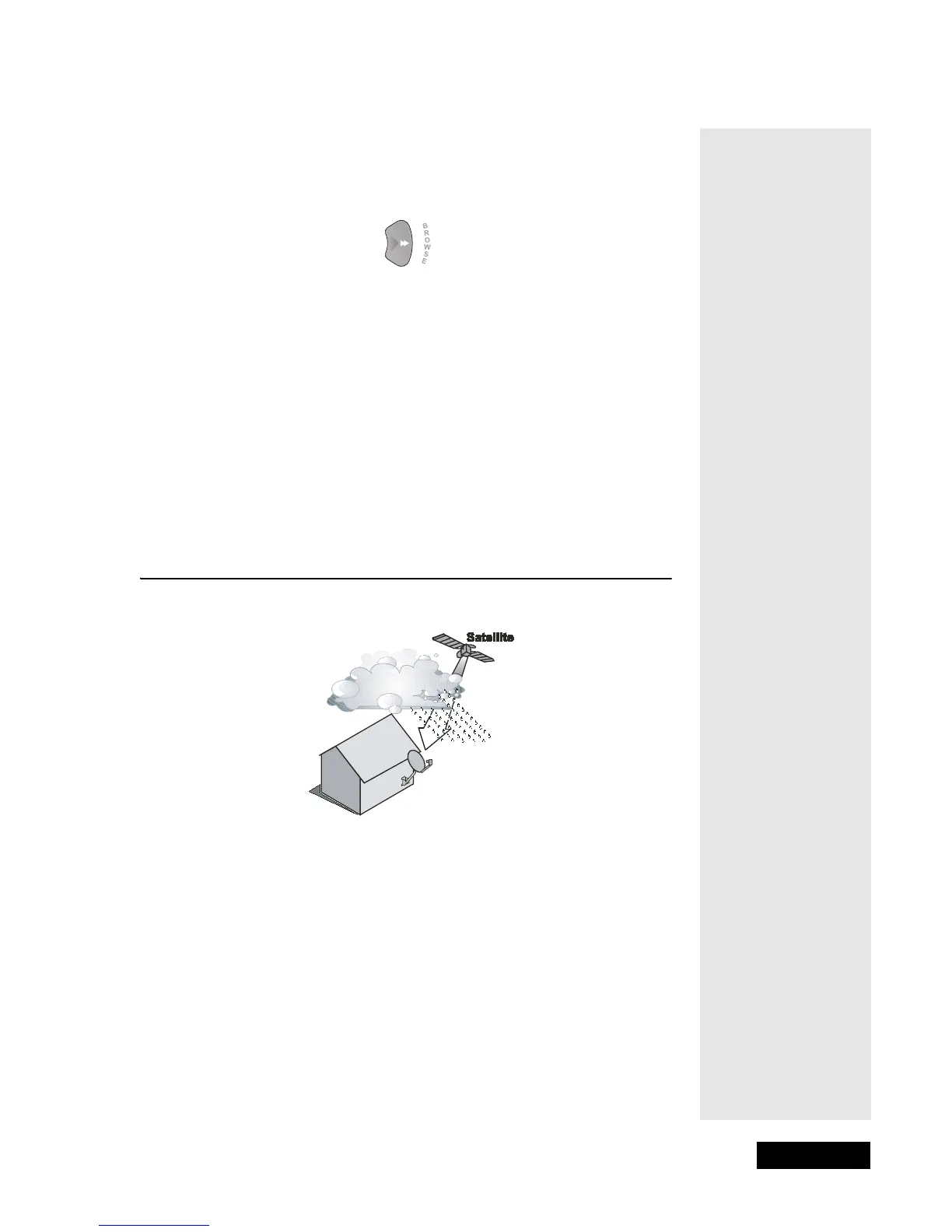
RAIN AND SNOW FADE
Heavy rain, snow, or cloud cover can block the satellite signal, which can
interrupt your programming service. By aiming the satellite dish to get
the strongest signal, you can help prevent rain and snow from interrupting
the signal.
SOLAR INTERFERENCE
Twice a year, the sun moves to a position behind the DISH Network
satellite as it orbits the Earth. The exact time of the year that this occurs
varies, depending on the location, but it will be around the beginning of
spring and again around the beginning of autumn.
Tip: The system
automatically
displays
programs based on
the current day and
time. You can
advance the Guide
to view information
on future
programs, but not
programs that have
already ended.
Tip: If you lose your
picture, it’s most
likely due to heavy
rain, snow or snow
build-up on your
dish.



 To Next Page