Page 92
Installation Instructions
Chapter 4
CONNECTING EACH RECEIVER TO A TELEPHONE LINE
You must keep each receiver connected to an active telephone line.
Otherwise, you may not be able to order pay per view programs. Run
a telephone cable with a standard RJ-11 connector from each
receiver’s back panel
Phone Jack to an active telephone connection.
Note: You may be able to use a wireless telephone extender. However,
this may not support all the features of some receivers.
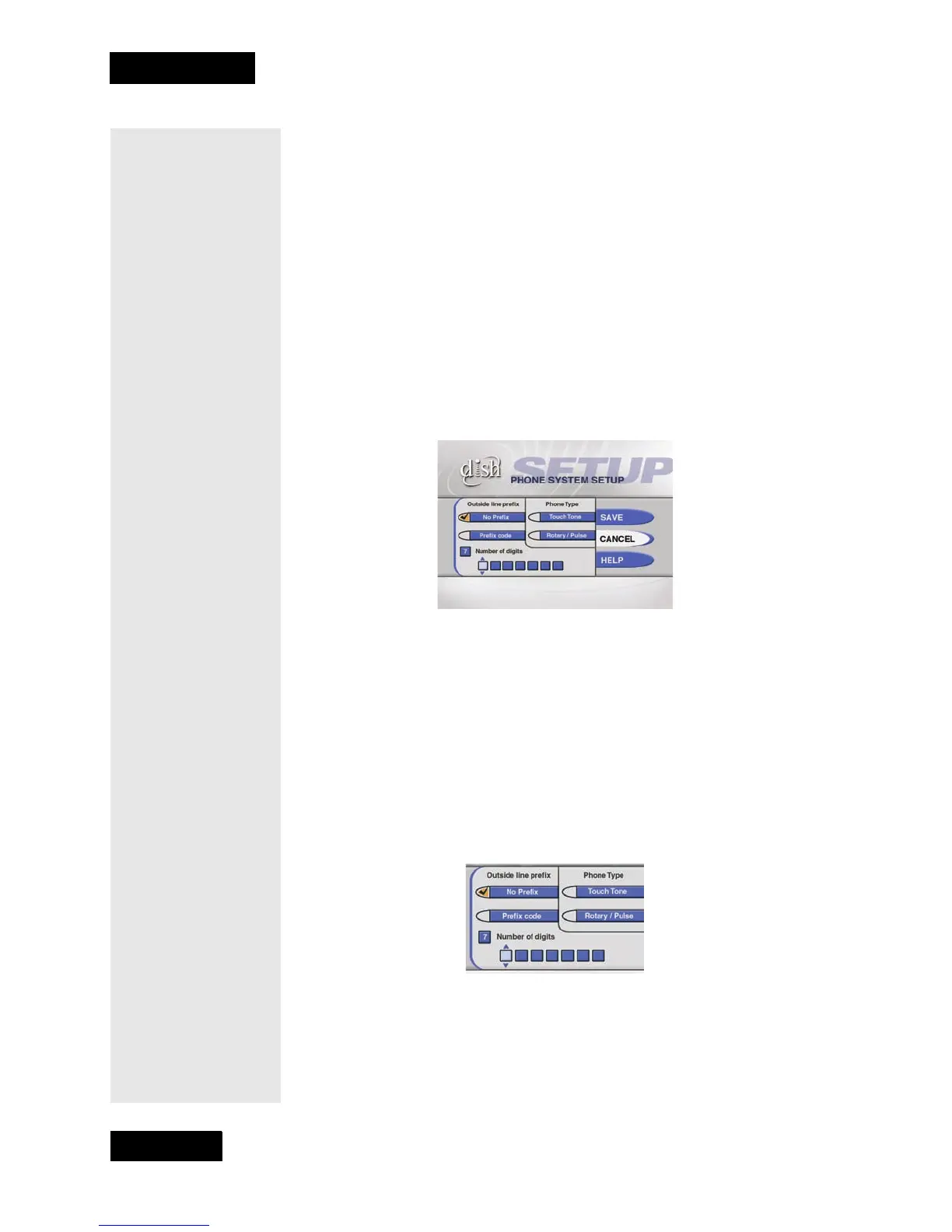
You must also set up each receiver for your telephone system
(touchtone or rotary/pulse), and set a telephone number prefix, if you
need a prefix to make an outside call.
1. Display the
Installation and Setup menu.
2. Select the
Telephone System option to display the Telephone
System Setup
menu.
3. Select the
Touch Tone or the Rotary/Pulse option in the Phone Type
list.
Note: Usually, you need a telephone number prefix only for business
installations. For most residential installations, all you need to do is
set the telephone system type. The default setting of
No Prefix
needed
will allow correct dialing. If this is the case, select the Save
option to save the above setting, and stop here. If you do need to set
a prefix, then instead of selecting the
Save option, go on to step 4.
4. Move the highlight to the
One-digit code or the Two-digit code
option in the
Outside Line Prefix list.Press the Select button to select
the highlighted option.
5. If you selected the
One-digit code option, the receiver displays and
highlights a box where you must enter the digit.
If you selected the
Two-digit code option, the receiver displays two
boxes (highlighting the top box) where you must enter the digits. To
do this, do the following:



 To Next Page