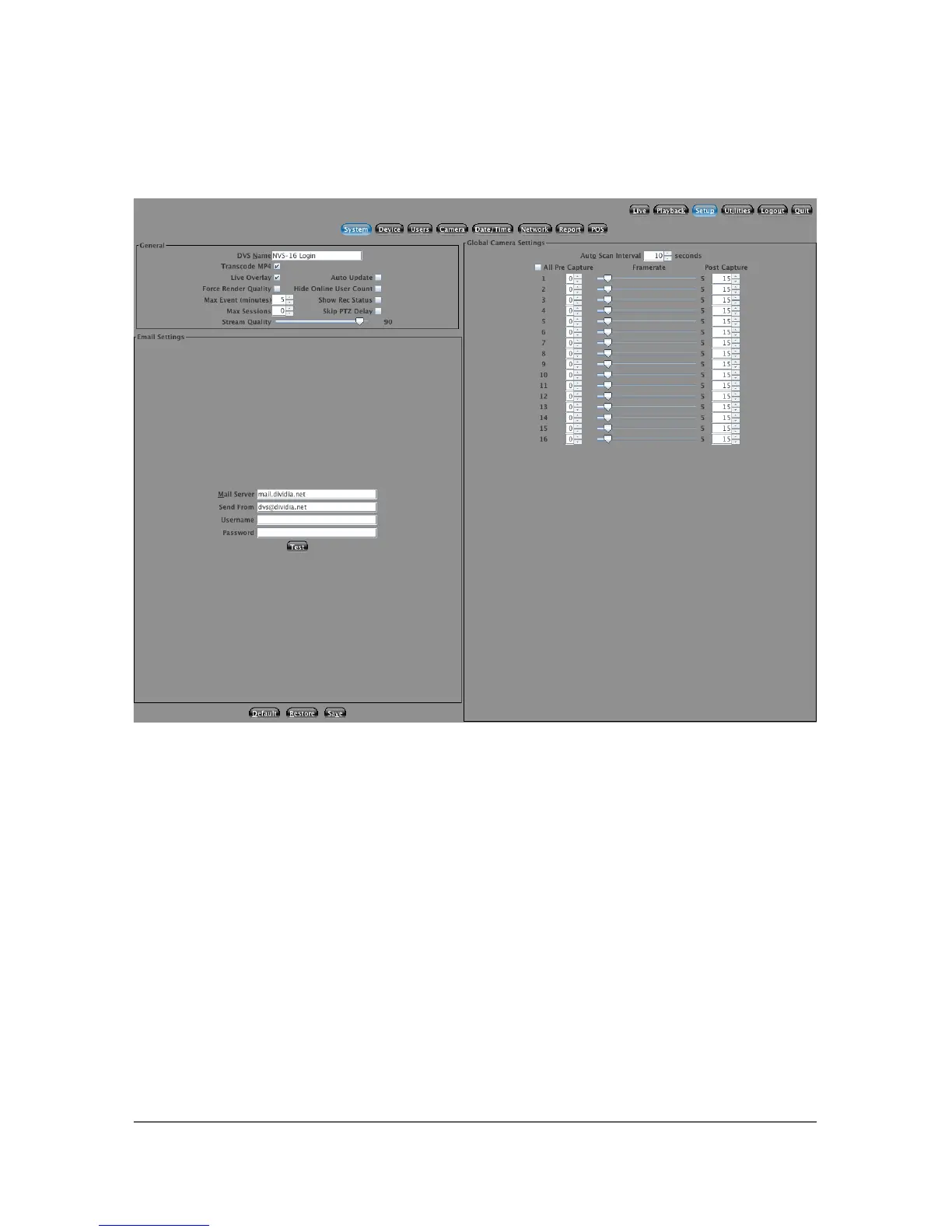
5.1 System Setup
5.1.1 NVS Name
You have the ability to name your NVS. You should pick a name that uniquely
describes the system. (Often it may be the physical location) This name can be 32
alphanumeric characters in length.
5.1.2 Recording Frame Rate
You are able to adjust the recording frame rate for each of the cameras
independently. If you would like to set all the cameras to the same recording
frame rate, select the All checkbox. With this box checked you can adjust any
camera and the others will follow. The recommended setting is from 2-5 FPS.
The higher this setting the less days the NVS will record.
22



 To Next Page