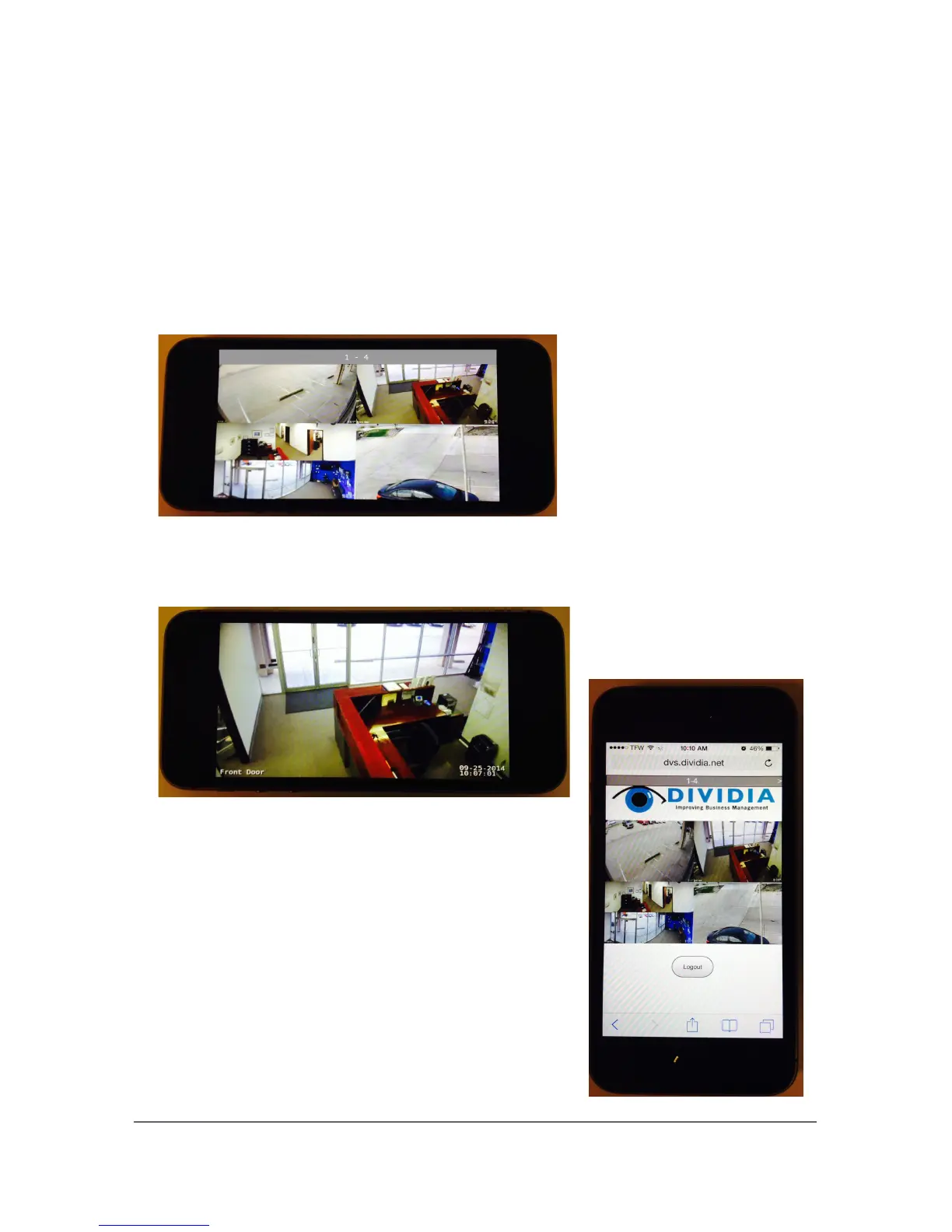
7.2.1 Navigation
There are various was to navigate through your cameras. The following will
apply in both portrait and landscape views.
1. Swipe left and right to view the next set of 4 cameras (dependent upon
the number of cameras supported by your NVS)
2. Tap on a camera to enlarge the view to full screen Tap again to go back
to multi-camera view
54
To log out of your mobile session,
turn the device into portrait view
and select the logout button
located toward the bottom of the
screen



 To Next Page